
Pixelbolt
Agent-first pixel art and animation toolkit. JSON recipes to PNG, APNG and sprite atlases via CLI, MCP server and local studio. Zero dependencies. MIT.
Install with your AI
Paste into Claude Code, Cursor, or any agent — it reads the repo and wires the tool into your project.
Install and set up Pixelbolt (git-clone project) into my current project.
Found on https://claudeers.com/pixelbolt
Repo: https://github.com/skulitom/Pixelbolt
Homepage/docs: https://skulitom.github.io/Pixelbolt/
Detected install method: git-clone → git clone https://github.com/skulitom/Pixelbolt
Category: mcp-servers. Platforms: cli, api, desktop, web.
Read the repo's README for exact setup and env vars, then install it and wire it into my project.

Claudeers Health Verdict:
unknown; community-verified: false. Confirm the source before running anything.
git clone https://github.com/skulitom/Pixelbolt
// compatibility
| Platforms | cli, api, desktop, web |
|---|---|
| Operating systems | — |
| AI compatibility | claude |
| License | MIT |
| Pricing | open-source |
| Language | JavaScript |
Pixelbolt

The gallery: 66 pixel art effects, sprites and scenes from Pixelbolt 0.11.0, all playing, each one click from its recipe in the playground.
Give Claude Code the pixel art skill in one line (Node.js 20 or newer):
npx -y pixelbolt@latest skill install
For Codex, Cursor and the other agents the open skills CLI supports: npx skills add skulitom/Pixelbolt. It copies the skill file alone, which then runs Pixelbolt through npx. The CLI reports installs to the skills.sh leaderboard unless DISABLE_TELEMETRY=1 is set. The skills CLI needs Node.js 22.20 or newer.
Pixel art and sprite animation that your AI agent can make, check and fix. Pixelbolt turns an editable JSON recipe into sprites, tiles, icons, effects and short animations, and exports them as PNG sprite sheets, texture atlases, animated PNGs, GIFs and frames for a video editor. Agents drive it through a local MCP server or the command line; you can open, play and edit the same recipe in a local browser studio.
Try it in your browser: render, export and share recipes with nothing installed.
Poke the pixels: blow on a live pixel-art campfire, pour honey and slime, then save a GIF or share a link that replays exactly what you did.
Effect guides: fire, explosions, smoke and steam, water, slime and honey, and magic, each with recipes that open in the playground. Using Unreal Engine? Import the sheets into Paper2D, with flipbooks (tested in 5.8.4). Need ground tiles? Free autotile tile sets for Godot 4 and Tiled, drawn from a terrain description (tested in Godot 4.7.2 and Tiled 1.12.2). Just want files? Six free pixel art waterfall sprite sheets: one simulated waterfall in stone, lava, slime and moonlit, with Godot 4 files.
Neon Voyage: a free browser game made with Pixelbolt. Every sprite, effect and letter is a recipe, and the rocket's exhaust is a live fluid simulation that bends as you steer.
English · 简体中文 · 日本語 · 한국어 · Español · Português · Русский

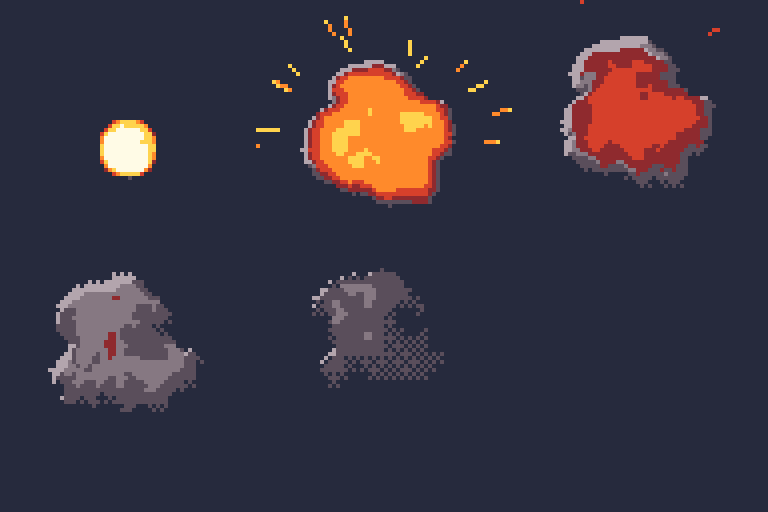
Fire, smoke, steam, explosions, magic, water, honey, slime and sand come from a real fluid simulation that runs on your own CPU in well under a second and bakes every frame into palette pixels you can edit, with seamless loops (fluid effects).
- Who it's for: game developers, game-jam teams and web or video makers who want an agent such as Claude, Codex or Cursor to draw and revise their pixel art, and people building agents that need exact, repeatable images.
- Use it when you want small 2D game assets that stay editable as text: the agent reads every pixel back, fixes one pixel or one frame without redrawing the rest, and the same recipe renders the same image every time.
- Don't use it for painted or photographic images, large animations (an animation frame is at most 1024 pixels a side and 262,144 pixels, such as 320 × 180, 640 × 360 or 512 × 512, and a project at most 256 frames and 4,194,304 pixels in all, so 72 frames of 320 × 180; a single still, such as a 1920 × 1080 backdrop or mural, may be up to 4096 pixels a side within that total), generating art with an image model, or editing GIFs and Aseprite files (it imports PNG only, at up to 8 bits per channel).
- Compared with aseprite-mcp, pixel-mcp, pixscii, pixelart-mcp, pixelforge-mcp and SpriteCook, with Pixelbolt's measured runs, the others read from their code and docs, and when to choose each one instead: Pixel art and sprite tools for AI agents: 7 MCP servers compared (checked 17 October 2026; refreshed 11 November with 0.15.0 measured). For fire, smoke, explosion, water and spell effects, with Pixel FX Designer, SpriteMancer, Fluid FX, Pixel Composer, PHOSPHOR, BlastFX, Pixel VFX Forge, Codixel and pixelfx: Pixel FX Designer alternatives: 10 tools compared (checked 19 October 2026; Codixel added and Pixelbolt re-measured on 0.17.0 on 15 November; pixelfx added and run on 17 November). Measured with and without Pixelbolt on Claude Haiku, Sonnet and Opus 5.5, in a benchmark we planned in advance: Does a pixel-art MCP server help Claude? (run 23 October to 3 November 2026; on 0.11.0, 32 of 36 runs passed every check with Pixelbolt and 31 without, blind pairs 18 to 13 with one by default, p = 0.47, at 1.47 times the cost, short of our rule for saying it helps; animations and effects, which 0.11.0 was built for, 9 of 15 pairs, p = 0.61, and a same-day repeat would have failed that bar). For ring-escape, bouncing-ball and territory battle Shorts, with BallTok, Satisfying Labs, BounceMatch, ReelBall, BallSimulator, BallEngine, Korpi, WaveSpeed's free maker and physim: Ring escape and territory battle Shorts with a free, open-source simulator (checked 9 November 2026; two clips with their recipes and one command each).
Try it. You need Node.js 20 or newer; there is nothing else to install, no API key and no network service:
git clone https://github.com/skulitom/Pixelbolt.git
cd Pixelbolt
node bin/pixelbolt.js preview --open
No Node.js? Download Pixelbolt Studio: a portable build for Windows, macOS and Linux that brings its own Node.js runtime. Unpack it and start the studio; nothing is installed (portable builds).
Give it to your agent. For Claude Code, one line installs the pixel art skill, with nothing to clone and no MCP server (Pixelbolt 0.9.2 or later):
npx -y pixelbolt@latest skill install
It writes ~/.claude/skills/pixelbolt-pixel-art/ (--project writes the current folder's .claude/skills/ instead, --dir any skills folder), runs every command it names through npx -y pixelbolt@<that version>, and never replaces a copy you have changed unless you add --force. For Pixelbolt's MCP tools too, install the Claude Code plugin instead: it brings the server and the same skill together. In Claude Desktop, download pixelbolt.mcpb from the latest release and open it (or install it from file under Settings → Extensions), choose a workspace folder for recipes and artwork, then ask the agent to call pixel_help. For Codex, Cursor and other MCP clients, see Connect an agent through MCP. Pixelbolt is in the official MCP Registry as io.github.skulitom/pixelbolt.
Pixelbolt was called PixelForge until 0.8.0. The pixelforge command still works as an alias, and recipe files keep their pixelforge-* format tags, so existing files and agent setups keep working.
Gallery · Fluid effects · Quick start · Agent setup · MCP server · Portable builds · Recipe reference · Contributing · Sibling tools
How it works
Write a JSON recipe with palettes, text grids, reusable symbols and drawing operations. Get transparent PNGs, sprite sheets, animated PNGs, GIFs for sharing, numbered frames for video editors, and the metadata and player needed to use them. Inspect and edit the recipe in a local browser studio.
Zero runtime dependencies. No build step, API key, image model, network service or native graphics library. Requires Node.js 20 or newer. Works from a checkout on Windows, macOS and Linux.
Figures in motion
Author limbs as bones, bodies as masses, and faces or props as grids. Relative joints and two-bone reach keep attachments together; idle, walk, run, jump, attack and hurt templates expand into editable poses. Review planted feet, ground contact and loop joins in the CLI, MCP or studio. Small grid parts (boots, hands, blades) turn best as hand-drawn views; --draft-views drafts them by pixel-art rules for you to correct and paste. The output uses the existing sprite player.
node bin/pixelbolt.js preview character.poses.json
node bin/pixelbolt.js compile character.poses.json --expand --out character-edit.poses.json
node bin/pixelbolt.js compile character.poses.json --draft-views boot:15,345,hand:45 --preview drafts.png
node bin/pixelbolt.js inspect character.poses.json --motion run --speed 48
Baked wave effects
Looping interference and portal interiors combine waves before colouring them, leaving cancellation gaps between bright bands. Two editable presets bake to ordinary sprite frames and appear in the studio's sample list. The game only plays the exported animation.
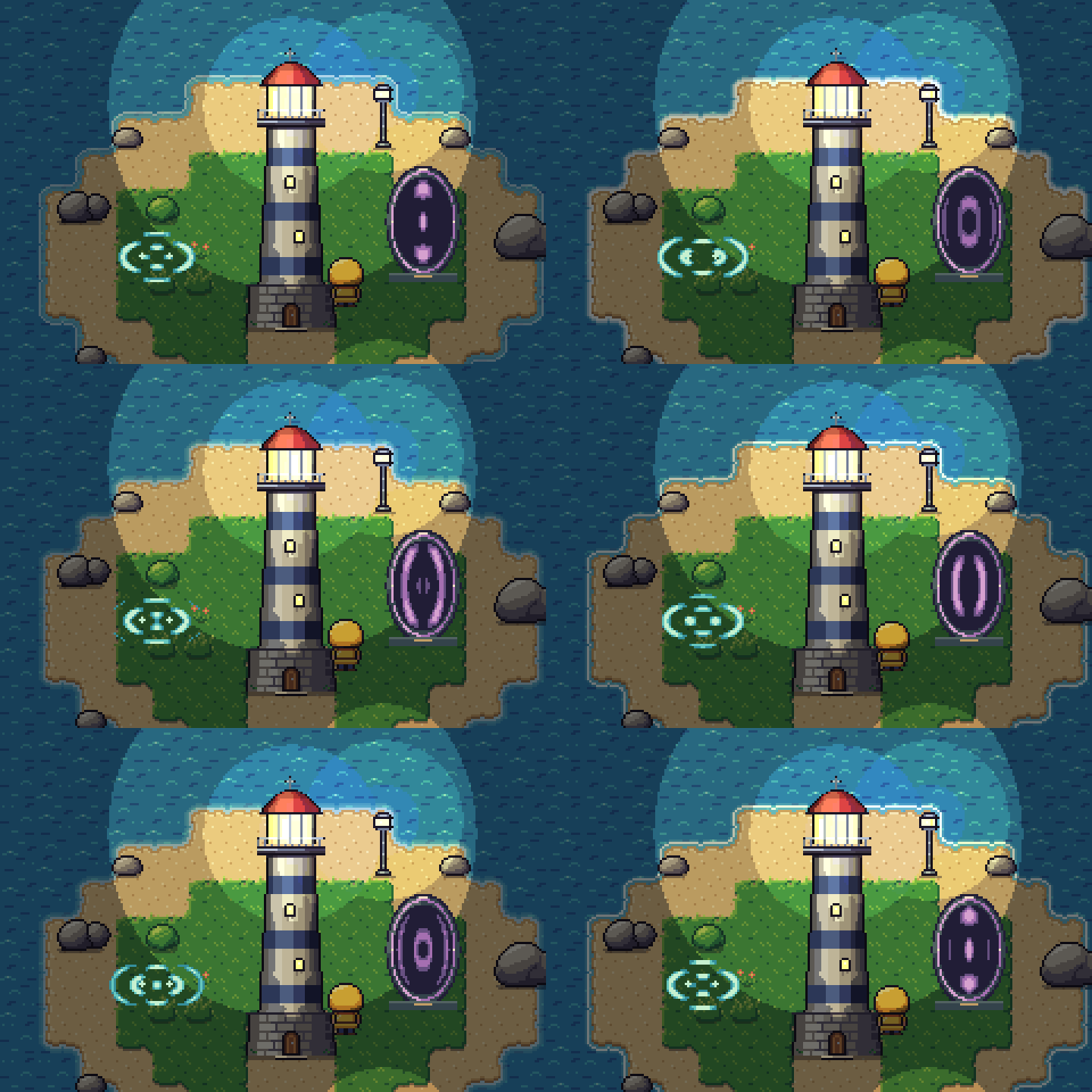
node bin/pixelbolt.js preview examples/portal.wave.json --open
node bin/pixelbolt.js compile examples/portal.wave.json --out output/portal.json
node bin/pixelbolt.js render output/portal.json --out output/portal-assets
Wave controls and limits · Scene comparison and review. Loops only; masks shape the artwork without simulating reflection or collision.
Gallery
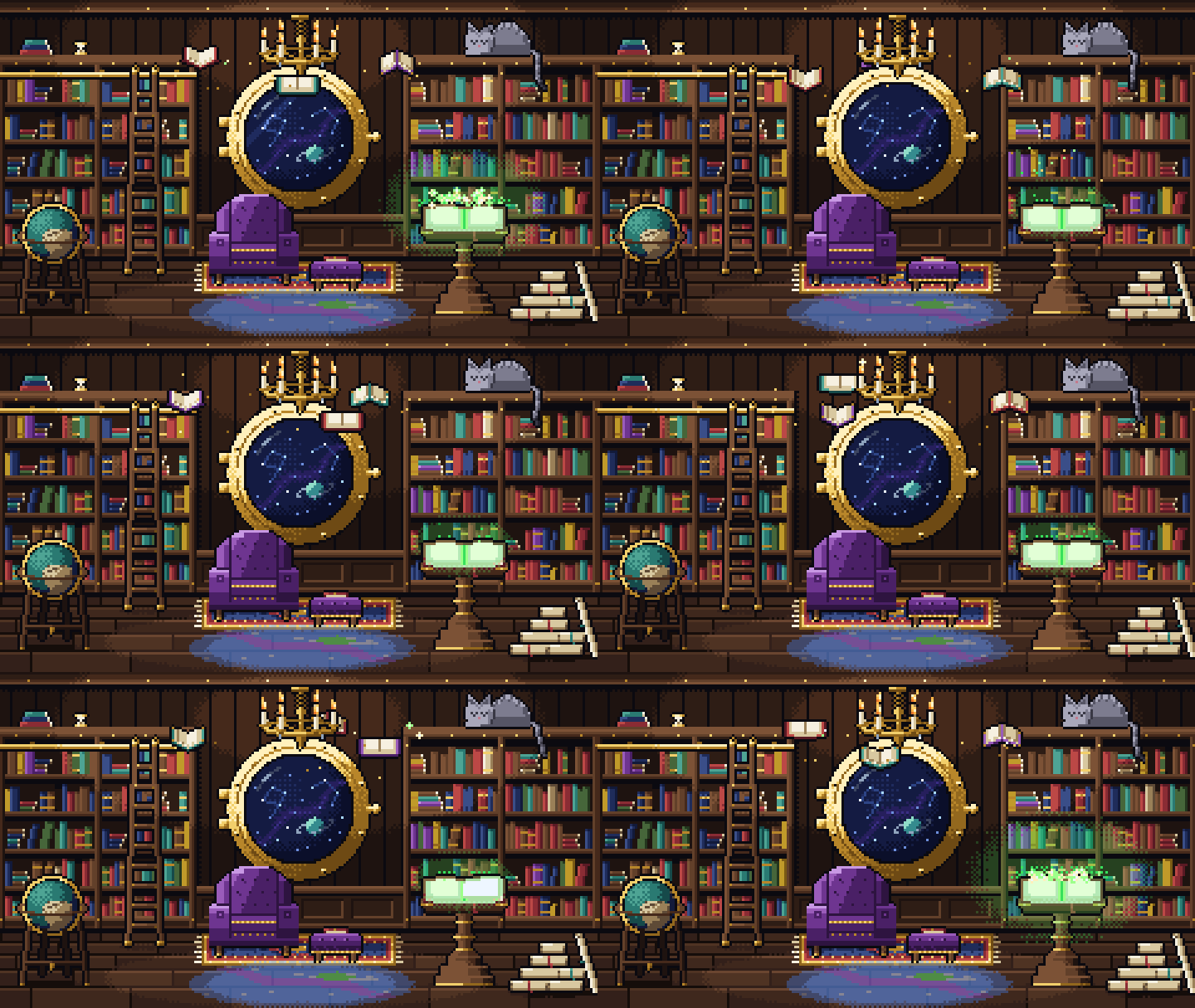
An AI agent drew these with Pixelbolt. Its scripts write the recipes, particle sources and scenes; Pixelbolt renders every sprite to a transparent sheet with an atlas, plays each 240×135 room as a scene and writes the GIFs. They are shown at 3×.
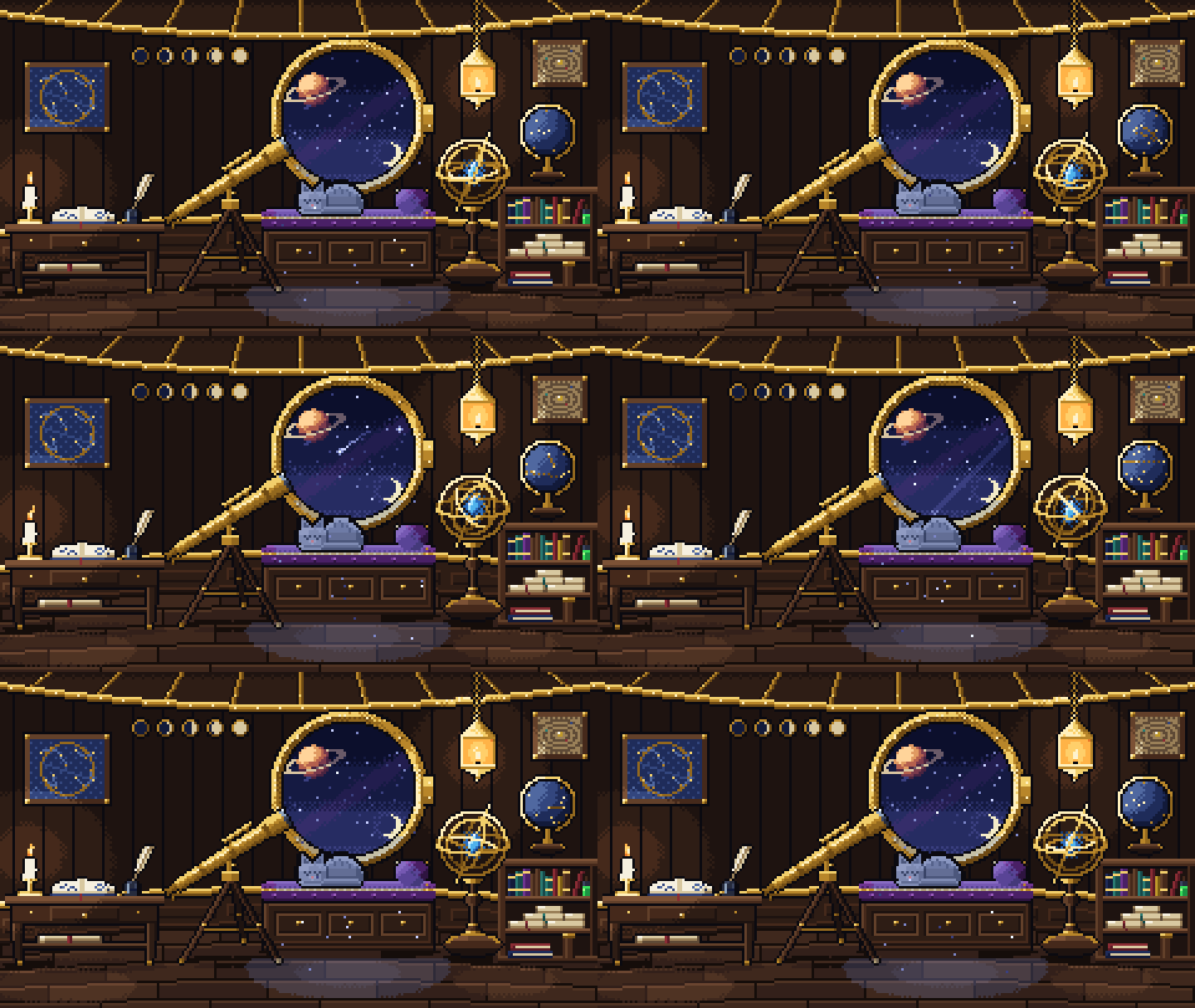
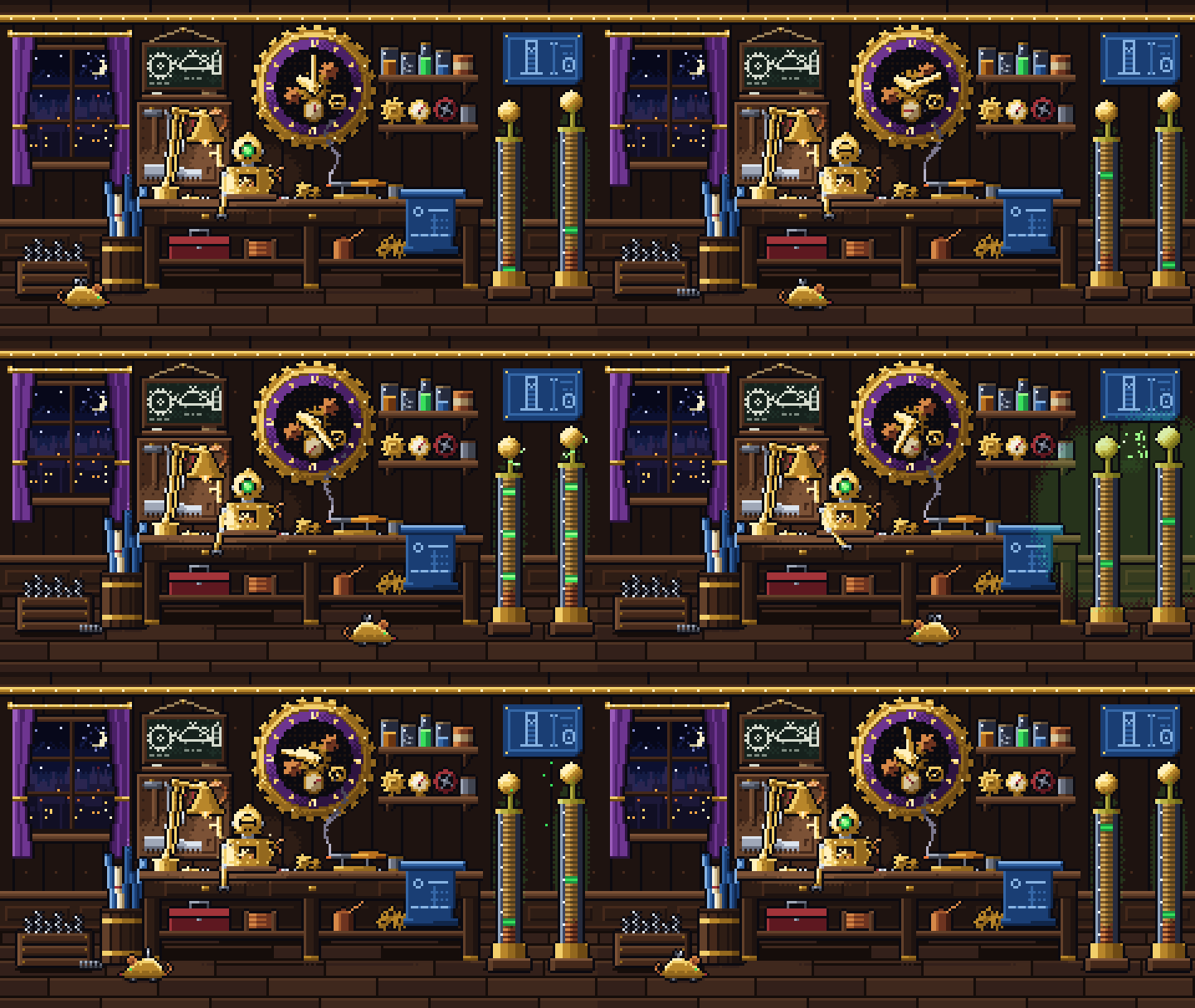
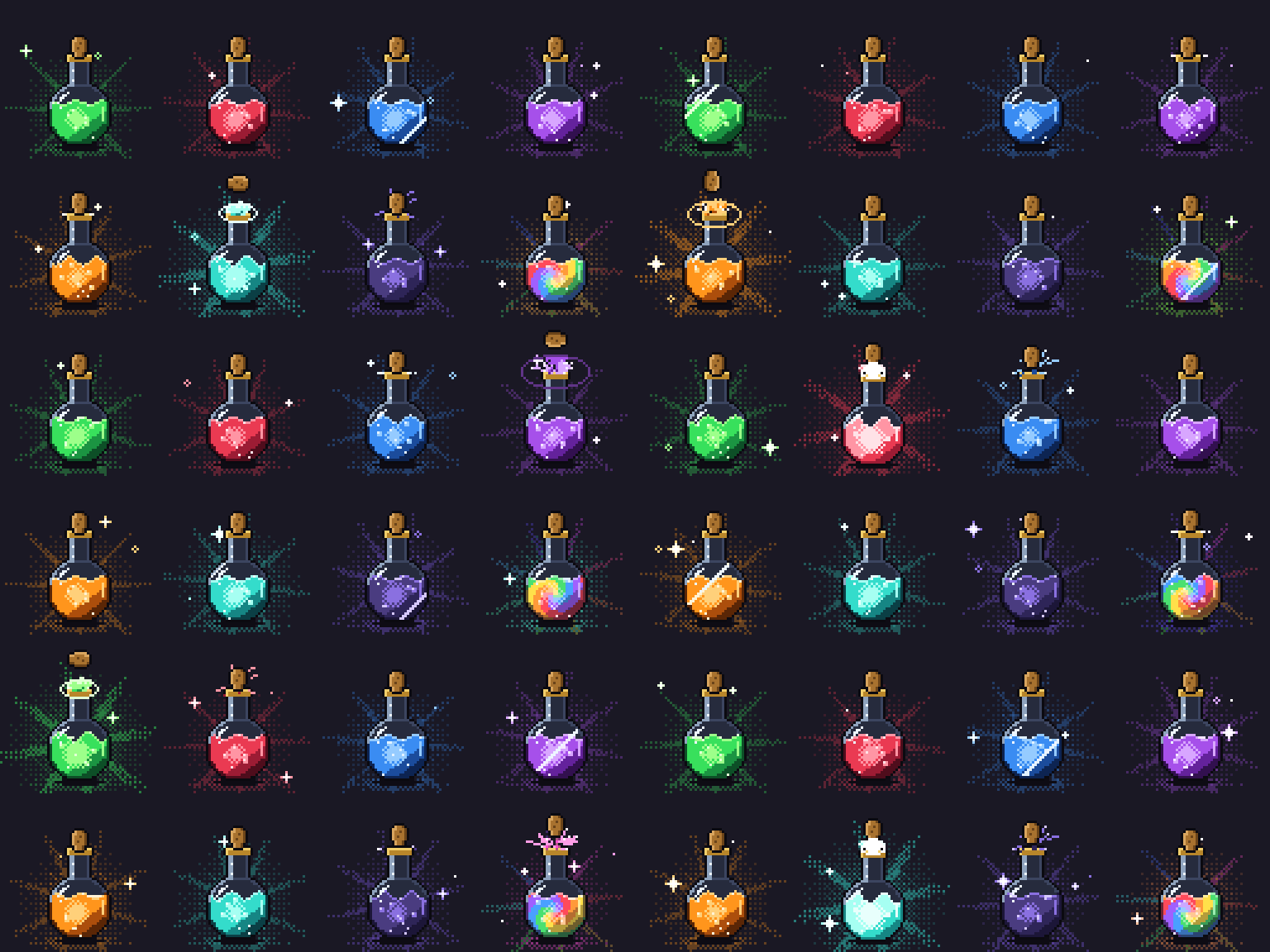

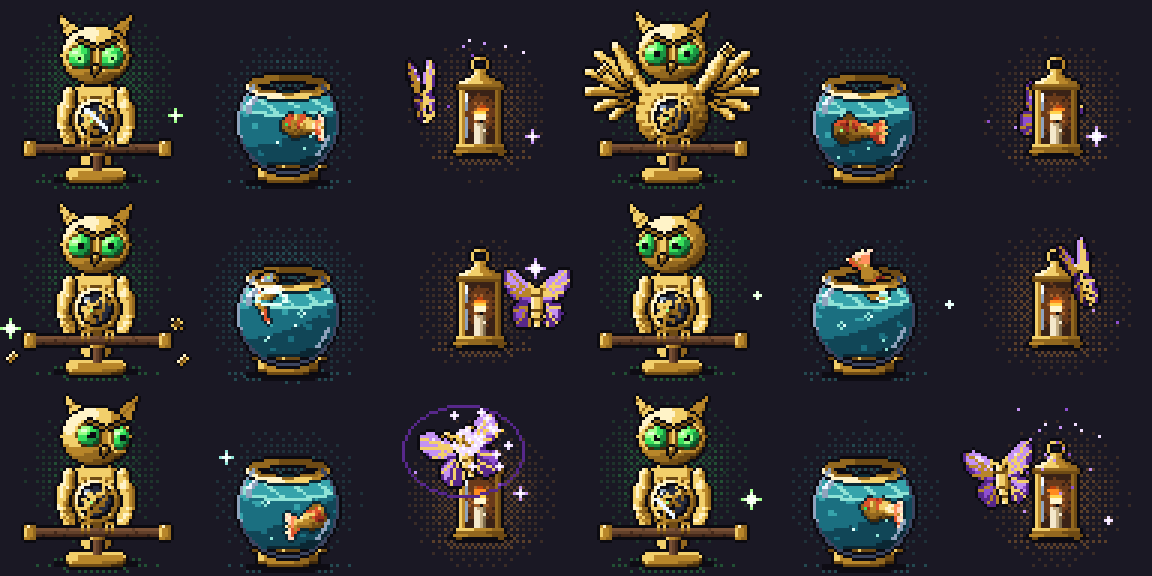
Two more rooms and how these were made
Fluid effects
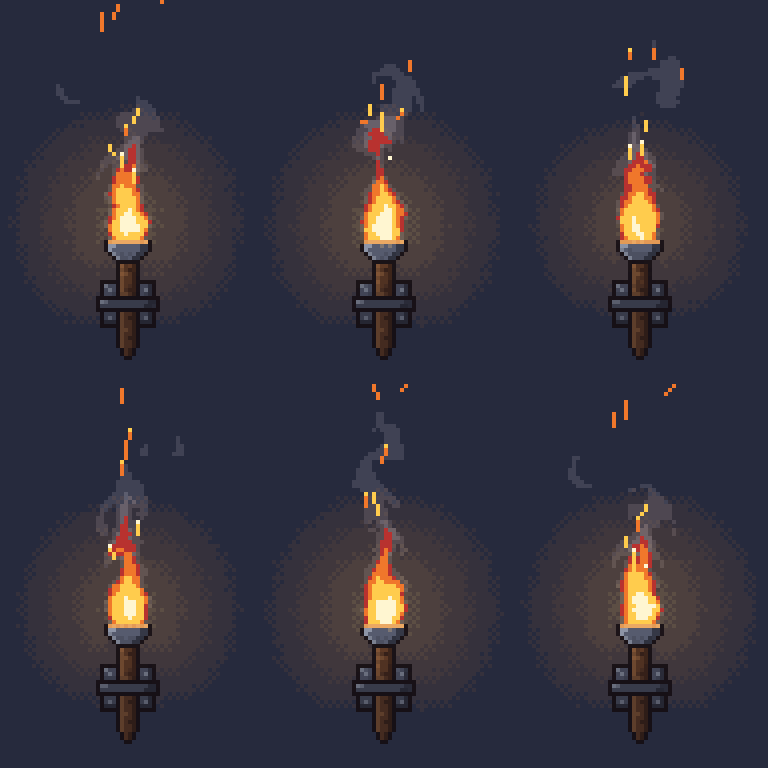
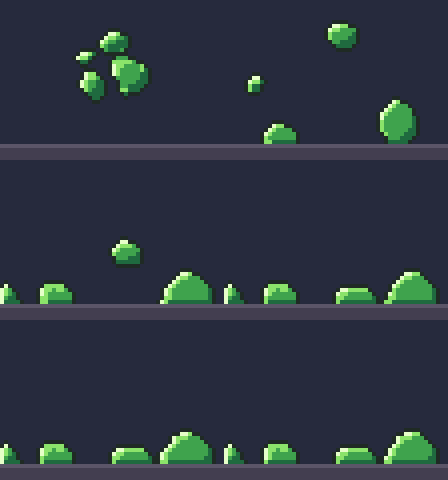
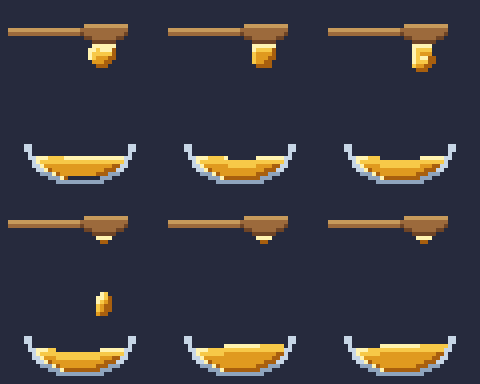
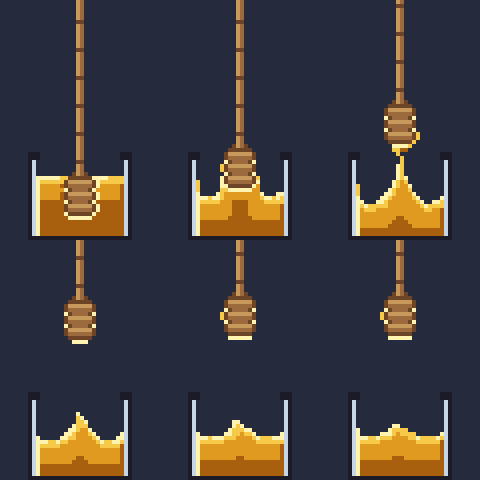
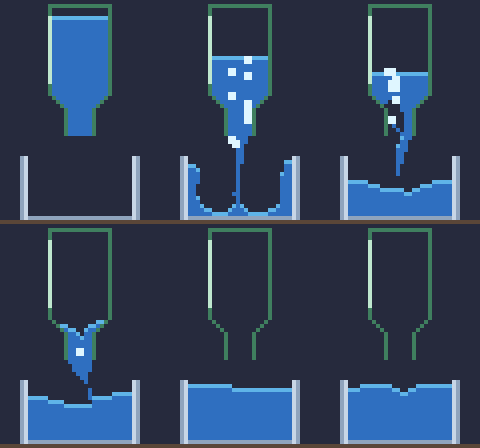
A pixelforge-fluid source runs a small, deterministic fluid simulation and compiles it into an ordinary recipe of palette grids: gases with buoyancy, swirling vorticity, cooling and dissipation, and liquids as FLIP particles on the same grid, thin as water, thick as honey (a stream that never breaks, a mound that slowly sinks) or firm as slime (a blob that squashes, springs back and holds its shape). Look layers map density, temperature, speed and depth onto your palette ramps through ordered dither, so no colour outside the palette can appear, and looping effects close their seam. Each preset below compiles in well under a second on a laptop CPU, with no GPU and no model calls. Shown at 4×.




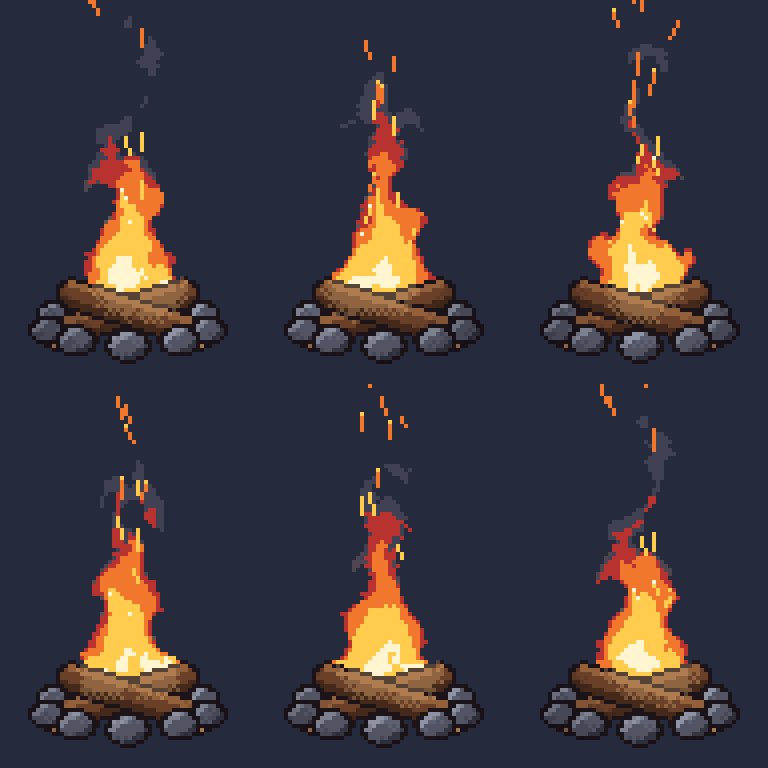
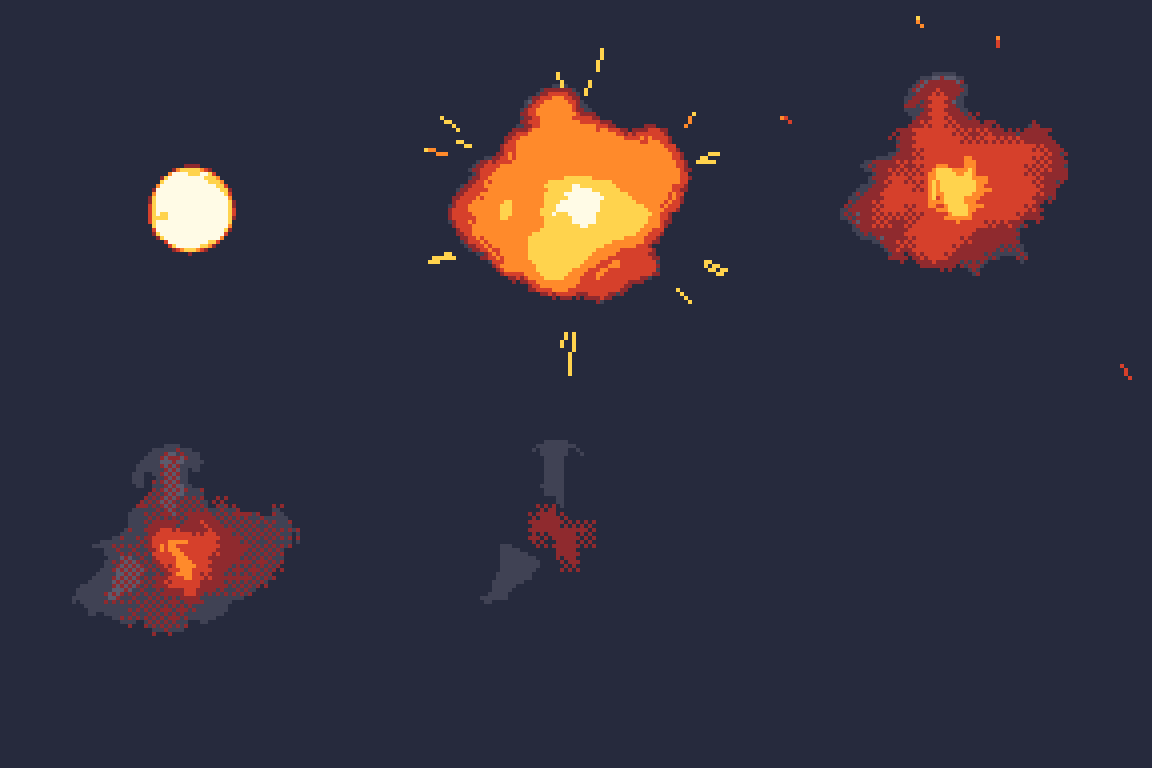


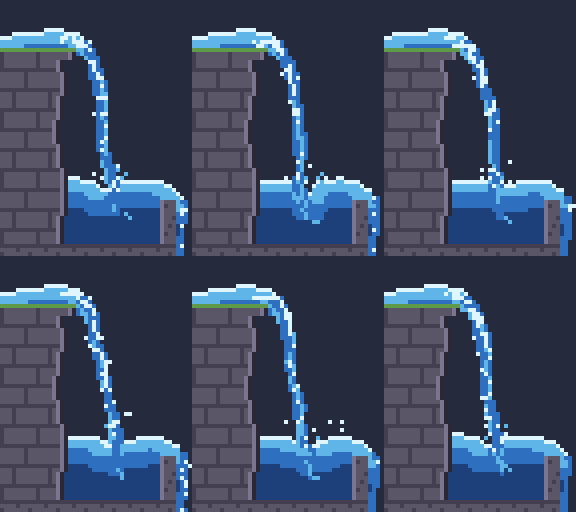





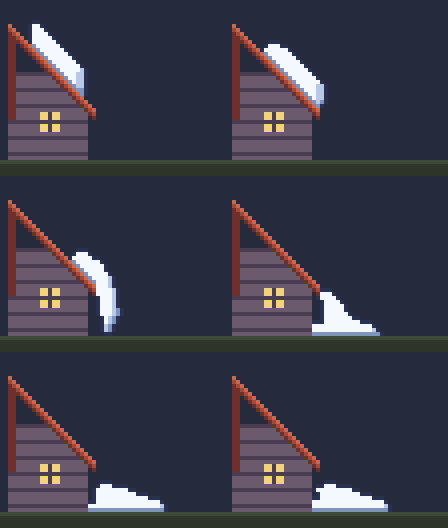
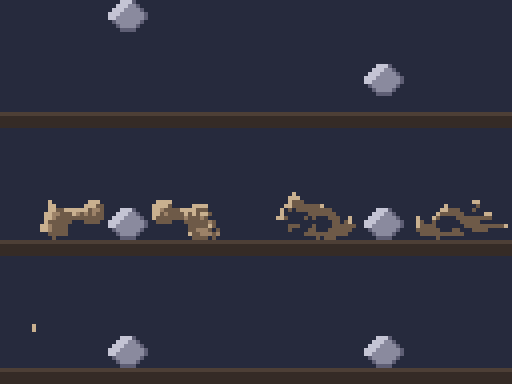
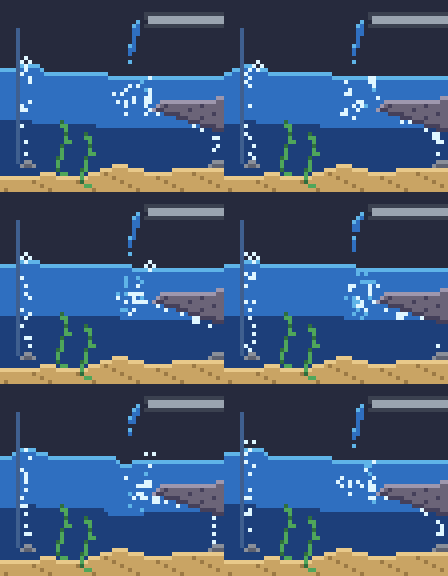
Obstacles can be smooth, so thick liquids slide down drawn slopes, or move and vanish on cue; dust can be thrown; a liquid can burst in mid-air or change on a frame you choose; bubbles behave like air, and air pockets keep theirs:

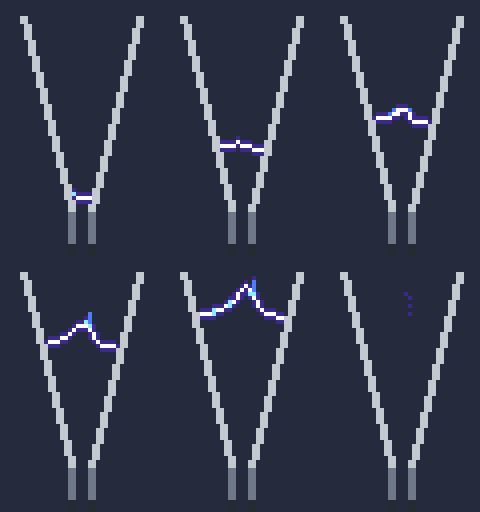
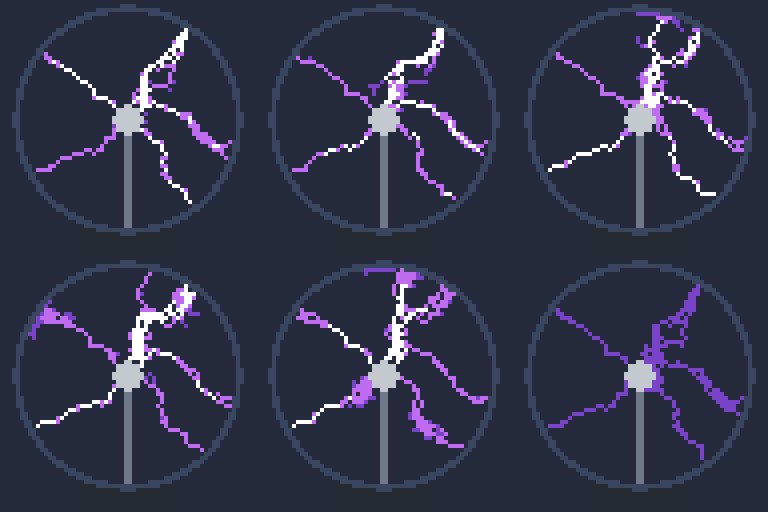
Gases can carry electricity: electrodes break the gas down into branching plasma that conducts, glows, heats the air and fades:

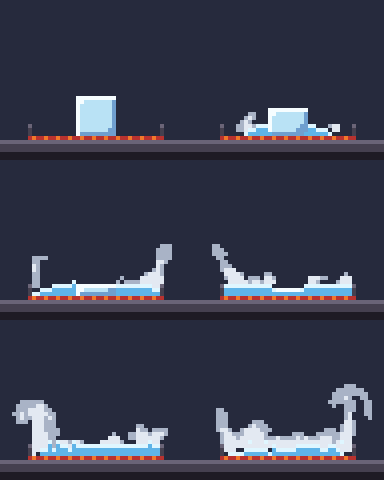
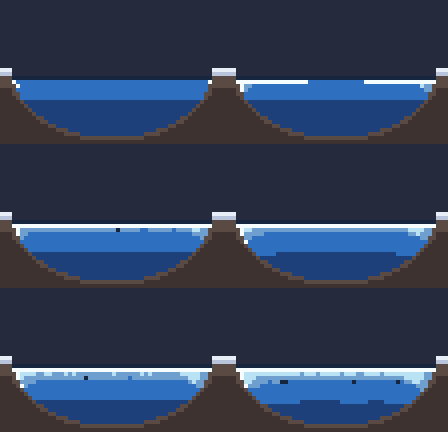
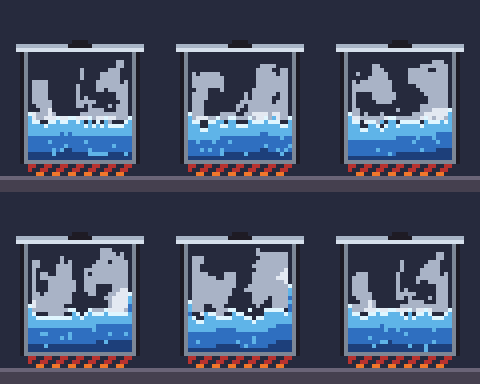
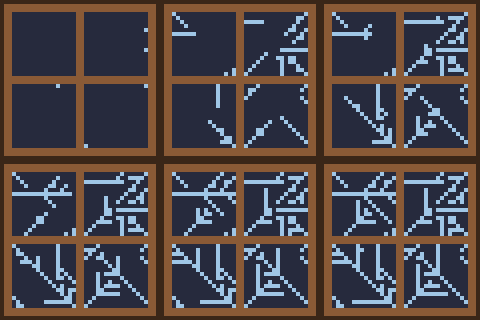
Liquids can carry heat and change phase: ice melts and freezes, water boils into steam that beads back as dew, frost grows on cold glass and dry ice turns straight into fog:
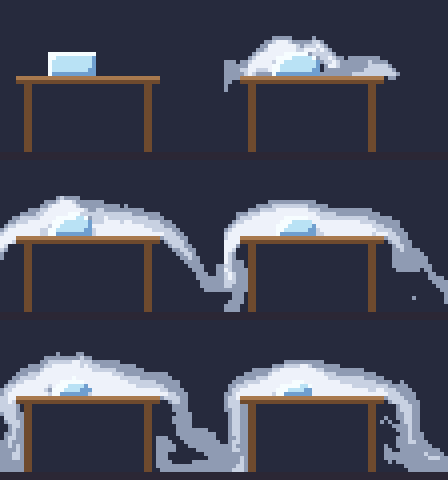
node bin/pixelbolt.js compile examples/campfire.fluid.json --out output/campfire.json
node bin/pixelbolt.js gif output/campfire.json --scale 4 --out output/campfire.gif
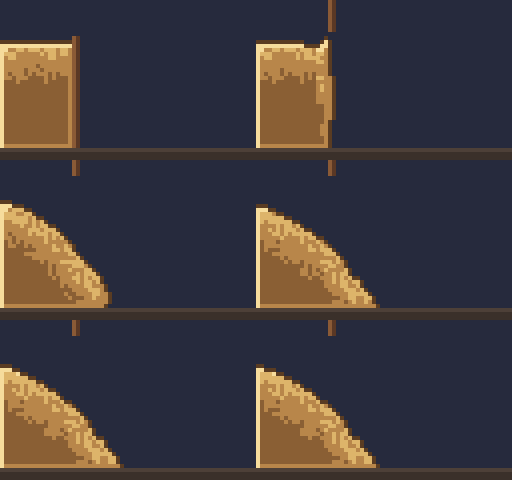
Liquids can be grains: sand holds its slope at any height, lands dead, avalanches down a face steeper than its repose and comes to rest:

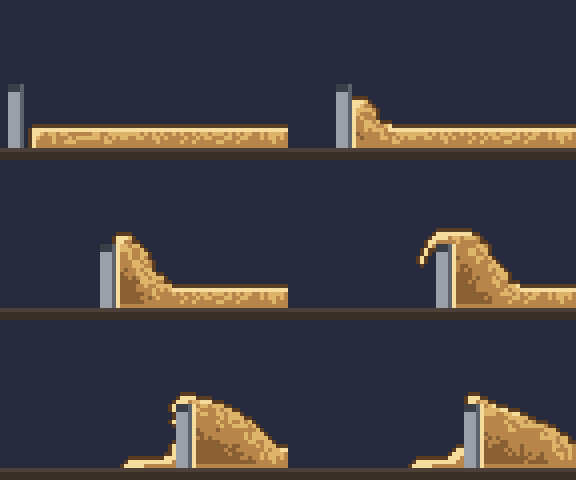
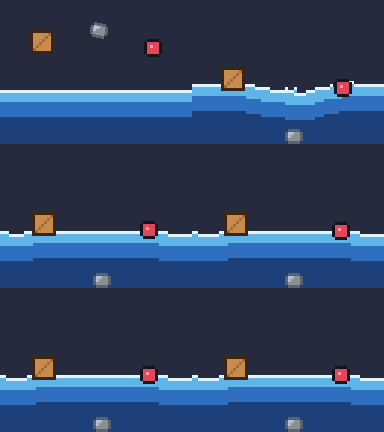
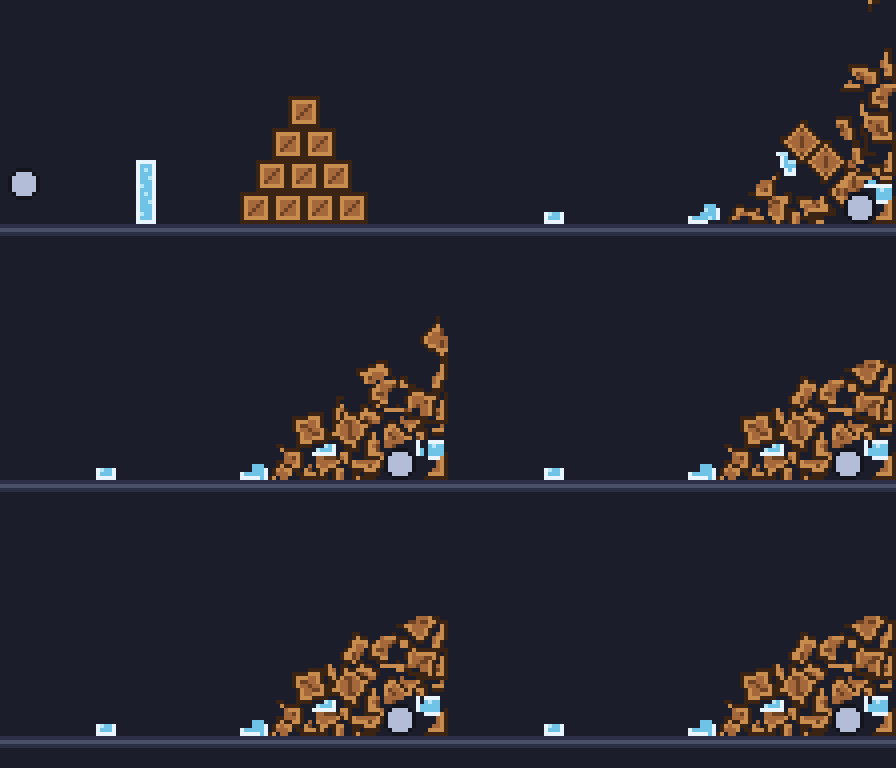
Bodies share a fluid: a crate dropped into a pool splashes and floats by its density while a stone sinks, a crate on sand rides it down when it slumps, a turning paddle stirs a pool, a red-hot stone boils one away and sand poured on a plank tips it:
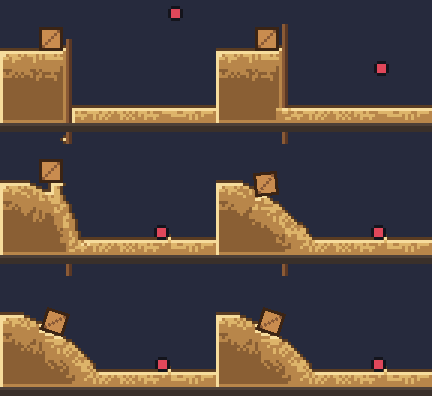
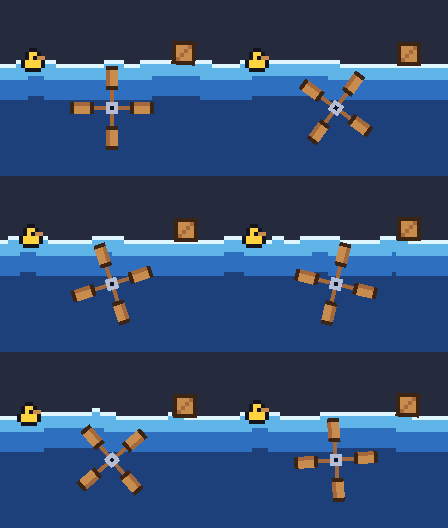

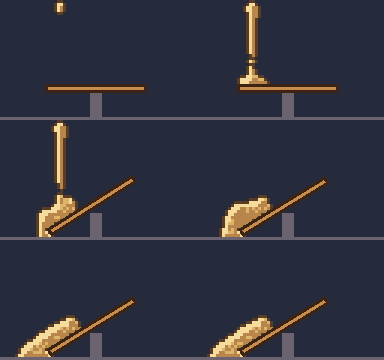
The forty-two presets are in examples/ (*.fluid.json); agents compile them with MCP pixel_compile and read the format with pixel_help topic fluid. In the studio, Fluid lab (/fluid.html) runs the same compiler in your browser: pick a preset, move a few sliders and download the GIF, sprite sheet, recipe or edited source. Effects lab (/effects.html) does the same for the pixelforge-fx spell and particle presets: pick one of a source's effects (turned copies included), change its strength, speed and seed, and download. The fluid effects guide covers emitters, sparks, obstacles, looks, loops, thick fluids (viscosity, yield stress, adhesion), sticky liquids that move with an obstacle and stretch into strings, and electricity. In a web page, createLiveFluid runs the same simulation live, a frame at a time, and takes pushes, puffs and emitter boosts from the pointer (live fluids).
Rigid bodies
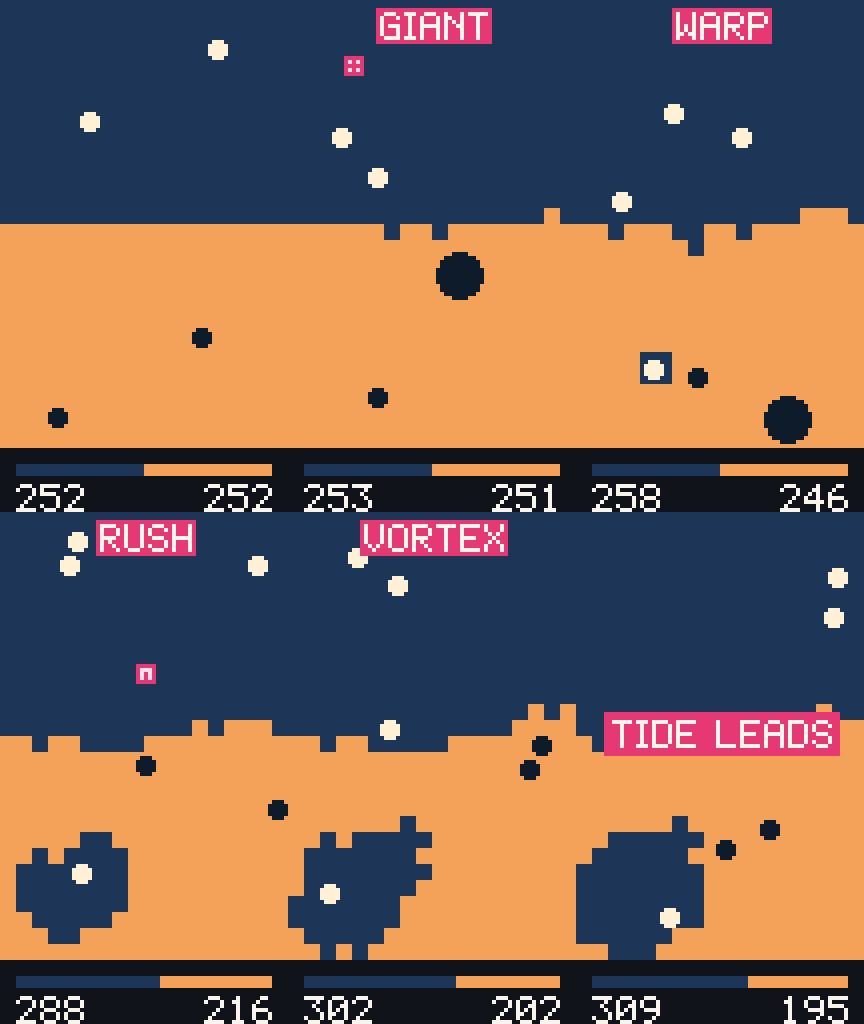
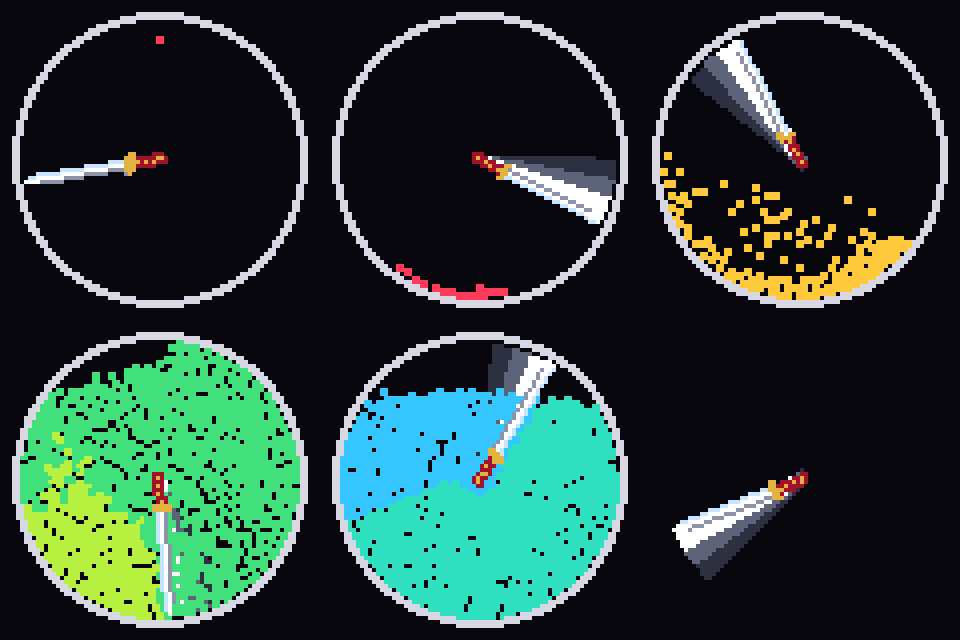
A pixelforge-bodies source drops balls, boxes, polygons and spinning hoops into a canvas with gravity, walls and drawn pixel obstacles: they bounce, slide, roll, stack, knock each other about and come to rest, baked into palette grids like every other compiler. A body can start asleep until it is hit, change colour at each hit, trail behind it or be drawn as a sprite. Joints connect bodies into ragdolls, ropes sag and break, and cloth pins to bodies, ripples in the wind, drapes and tears. On a territory of team-owned cells, each team's balls claim the other side's cells they hit, with pickups that split, grow, speed up, warp or pull, a live score drawn over the board, and long matches written straight to video frames. A strike gives a power to whatever a named body touches, so a sword turning about its hilt can split every ball it hits until the crowd fills its ring. Shown at 4×.
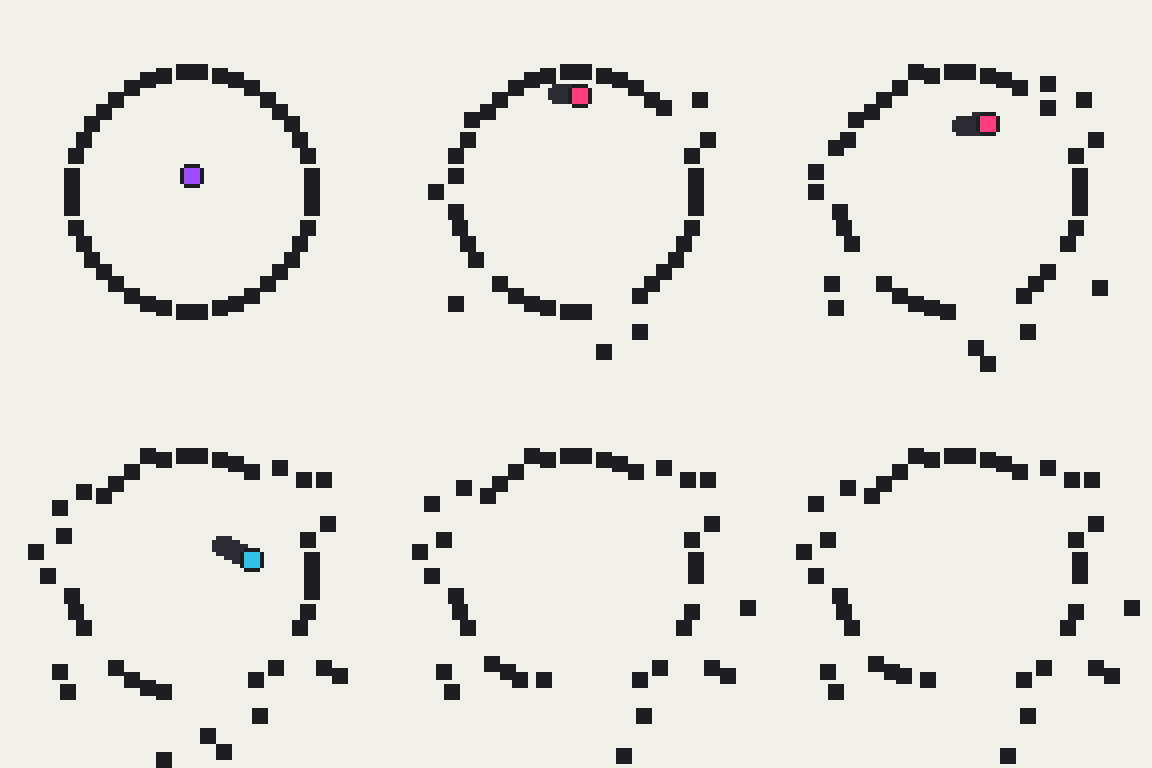
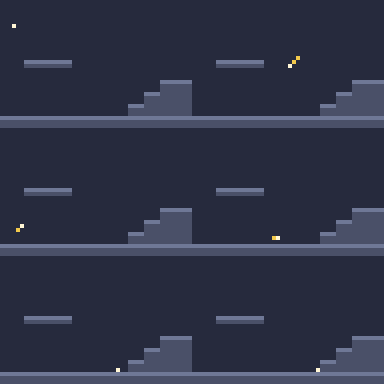
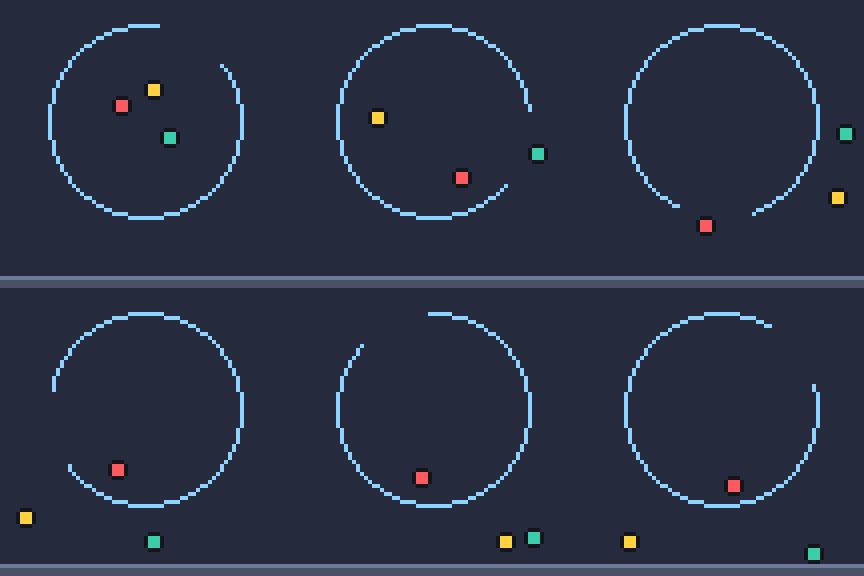
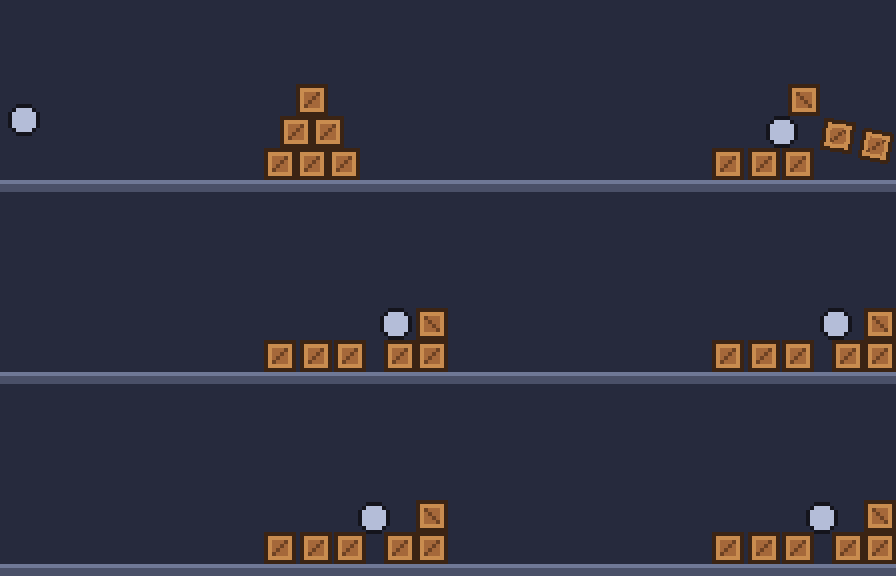
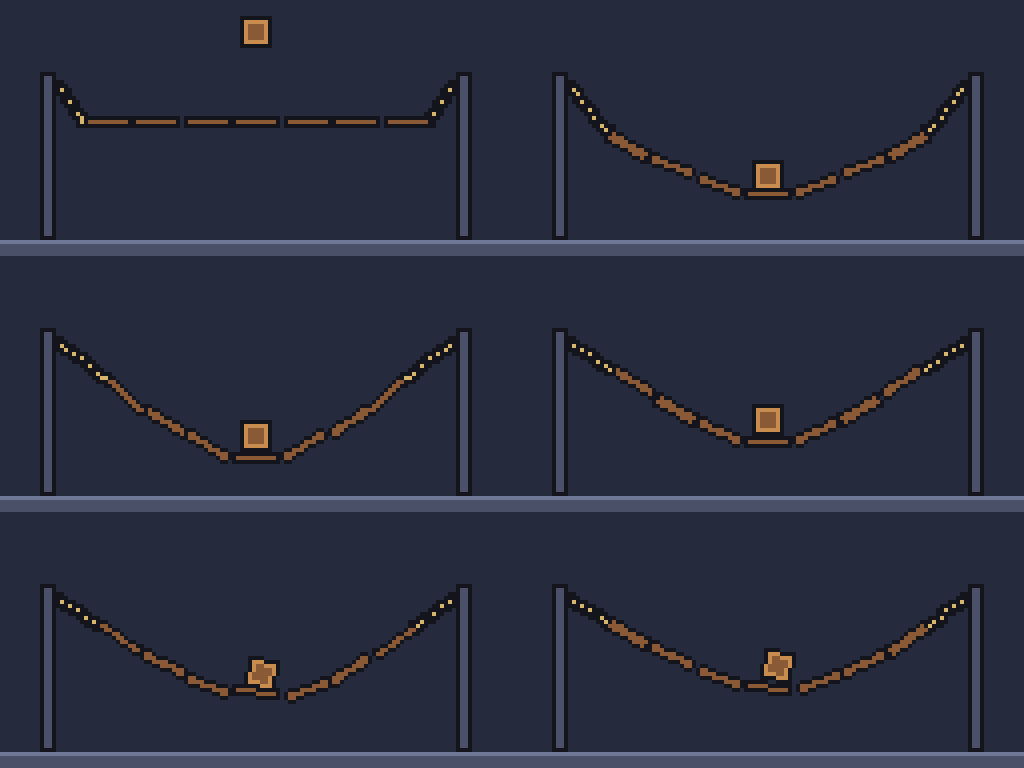
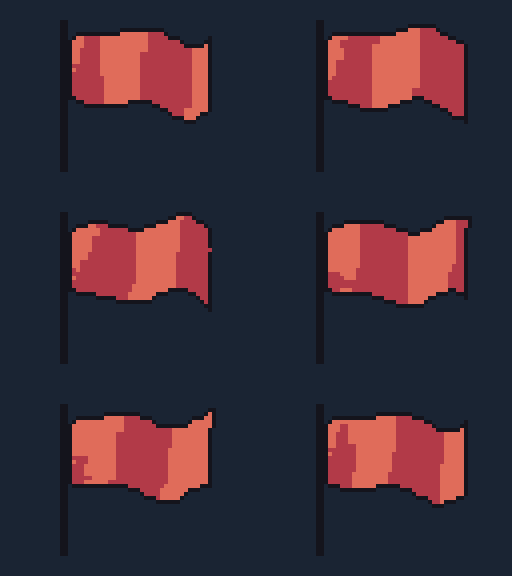
Joints, ropes and cloth: a rope bridge sags under a crate, a wrecking ball swings on a rope, a lantern swings on its chain and settles, a ragdoll falls apart at its hinges, a flag waves on its pole and a tattered banner sways on its rod, both in a loop, and a cape trails behind a walking figure. They are rope-bridge, wrecking-ball, lantern, ragdoll, flag, banner and cape in examples/.
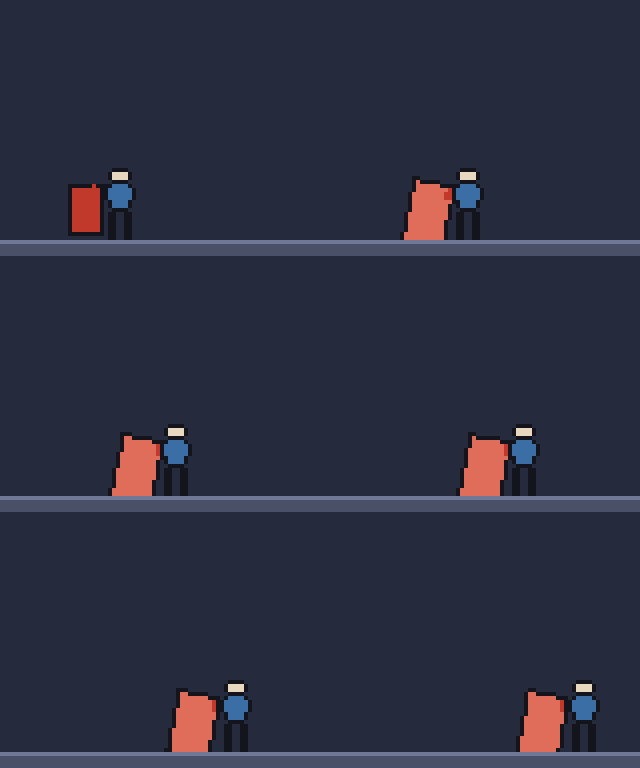
The fourteen presets are in examples/ (*.bodies.json); agents compile them with MCP pixel_compile and read the format with pixel_help topic bodies. The rigid bodies guide covers shapes, materials, sleeping, pivots, obstacles, joints, ropes, cloth, territories, power-ups and strikes, breaking, the score display, long matches, looks and the metadata. In a fluid source, a liquid takes the same bodies: they splash into water and float by their density, and land on sand and ride it when it slides (above).
Crystal growth
A pixelforge-crystal source grows crystals from seeds and lets them come to rest: quartz and amethyst points, pyrite cubes and octahedra drawn as small solids lit by one light, each face one band of its colour ramp, alone, fanned into clusters or lining a geode; and six-armed snowflakes grown as dendrites, whose side branches meet in chevrons a pixel apart. Each crystal starts as a bright seed, grows, and glints along its lit edge once grown. Shown at 4×.
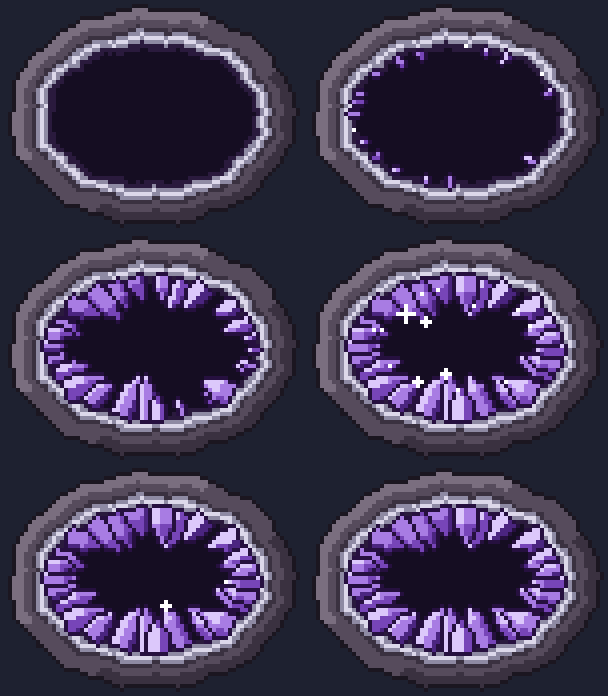
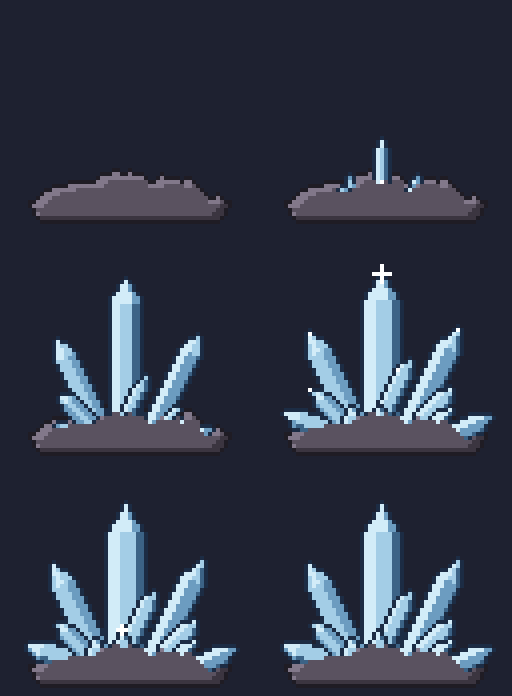
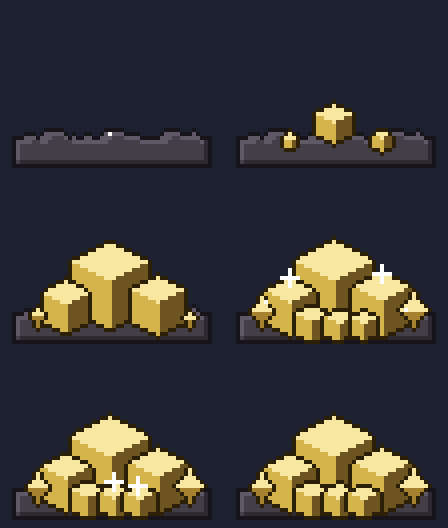

The four presets are in examples/ (*.crystal.json); agents compile them with MCP pixel_compile and read the format with pixel_help topic crystal. The crystal growth guide covers looks, habits, lighting, clusters, snowflakes and timing.
Falling sand
A pixelforge-powder source is a falling-sand sandbox: every pixel holds sand, water, stone, wood, fire, smoke, steam, oil, lava, ice, ash, moss or a material of your own, and the grid steps 60 times a second. Falls speed up and splash, pools level and rest, heat boils, melts and lights things, burnt-through structures collapse or, with pieces: "tumble", topple and tumble as rigid bodies, and moving air carries smoke in plumes. The same source runs live in a game with createLivePowder (pixelbolt/powder, pointer strokes that replay exactly) and compiles to an ordinary recipe of one-shot clips.
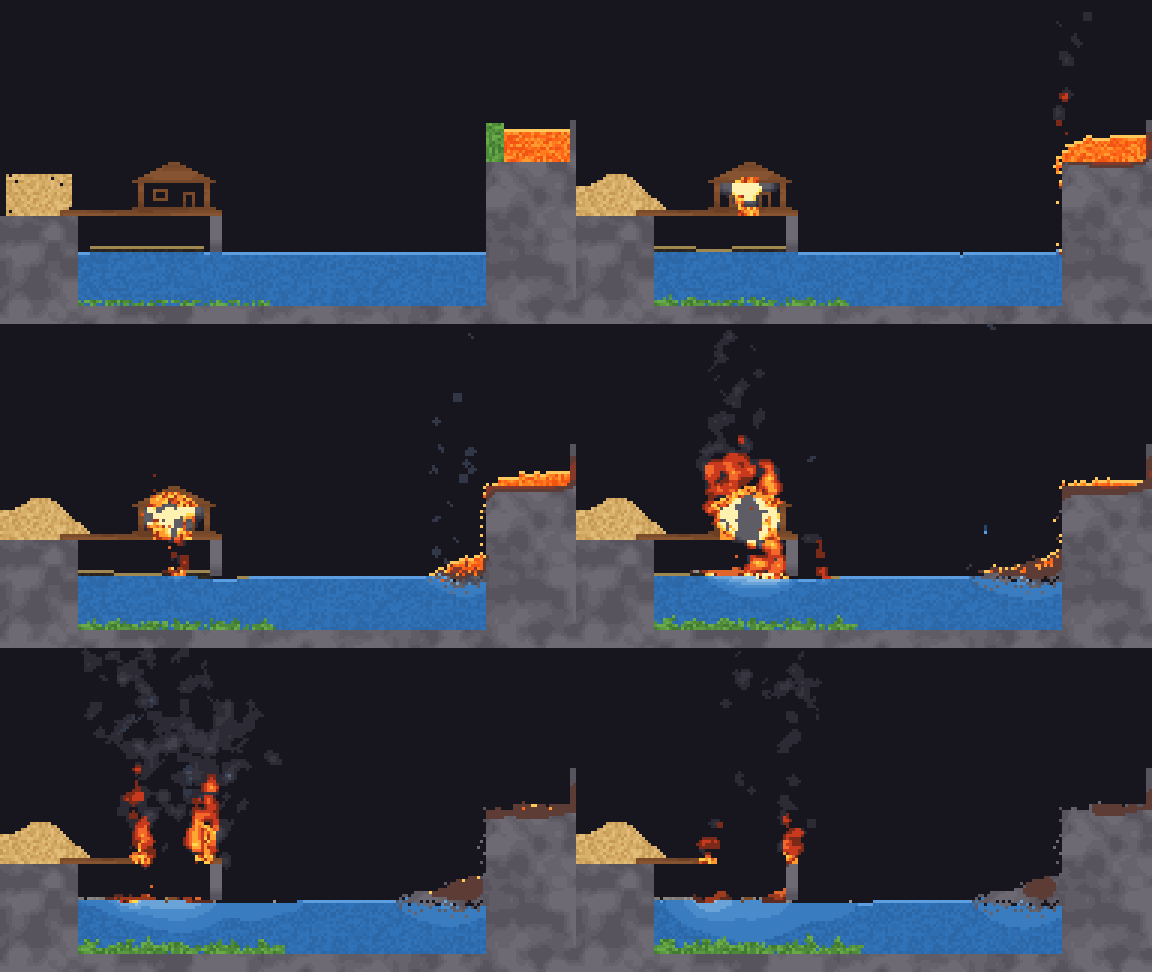
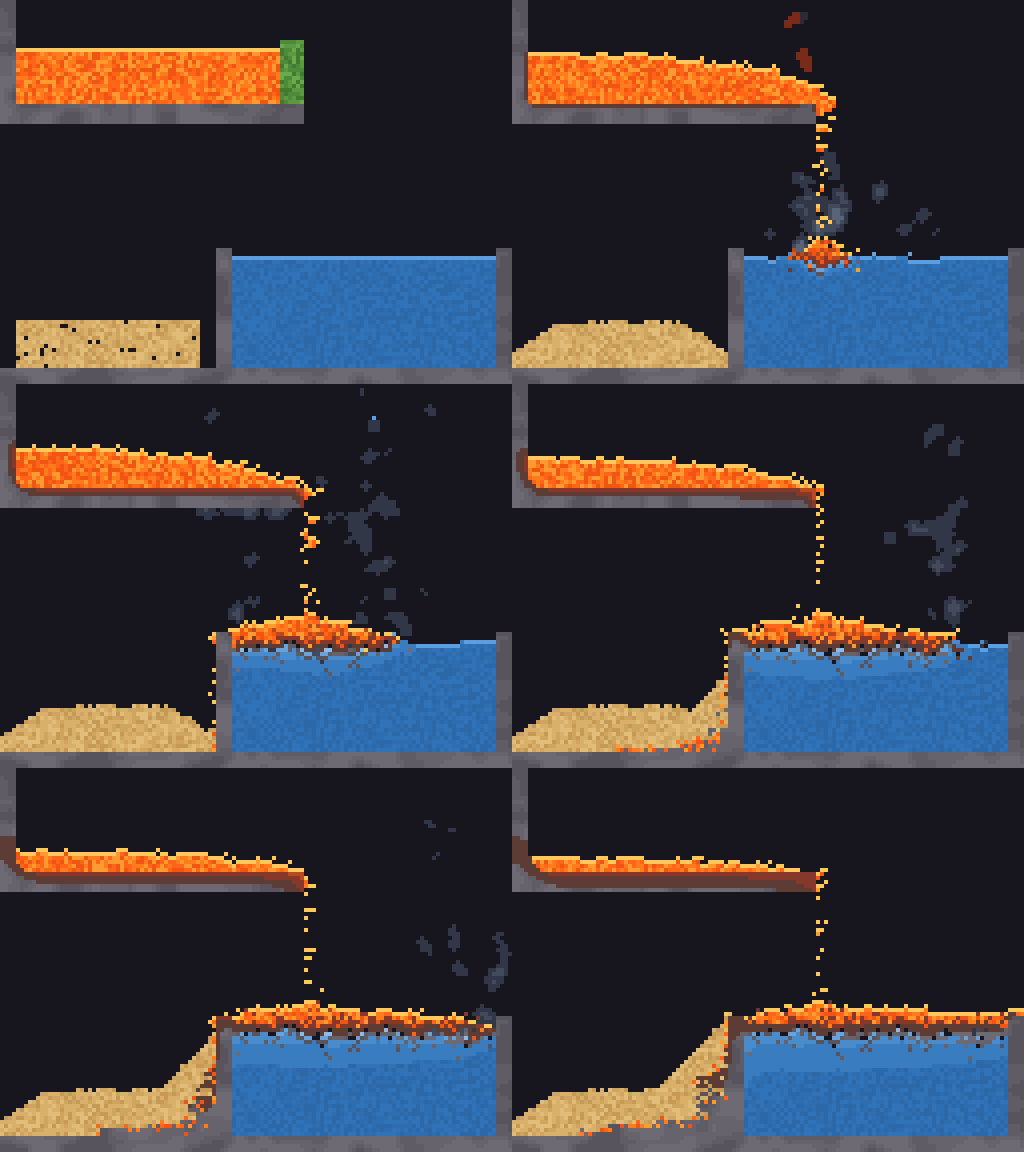
The five presets are in examples/ (*.powder.json); agents compile them with MCP pixel_compile and read the format with pixel_help topic powder. In the studio, Powder lab (/powder.html) runs the sandbox live in your browser: paint any material, heat, cool, blow and blast with the pointer, and copy a link that replays every stroke to the same pixels. The falling sand guide covers the starter table, materials, heat, reactions, air, inputs, clips and the live runner.
Start
git clone https://github.com/skulitom/Pixelbolt.git
cd Pixelbolt
node bin/pixelbolt.js preview
Open http://127.0.0.1:4747, or add --open to have your default browser opened for you. If that port is in use, a free one is taken and printed instead; --port N insists on one port and fails when it is busy. preview hero.pixel.json starts with your own recipe. Pick the forest spirit, campfire or coin; edit the JSON; inspect the animation or sprite sheet; download the asset ZIP. The studio includes playback speed, frame selection, whole-number zoom (the scroll wheel zooms at the pointer, dragging pans, and + − 0 and F zoom, fit and go full screen), a pixel grid, onion skinning, palette inspection, source save/open, a GIF download of the current animation, numbered frames for a video editor, recovery of unsaved edits and live error messages. All assets and fonts are local.
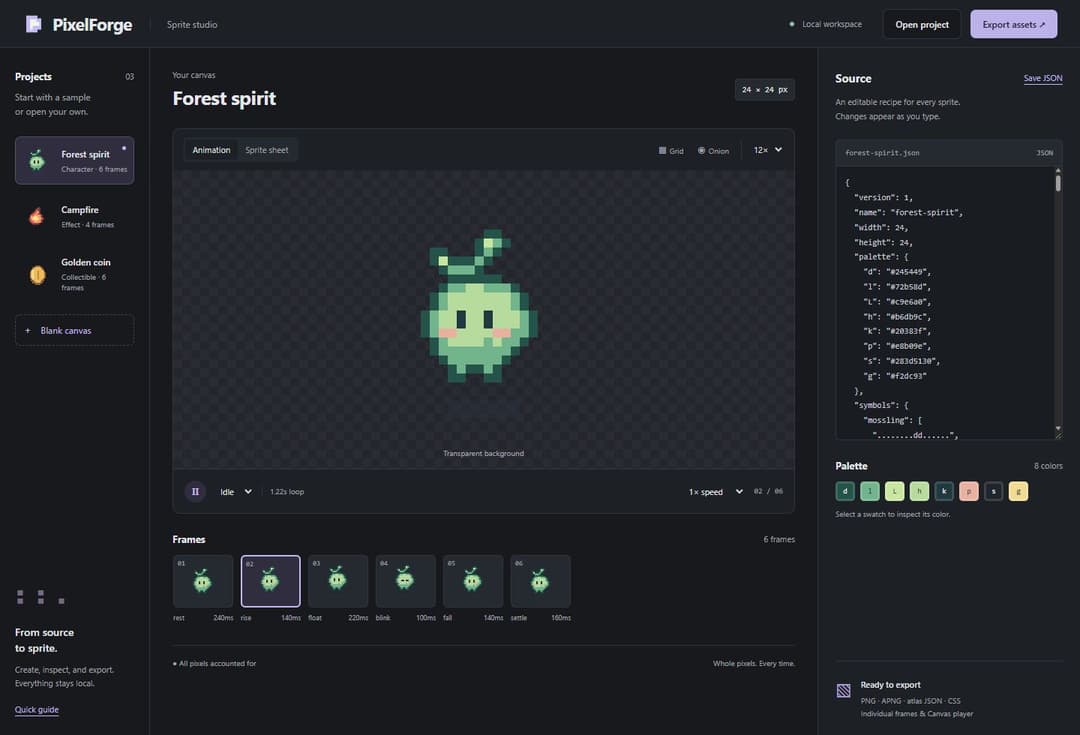
Or generate an asset without opening a browser:
node bin/pixelbolt.js init hero.pixel.json
node bin/pixelbolt.js validate hero.pixel.json
node bin/pixelbolt.js inspect hero.pixel.json --out hero-frames.png
node bin/pixelbolt.js render hero.pixel.json --out output/hero
inspect saves a contact sheet of every frame and lists each frame's timing (--animation walk --every 100 draws a cell per 100 ms of playback, so pacing shows). Add --grid to read frames back as palette-key text; --animation, --frames (names or patterns such as 'flash-*') and --region narrow the view, and --step 2 --offset 1 keeps every second cell from the second, so a strobe's A and B frames can be read apart. validate hero.pixel.json --fps 30 also lists the durations that are not whole video frames at that rate and what a video sequence would do to each animation. patch hero.pixel.json --changes fix.json previews targeted edits and reports every pixel they change; add --out to save the new recipe. gif hero.pixel.json --out hero.gif saves one animation as a GIF for sharing. Command results except help and the preview server are JSON. Errors go to stderr and exit with code 1. Use - instead of a filename to read JSON from stdin. Existing output files are protected; add --force to replace them. A forced export over an earlier export of the same recipe or sequence also removes the frames it no longer has and lists them as removed; a sprite export removes only frame and animation PNGs its own earlier atlas lists and no other atlas in the folder does, so another sprite's frames and PNGs you add there aren't deleted. No command writes over a file it reads, even with --force and through a link or another spelling of its path; patch may save over the recipe it edits. No export writes over its own recipe or the files it references. You can optionally run npm link for the pixelbolt command. No npm install is needed.
pixelbolt share <recipe.json|-> prints a playground link to the source, including wave, crystal, falling-sand and rigid-body sources, which the playground compiles and keeps editable; render and scene accept --embed-recipe (recipes up to 1 MiB, so every PNG still opens in Pillow), recovered with import image.png --embedded --out recipe.json.
Both carry the resolved recipe text and engine version: the link in its URL fragment, which browsers do not send to a server, and the PNG in a compressed recipe chunk.
Diorama: a 3/4 dungeon room
An original 3/4 top-down dungeon room in the style of procedurally generated "floating diorama" games: 8-pixel tiles, wall caps with front faces, a sunken pool fed by a waterfall, moss, props, torches and a hero whose strike breaks a pot. The room is one recipe whose tilemap operation places walls, faces, cliffs, water and worn bricks by neighbour rules; moss is seeded value noise on the floor colour; shadows and torchlight move colours along palette ramps, so the scene keeps its 31 colours lit or re-themed.
node bin/pixelbolt.js preview showcase/diorama/art/room.scene.json
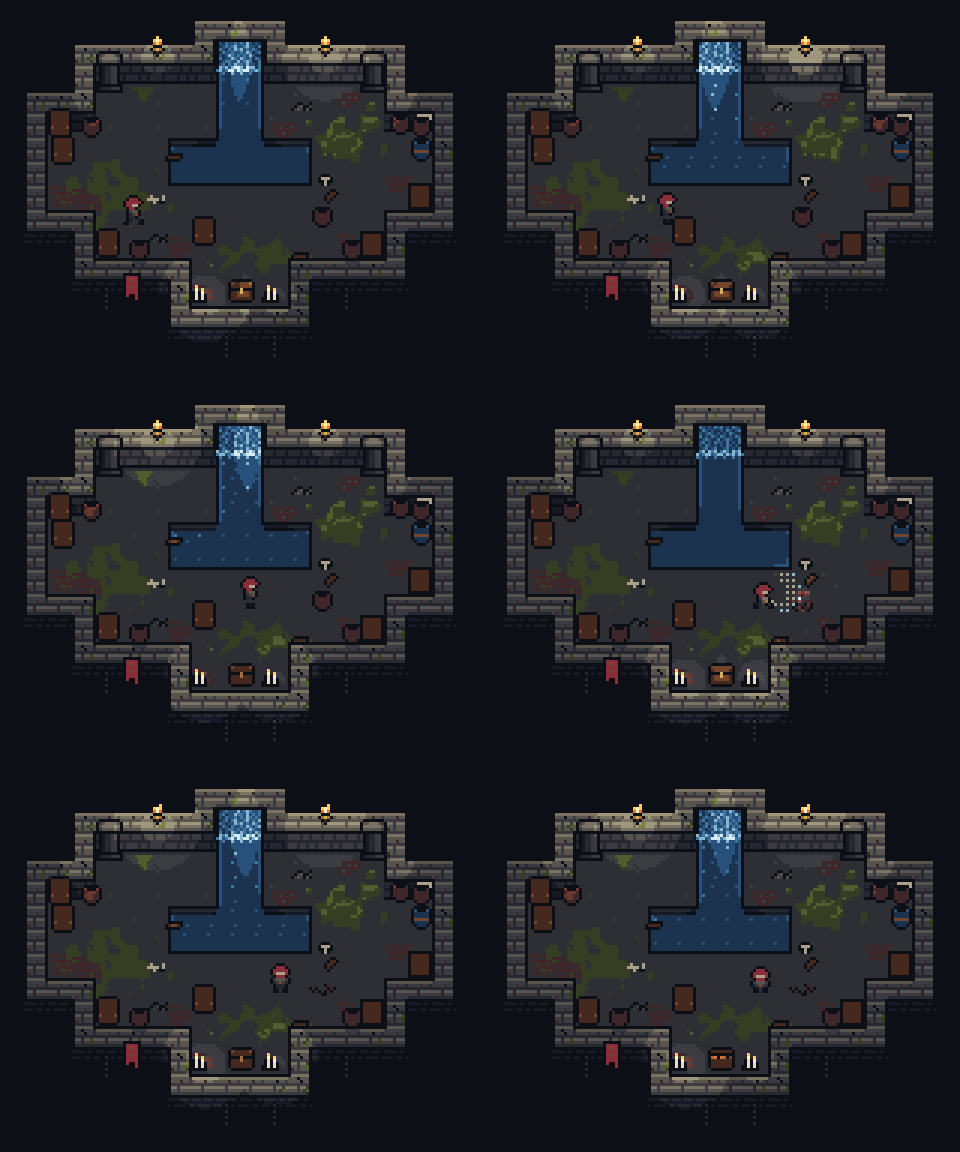
By night, each torch and candle light follows its placement and flickers on its own seed, and a light at the pot flashes on the strike cue: moving scene lights, still in exactly the palette's colours.
Study details and images · Feasibility report: what the style asked of Pixelbolt
Art quality workflow
The art workflow covers silhouette, value and native-size review, animation-aware onion skins, masked regional corrections, authored parts and attachments, guarded rebuild overlays, scenes, PNG interchange and aligned normal/emissive passes. Passing checks are not a verdict on the art: look at every frame, at native size and in playback.
node bin/pixelbolt.js inspect examples/forest-spirit.json --animation idle --view onion --native --diagnostics
node bin/pixelbolt.js preview examples/forest-spirit-lit.scene.json
For agents
Use Pixelbolt to create or revise pixel sprites, tiles, icons, effects and short animations from editable JSON. Choose the CLI when you have shell access or the Model Context Protocol (MCP) server when your client supports tools. Both use the same renderer and work locally.
| Entry point | Purpose |
|---|---|
| llms.txt | Compact documentation index with direct links for agents |
| Pixel art skill | Reusable authoring and visual inspection workflow; npx -y pixelbolt@latest skill install installs it on its own |
| Authoring guide | Recipe fields, drawing operations and limits |
| JSON Schema | Machine-readable recipe structure |
| Examples | Complete forest spirit, campfire, coin and shrine recipes, an isometric tile set and the scene that lays it out, a caption with pixel text, a rotated sword swing, a rigged hero with walk, run, jump and attack templates, the same hero swinging a sword that turns with the arm, a red fox that walks, trots and gallops on four legs, a hermit crab in a treasure chest posed from drawn parts with no rig, a particle effects source, fifteen spell effects (slash hit, fire explosion, a looping fireball in eight directions, lightning strike, healing circle, a swirling vortex, a falling meteor, a shield bubble, a portal that lights its stone arch, a frost nova, a teleport-in, a coin sparkle, an electric arc that lights its prongs, an ice crystal with a pulse of cold light, a forest waterfall), a teleport and a spirit aura on the rigged hero, a sword smear that follows the swing's blade tip, a simulated explosion under spell-shape flashes, a spell library (fire, ice, lightning, water, poison, holy and shadow, each a projectile in eight directions, an impact, an area effect and a buff), five cel-shaded water effects, 42 fluid presets, fourteen rigid-body scenes (crates that topple or smash, a blade, a territory match, ropes, a ragdoll and cloth) and four crystal growths (a geode, a quartz cluster, pyrite and snowflakes) |
| AGENTS.md | Instructions for agents contributing to the toolkit |
Start with the authoring guide or MCP's pixel_help. Write a recipe, validate it, inspect every frame with pixel_inspect or pixelbolt inspect, revise with targeted patches, then render to a fresh output directory. Validation checks the format; image inspection checks the art.
A tiny animation
{
  "version": 1,
  "name": "slime",
  "width": 8,
  "height": 8,
  "palette": { "g": "#72b58d", "e": "#20383f" },
  "frames": [
    {
      "name": "rest",
      "duration": 180,
      "ops": [{ "op": "grid", "x": 1, "y": 3,
        "rows": [".gggg.", "ggeegg", "gggggg", ".gggg."] }]
    },
    { "name": "up", "from": "rest", "translate": [0, -1], "duration": 180 }
  ],
  "animations": { "bounce": { "frames": ["rest", "up"] } }
}
Each text-grid character selects a palette color; . and space leave pixels untouched. Frame inheritance makes small changes cheap to describe. Rendering is deterministic and uses integer pixel coordinates.
Export bundle
| File | Use |
|---|---|
name.png | RGBA PNG sprite sheet, with configurable columns, padding and integer scale, or packed by visible bounds with sheet.trim |
name.atlas.json | TexturePacker-style JSON hash: rectangles, trim offsets, source sizes, pivots/anchors, named points, frame durations, named animations and Aseprite-style frame tags. Stills and a still tile set (below) list their frames only, with no animations and no meta.frameTags |
name.tres | Godot 4 SpriteFrames for AnimatedSprite2D: one atlas texture per frame (trimmed frames keep their place on the canvas) and every animation with its loop and exact frame times; keep it next to name.png. Not for stills or a still tile set |
name.tileset.tres | Only for a tile set (an autotile set, or frames with tile): a Godot 4 TileSet for TileMapLayer with a terrain per set (blob, cardinal or corner, or a corner set of layered terrains whose transitions Godot paints), so Godot's terrain painter picks the tile Pixelbolt's tilemap would, plus each tile's probability and collision; keep it next to name.png. A tile set without animations of its own skips the SpriteFrames, APNGs, CSS and player |
name.tsx | Only for a tile set: a Tiled tileset over name.png with a Wang set per terrain for the Terrain Brush (mixed for blob, edge for cardinal, corner for corner and layered sets), each tile's probability, collision objects and animation; keep it next to name.png |
frames/*.png | Each frame as a transparent PNG |
animations/*.png | APNG for each animation, retaining transparency, frame timing and loop behavior. Not for stills or a still tile set |
name.css | CSS animation classes; supports multi-row sheets and unequal frame durations. Not for stills or a still tile set |
player.js | Small, dependency-free Canvas player with play, pause, resume and named animations, plus loadSpriteSheet, frameAt and drawFrame for games. Not for stills or a still tile set |
name.pixel.json | Editable source recipe |
preview.html | Standalone preview you can open directly in a browser (the sheet, for stills and a still tile set) |
Stills are a recipe whose "animations" is {}: icons, UI states, a 9-slice panel. A still tile set is a tile set whose recipe leaves animations out. Neither plays anything, so the export writes only name.png, name.atlas.json (frames only), frames/, name.pixel.json, preview.html and README.txt (plus name.tileset.tres and name.tsx for a tile set), and no GIFs.
APNG files use the .png extension intentionally. Recipes can share a palette file ("palette": { "$ref": "palette.json" }), recolor keys per frame for palette cycling or per layer for a flash that leaves the rest of the frame alone, copy rectangles from template symbols or earlier frames (with exact colour swaps), outline layers (outside, inside or both, with direction masks for rim lights and drop shadows), dither between colours with canvas-anchored Bayer, custom, seeded non-periodic noise or clumping value-noise patterns, shade along palette ramps (ramps and the shade operation) without leaving the palette, draw whole character maps with the tilemap operation (variants, weights and neighbour rules), and grow detail such as moss or cracks with seeded rewrite rules. They compile 47-tile blob or 16-tile cardinal autotile sets with pixelbolt autotile, drawn from template rows or from a terrain description (a seamless fill and each side's edge, outline, rim light, shadow and tufts), optionally with shape variants, and review every tile over a test map with seam warnings; see the authoring guide and art workflow.
Several of these ideas come from Pixel Composer's node set, adapted to text recipes. Patches can propose De-Corner/De-Stray cleanup, and inspection diagnostics count per frame what it would change. Pose sources rotate parts by any angle into editable symbols, using RotSprite-style resampling that adds no colours, and tween eased in-betweens. Scene trajectories ease. A pixelforge-fx source compiles seeded particle emitters and spell shapes (slashes, shockwave rings, beams, lightning, magic circles, impact stars, fireballs, cel-shaded water streams and drops) into an ordinary recipe with pixelbolt compile, a pixelforge-fluid source does the same with a fluid simulation, and a pixelforge-normals source derives a lighting normal pass from any recipe: an editable recipe aligned frame for frame, for scene lighting and engine normal maps (the spirit's, lit in a small night scene; details). See the shrine, the swing, the effects and a healing circle. Lossless PNG import is supported (RGB, RGBA, greyscale and indexed, up to 8 bits per channel, not interlaced), optionally with unscaled atlas timing metadata; see interchange limits. GIF import, native Aseprite files and automatic quantization remain outside the current scope. Sources stay editable JSON.
GIF for sharing
APNG keeps full alpha and exact timing, but many chat, forum and store pages only animate GIFs and cannot scale pixels crisply. pixelbolt gif writes one animation as a GIF at the frames' own size; --scale (1-16) enlarges it by a whole number for pages that would show a small sprite tiny:
node bin/pixelbolt.js gif hero.pixel.json --out hero.gif
node bin/pixelbolt.js gif --preset campfire --size 32x32 --scale 8 --out campfire.gif --sheet campfire-frames.png
node bin/pixelbolt.js gif hero.pixel.json --animation blink --scale 8 --background "#17191d" --out hero-blink.gif
Colours are exact: nothing is quantized or dithered, and a frame that needs more than 256 colours is refused with an error instead of being approximated. GIF has no partial transparency, so pixels below 50% alpha become transparent and the rest opaque; --background (a palette name or opaque hex colour) blends every pixel onto one colour instead, which keeps soft shadows. Frame times are rounded to GIF's 10 ms steps with the remainder carried to the next frame, and raised to 20 ms where shorter. Transparent pixels stay clear in every viewer, including ffmpeg and Pillow, which fill a cleared frame with the background colour unless it names a transparent index (the notes report the rare frame with 256 colours of its own that has none to name). The JSON result's notes say which of these happened. The studio's GIF button downloads the current animation at the current zoom, and MCP pixel_render takes "gif": {} (the frames' own size) or "gif": { "scale": 8 }. Every render also reports a check of what it wrote; give pixel_render an expect (or render an --expect) with the size, frames, colours, background or loop the user asked for, and the check names each file that misses it and how to fix it. The export bundle itself is unchanged.
pixelbolt gif-frames makes a GIF from a folder of numbered PNG frames, such as a sequence folder or frames a video or effects tool wrote, by the same rules:
node bin/pixelbolt.js gif-frames shots/prism --fps 25 --out prism.gif
node bin/pixelbolt.js gif-frames shots/prism --fps 30 --loops 3 --background "#101828" --prefix prism_ --out prism-3x.gif
Files are read in number order (prism_0001.png, prism_0002.png …); gaps in the numbering, other PNGs in the folder and a folder holding two sequences (choose one with --prefix) are reported, never guessed around. Each frame keeps its exact colours: one with more than 256 is refused by name, and when the frames use different colours, each frame carries a colour table of its own, so a loop of 48 frames at 1080 × 1080 with about 120 colours per frame and 4,345 in all decodes back pixel for pixel, where a palette generator would shift some colours. Frame k starts at k × 1000 / fps ms rounded to GIF's centiseconds: 25 fps is 40 ms per frame, 30 fps alternates 30 and 40 ms and keeps the loop's length, and above 50 fps delays are raised to 20 ms, which the notes report with the new length. --loops is the number of plays, 0 (the default) for ever. Without transparency, each frame after the first stores only the rectangle that changed. The PNGs may be RGB, RGBA, greyscale or indexed with up to 8 bits per channel, all the same size; the loop may hold 134,217,728 pixels (115 frames at 1080 × 1080).
Pixel text
// faq
What is Pixelbolt?
Agent-first pixel art and animation toolkit. JSON recipes to PNG, APNG and sprite atlases via CLI, MCP server and local studio. Zero dependencies. MIT.. It is open-source on GitHub.
Is Pixelbolt free to use?
Pixelbolt is open-source under the MIT license, so it is free to use.
What category does Pixelbolt belong to?
Pixelbolt is listed under mcp-servers in the Claudeers registry of Claude-compatible tools.
// embed badge

[](https://claudeers.com/pixelbolt)
// retro hit counter

[](https://claudeers.com/pixelbolt)
// reviews
// guestbook
// related in MCP Servers
 🔓
f.k.a. Awesome ChatGPT Prompts. Share, discover, and collect prompts from the community. Free and open source — self-host for your organization with complete…
 🔓
A cross-platform desktop All-in-One assistant for Claude Code, Codex, OpenCode, OpenClaw, Gemini CLI & Hermes Agent. Only official website: ccswitch.io
 🔓
🪨 why use many token when few token do trick — Claude Code skill that cuts 65% of tokens by talking like caveman
 🔓
An open-source AI agent that brings the power of Gemini directly into your terminal.