
open-computer-use
State of the Art 82% OSWorld Computer Using Agent, production-ready. Remote and Local! Setup using one API Key
Install with your AI
This project is repository unavailable — not recommended for automated install, so we don't generate an auto-install prompt for it. Read the repo and decide for yourself.
// compatibility
| Platforms | cli, api, desktop, web |
|---|---|
| Operating systems | — |
| AI compatibility | claude |
| License | Apache-2.0 |
| Pricing | open-source |
| Language | TypeScript |
Open Computer Use
AI agents that control computers like humans do.
Browser automation · Terminal access · Desktop control · Multi-agent orchestration

Website · Get an API key · Discord · X
What is this?
Open Computer Use is an open-source platform that gives AI agents real computer control. Unlike chatbots that only talk about tasks, agents here actually perform them: browsing the web, running commands, clicking through UIs, and orchestrating multi-step workflows.
Computer-use capabilities similar to Anthropic's Claude Computer Use, but fully open-source and extensible.
Quick Start
Coasty runs in OSS mode with a single API key. The whole setup is four steps and takes a couple of minutes.
1. Get your free API key
- Go to coasty.ai/developers.
- Sign in (it's free, no credit card needed).
- Create an API key. It looks like
sk-coasty-test-…. - Copy it. You'll paste it in step 3.
2. Clone and install
Prerequisites: Node.js ^20.19.0 || >=22.12.0 (the repo's .nvmrc pins 22) and npm. No compiler is needed; a wall of ssh2 node-gyp warnings during install is harmless.
git clone https://github.com/coasty-ai/open-computer-use.git
cd open-computer-use
npm install
3. Add your key
cp .env.oss.example .env.local
On Windows,
cpworks in PowerShell. Incmd.exe, usecopy .env.oss.example .env.local.
Open .env.local and paste the key from step 1:
COASTY_API_KEY=sk-coasty-test-your-key-here
4. Run
npm run dev
Open http://localhost:3000. The app boots straight into the chat workspace. CSRF_SECRET and ENCRYPTION_KEY are generated into .env.local automatically on first boot, so there is nothing else to configure.
[!NOTE] What works today. In OSS mode the chat workspace runs locally and your key powers the public
/v1REST API (predict, sessions, machines, runs, workflows, schedules) and the MCP server. Sending an in-app chat message currently returns a clear501: coasty.ai does not yet expose a public chat endpoint (/v1/chatis in progress). The full agent stack ("production mode") needs services this repo does not include (a Python backend, Supabase, Stripe, AWS) and runs the hosted product at coasty.ai. OSS mode is the path for working on this codebase.
Agents
| Agent | What it does |
|---|---|
| Browser | Search-first web navigation, form filling, element interaction, multi-tab management, screenshots. |
| Terminal | Command execution, file operations, script running, package management, output streaming. |
| Desktop | Mouse and keyboard control, window management, screenshot analysis, UI detection via computer vision. |
| Planner | Decomposes complex requests into subtasks, assigns them to specialized agents, passes context between steps. |
See it in action
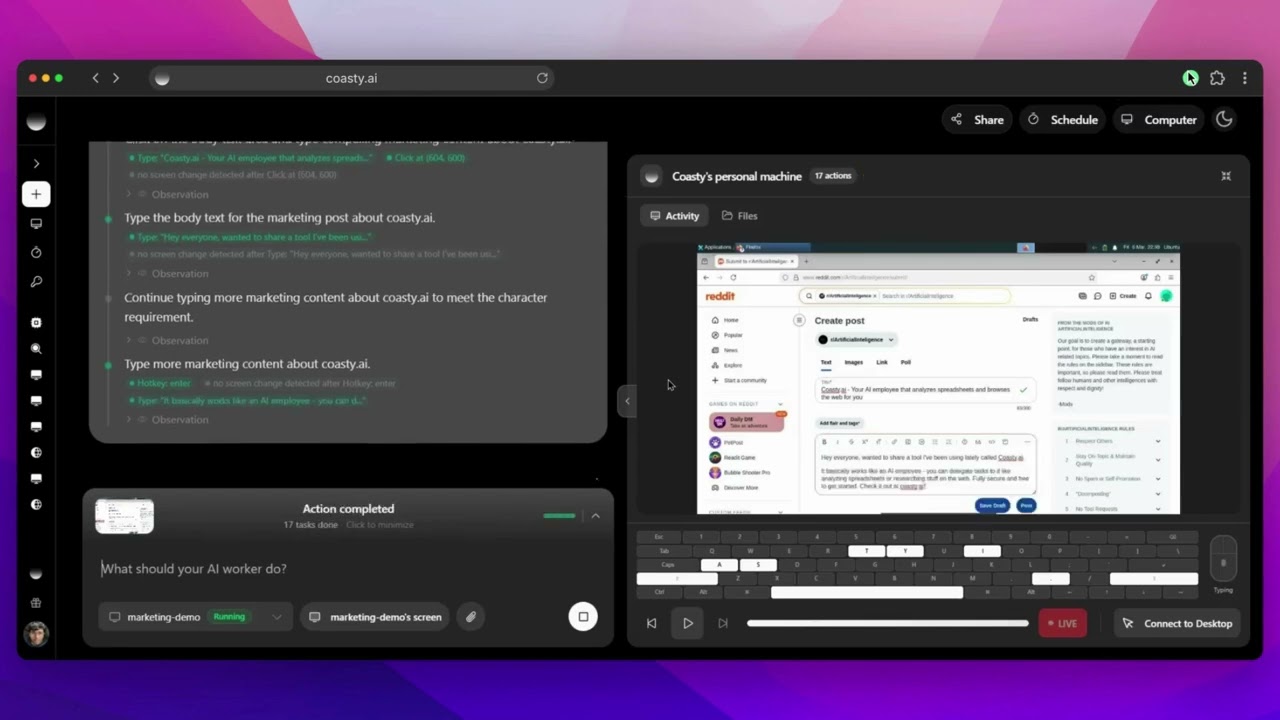
Marketing: Market your product on Reddit autonomously View chat session |
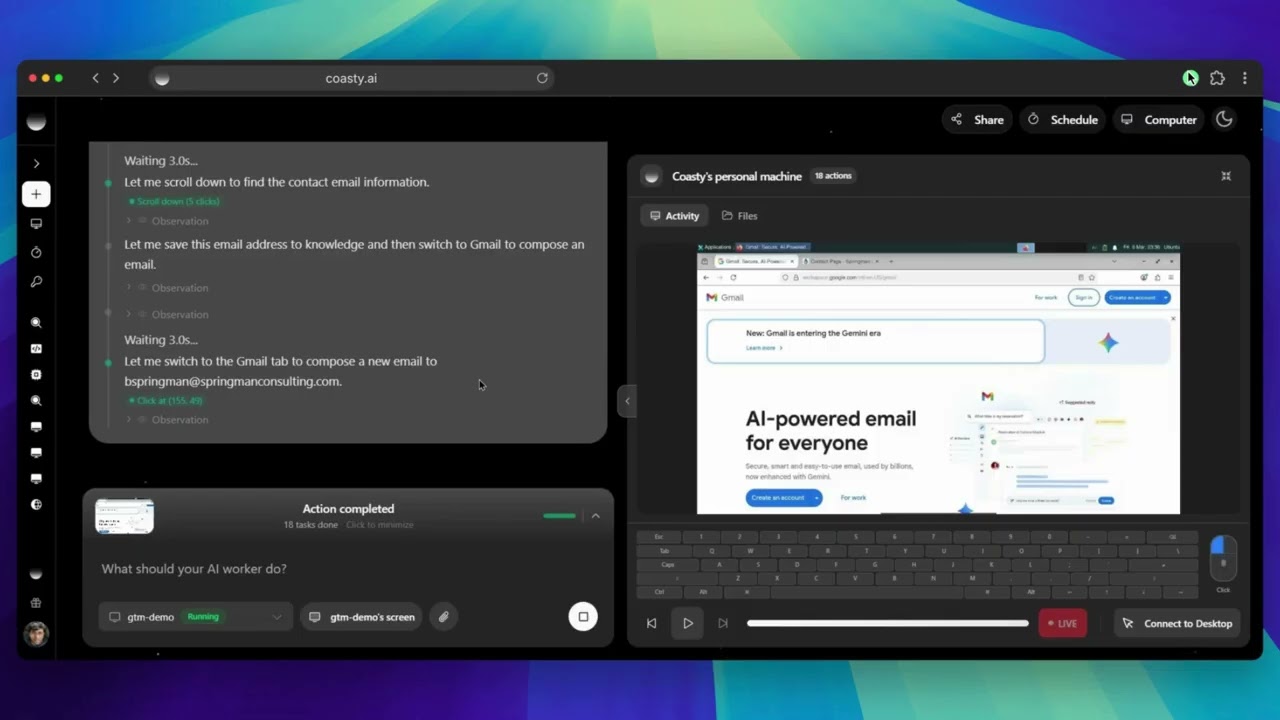
Go-to-Market: Find prospects and send personalized emails View chat session |
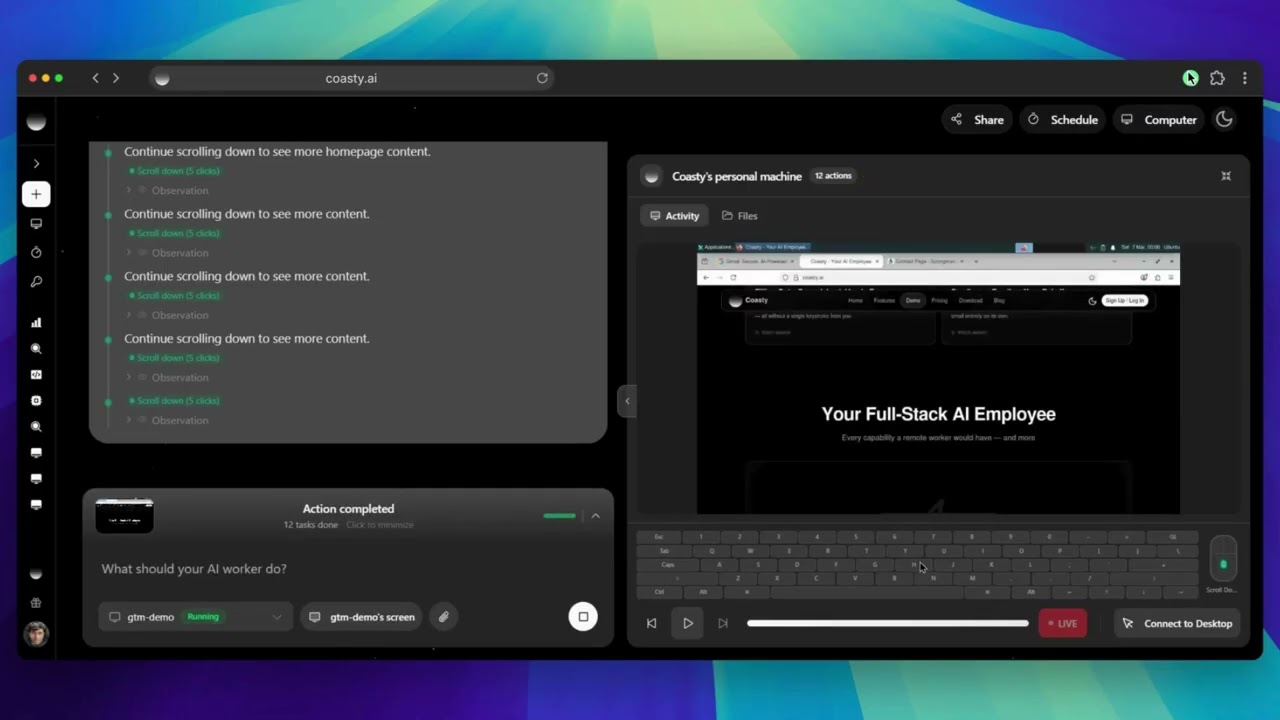
QA Testing: Test every checkout flow and report bugs View chat session |
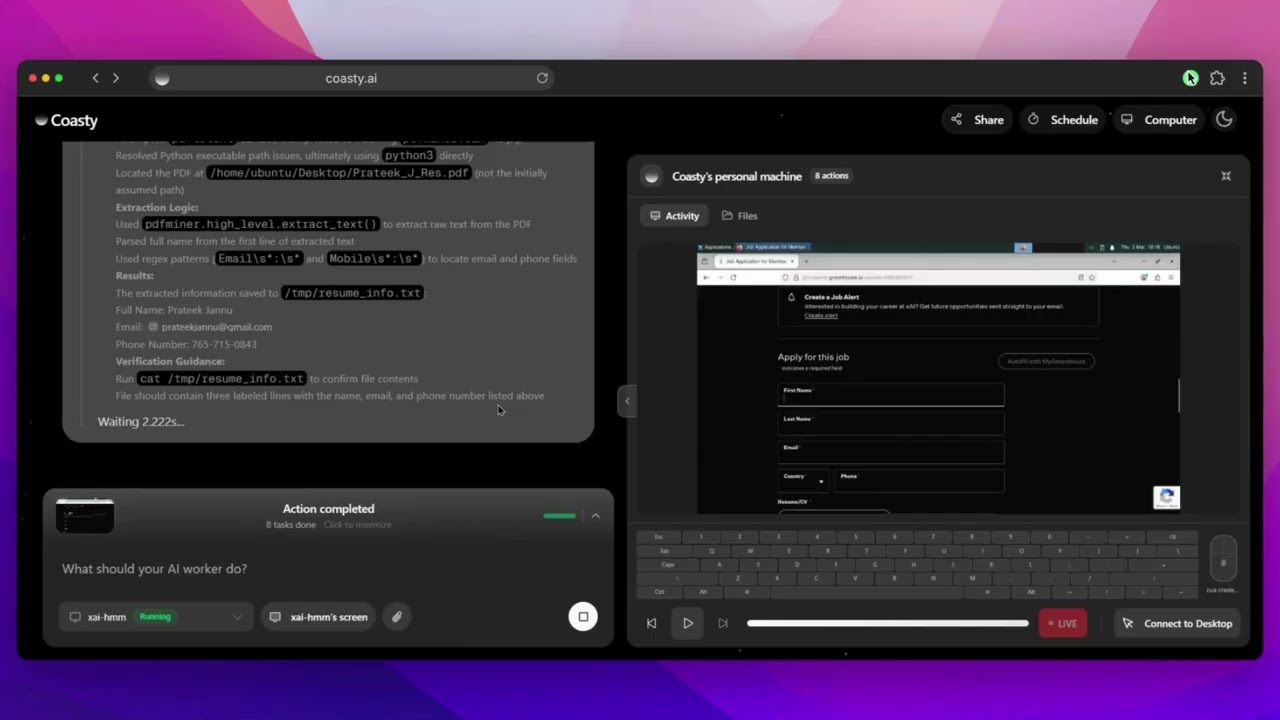
Job Application: Find roles, tailor your resume, and apply View chat session |
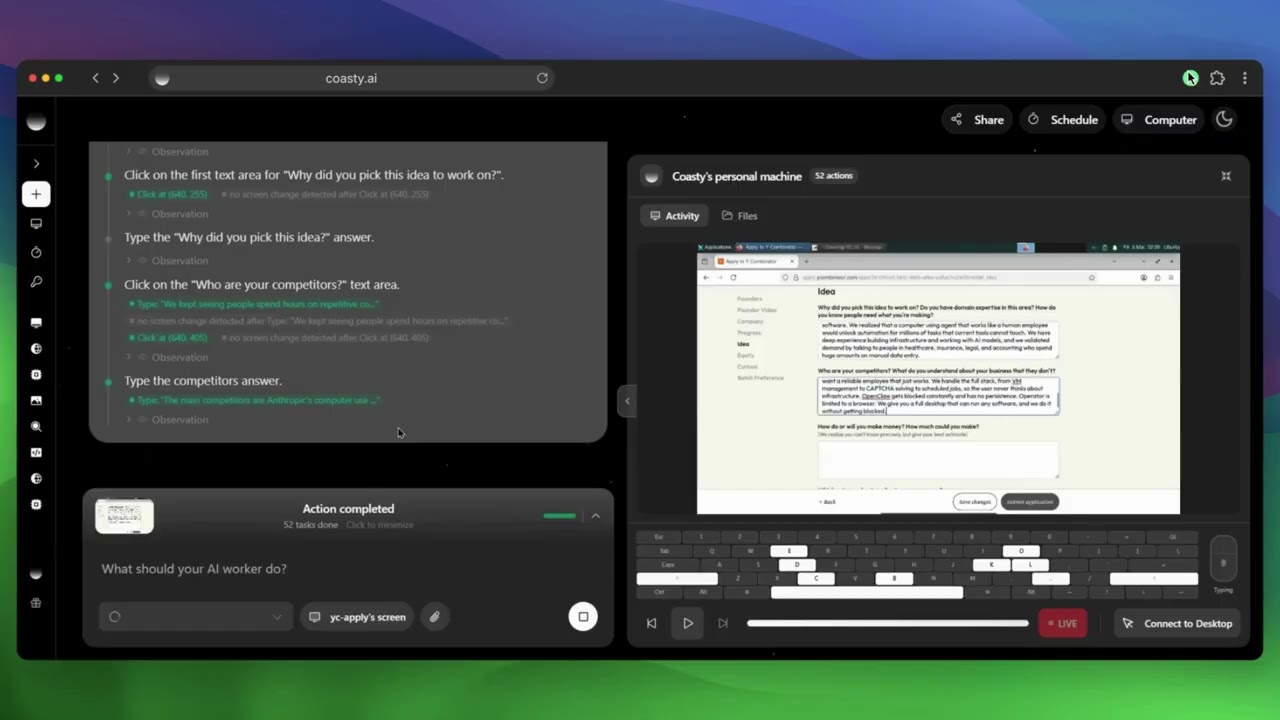
Form Filling: Fill out the YC S26 application for you View chat session |
Social Media: Post on Hacker News and engage with comments View chat session |
Desktop App
A lightweight overlay that runs AI agent commands directly on your local machine. Native automation on Windows, macOS, and Linux, with a floating always-on-top pill UI and an expanded chat panel.
cd electron
npm install
npm run dev
This launches the overlay window. Without an electron/.env file the app starts on the auth screen with a visible "Supabase is not configured" state. To sign in and chat you need electron/.env (cp .env.example .env) with Supabase credentials, plus a running backend at COASTY_BACKEND_URL (default http://localhost:8001, not included in this repo).
See electron/README.md for development, testing, packaging, and platform notes.
MCP Server
Use the same API key with Claude Desktop, Cursor, or Windsurf via MCP:
npx @coasty/mcp
See mcp/ for details.
Contributing
The default branch is production: branch from it, and open your pull request against it.
- Fork the repo
- Create a branch from
production:git checkout -b feature/your-feature - Commit your changes
- Open a pull request targeting
production
See CONTRIBUTING.md for setup, testing, and review details. Bug reports and feature requests are welcome in Issues.
Roadmap
- Multi-VM parallel orchestration
- Visual workflow builder
- Agent marketplace and templates
- Plugin system for custom tools
- Collaborative sessions
- Voice control and video understanding
Responsible Use
This platform gives AI agents significant autonomy. Use it to automate repetitive tasks, testing, research, and content creation, not to violate terms of service, spam, or scrape without permission. Always use isolated environments, respect robots.txt, and follow data protection laws.
License
Apache License 2.0, Copyright (c) 2025 Open Computer Use Contributors. One exception: the mcp/ subpackage is published to npm under the MIT license and carries its own mcp/LICENSE.
// faq
What is open-computer-use?
State of the Art 82% OSWorld Computer Using Agent, production-ready. Remote and Local! Setup using one API Key. It is open-source on GitHub.
Is open-computer-use free to use?
open-computer-use is open-source under the Apache-2.0 license, so it is free to use.
What category does open-computer-use belong to?
open-computer-use is listed under automation in the Claudeers registry of Claude-compatible tools.
// embed badge

[](https://claudeers.com/open-computer-use-2)
// retro hit counter

[](https://claudeers.com/open-computer-use-2)
// reviews
// guestbook
// related in Automation & Workflows
 🔓
🔓 🔓
🔓The API to search, scrape, and interact with the web at scale. 🔥
 🔓
🔓🌐 Make websites accessible for AI agents. Automate tasks online with ease.
 🔓
🔓Taste-Skill - gives your AI good taste. stops the AI from generating boring, generic slop