
ai-iso-skill
Claude skill that draws interactive isometric figures in a single HTML file
Install with your AI
Paste into Claude Code, Cursor, or any agent — it reads the repo and wires the tool into your project.
Install and set up ai-iso-skill (git-clone project) into my current project.
Found on https://claudeers.com/ai-iso-skill
Repo: https://github.com/MrBongoC/ai-iso-skill
Homepage/docs: https://mrbongoc.github.io/ai-iso-skill/examples/desk-synth.html
Detected install method: git-clone → git clone https://github.com/MrBongoC/ai-iso-skill
Category: skills. Platforms: cli.
Read the repo's README for exact setup and env vars, then install it and wire it into my project.

Claudeers Health Verdict:
unknown; community-verified: false. Confirm the source before running anything.
git clone https://github.com/MrBongoC/ai-iso-skill
// compatibility
| Platforms | cli |
|---|---|
| Operating systems | — |
| AI compatibility | claude |
| License | MIT |
| Pricing | open-source |
| Language | — |
iso-figure
A skill for Claude that draws interactive isometric figures. Name an object and you get back one HTML file: a hairline isometric drawing on a numbered plate, with parts that work when you press them.
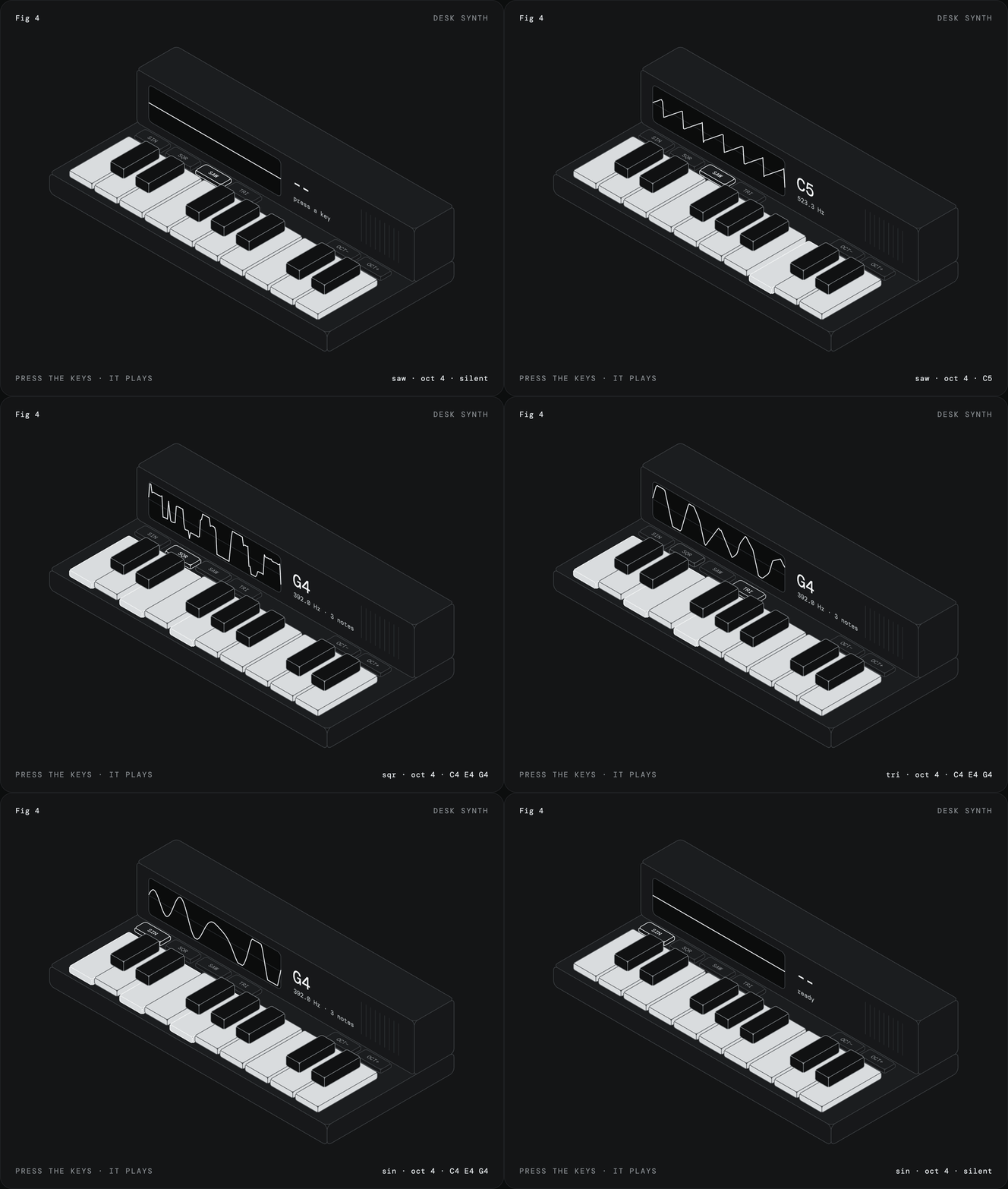
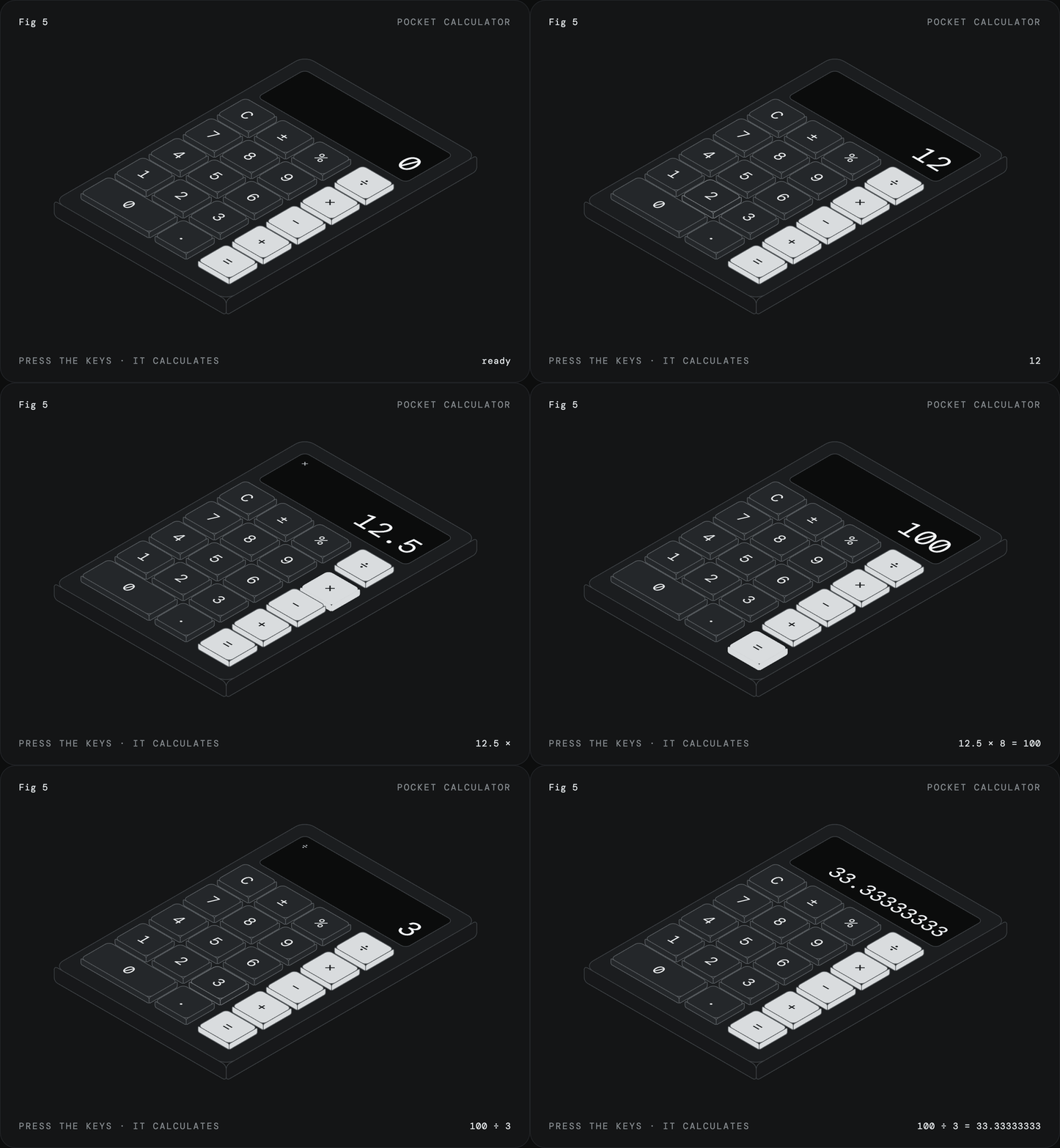
Both were made with the skill. Click either one to play with it, or open the files in examples.
How it works
The figures are plain SVG with no libraries. About 15 lines of projection code turn each face of a box into an SVG matrix(), so ordinary rects, text and paths drawn flat land on the right isometric plane, text and rounded corners included. Paint order handles depth. One state object and one render() drive the interaction, and CSS does the motion.
Before drawing anything, the skill has Claude decide what pressing a part produces: typed text, a number, a note. If the object has nothing to press, it picks a different object.
SKILL.md has the kernel, the procedure, and the rules for the look.
Install
Claude Code, as a plugin:
/plugin marketplace add MrBongoC/ai-iso-skill
/plugin install iso-figure@ai-iso-skill
Or copy the skill folder in by hand:
git clone https://github.com/MrBongoC/ai-iso-skill.git
cp -r ai-iso-skill/skills/iso-figure ~/.claude/skills/
On Claude.ai, download iso-figure.skill from the latest release and upload it in your skill settings.
Using it
Ask for a figure of something with parts you can press:
iso figure of a kitchen timer with minute buttons and a display that counts down
fig 6, a wall light switch that turns a lamp on and off
License
MIT
// faq
What is ai-iso-skill?
Claude skill that draws interactive isometric figures in a single HTML file. It is open-source on GitHub.
Is ai-iso-skill free to use?
ai-iso-skill is open-source under the MIT license, so it is free to use.
What category does ai-iso-skill belong to?
ai-iso-skill is listed under skills in the Claudeers registry of Claude-compatible tools.
// embed badge

[](https://claudeers.com/ai-iso-skill)
// retro hit counter

[](https://claudeers.com/ai-iso-skill)
// reviews
// guestbook
// related in Claude Skills
 🔓
🔓An agentic skills framework & software development methodology that works.
 🔓
🔓 🔓
🔓💫 Toolkit to help you get started with Spec-Driven Development
 🔓
🔓AI coding assistant skill (Claude Code, Codex, OpenCode, Cursor, Gemini CLI, and more). Turn any folder of code, SQL schemas, R scripts, shell scripts, docs,…