
websiteprompts
30 free copy-paste prompts that turn Claude Code, Cursor or v0 into a cinematic website — exact colours, easing and z-index, plus a background video that is…
Install with your AI
This project is repository unavailable — not recommended for automated install, so we don't generate an auto-install prompt for it. Read the repo and decide for yourself.
// compatibility
| Platforms | api, web |
|---|---|
| Operating systems | — |
| AI compatibility | claude |
| License | CC0-1.0 |
| Pricing | open-source |
| Language | — |
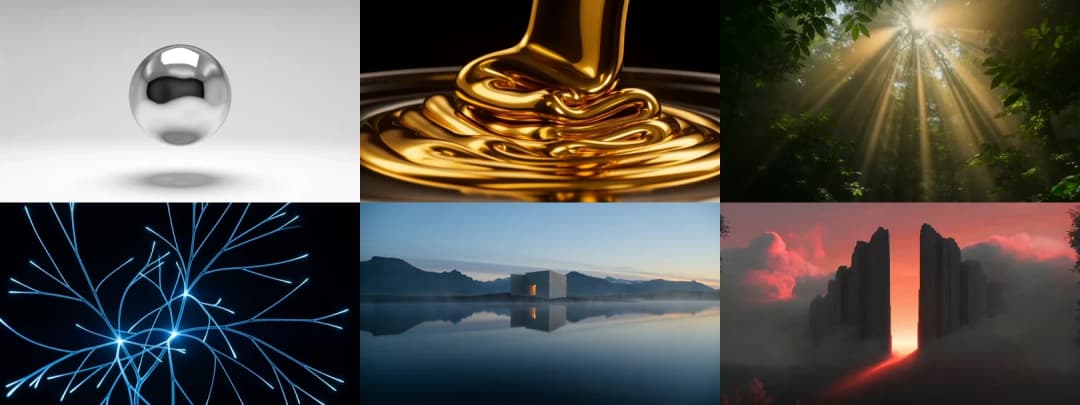
Website prompts
Paste one prompt. Get a cinematic website.
Markup, styles, animation, and a background video that is already hosted —
so the page works the moment it is generated, with nothing to download.
How it works
|
1 · Pick Open any prompt in the gallery below. Every one has a screenshot, so you know what you are getting before you spend a token. |
2 · Copy Take the whole fenced block. Not a summary of it, not the interesting half — the whole thing. |
3 · Paste Into Claude Code, Cursor, v0, Lovable, Bolt — anything that writes code. The page renders on the first pass. |
That is the entire process. Every prompt is self-contained: the fonts, the exact colours, the easing curves, the z-index order and a working video URL are all inside it.
The prompts
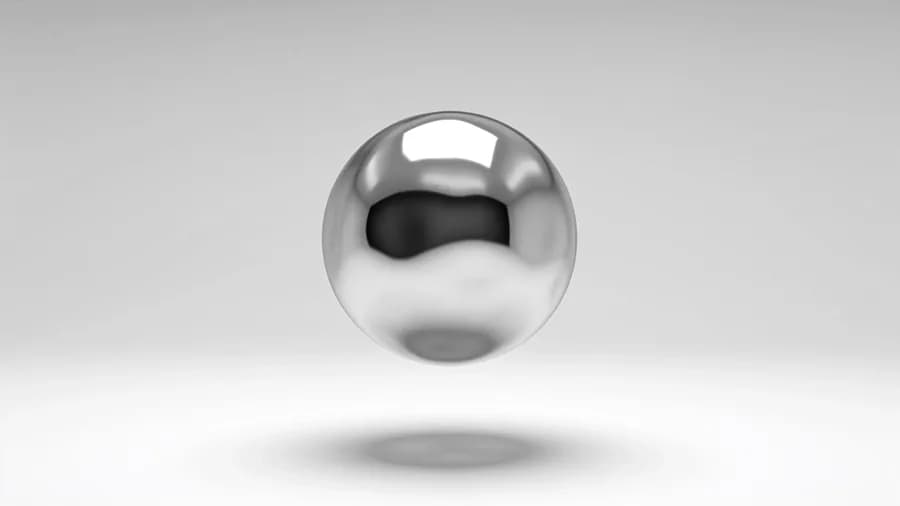 Halo AI Platform | 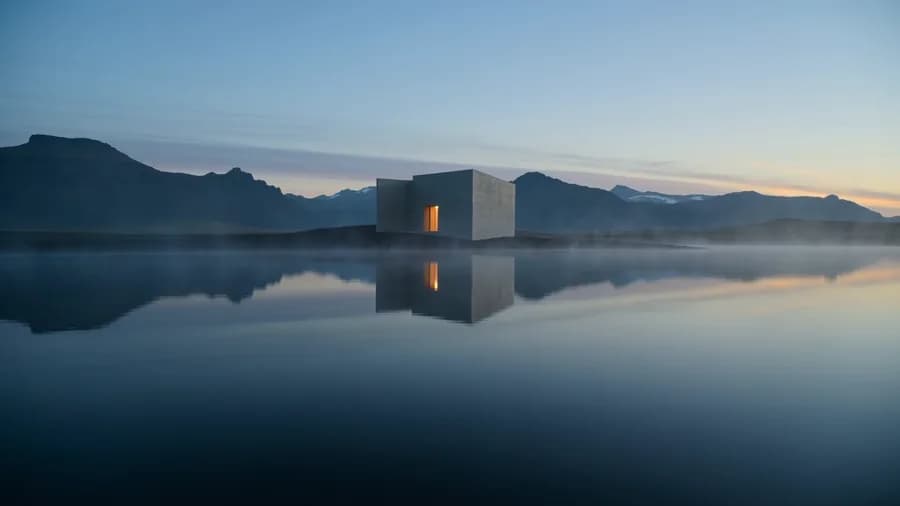 Strata Architecture |  Aurum Precious Metals |
 Altus Private Aviation | 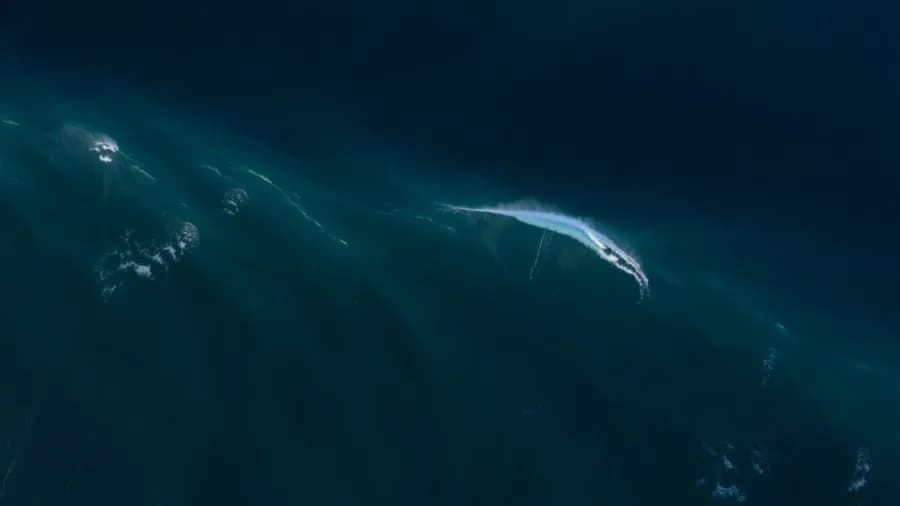 Tide Ocean Research |  Understory Land Trust |
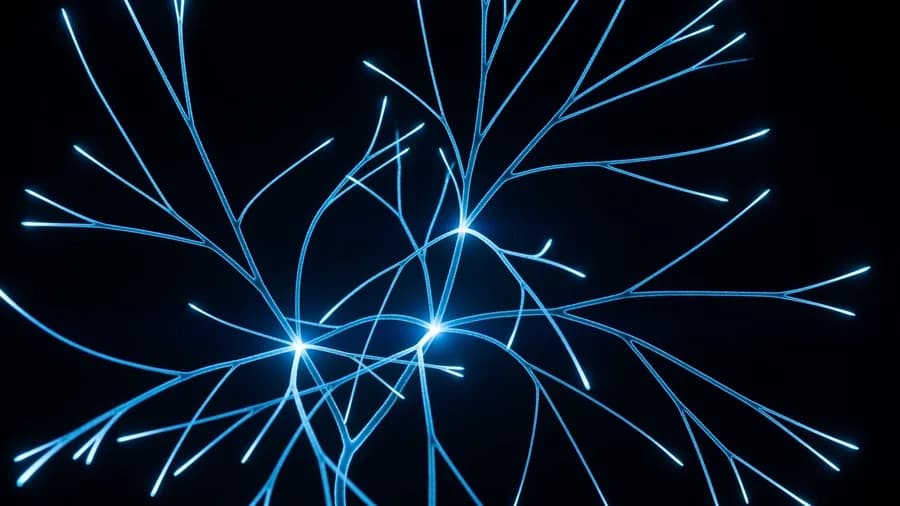 Ion Grid Infrastructure | 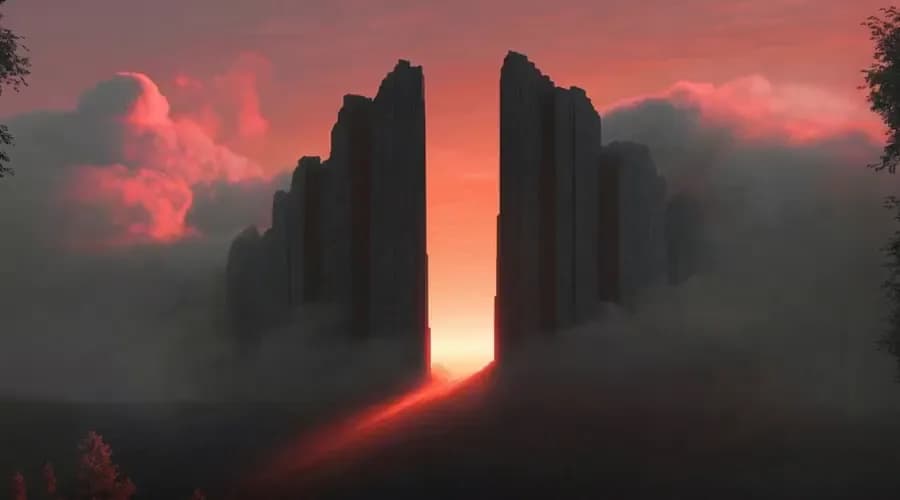 Cinematic Hero Movie / Streaming | 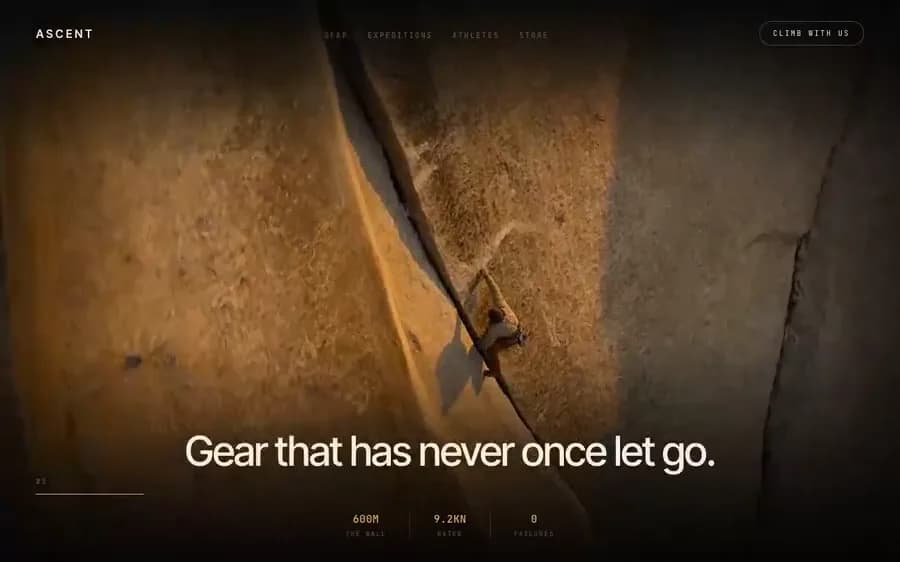 Ascent Alpine |
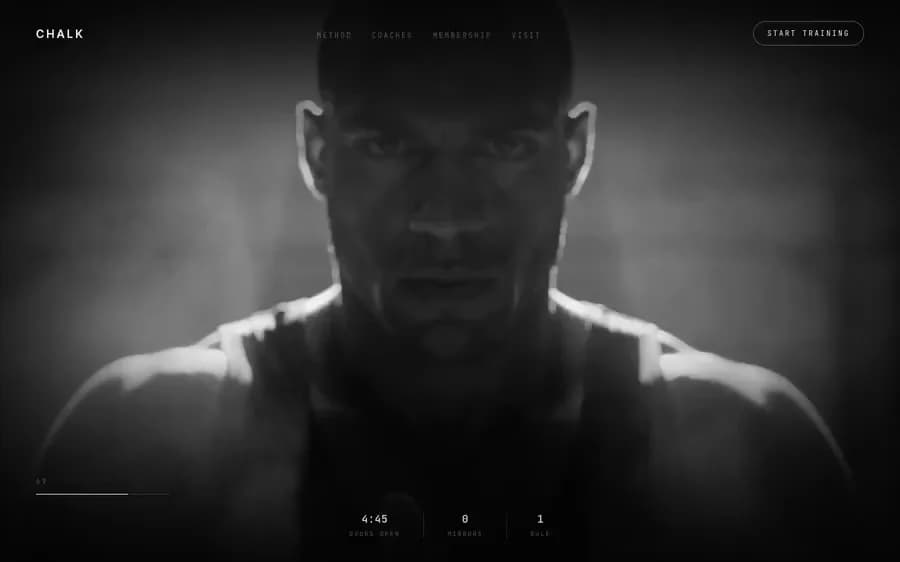 Chalk Strength | 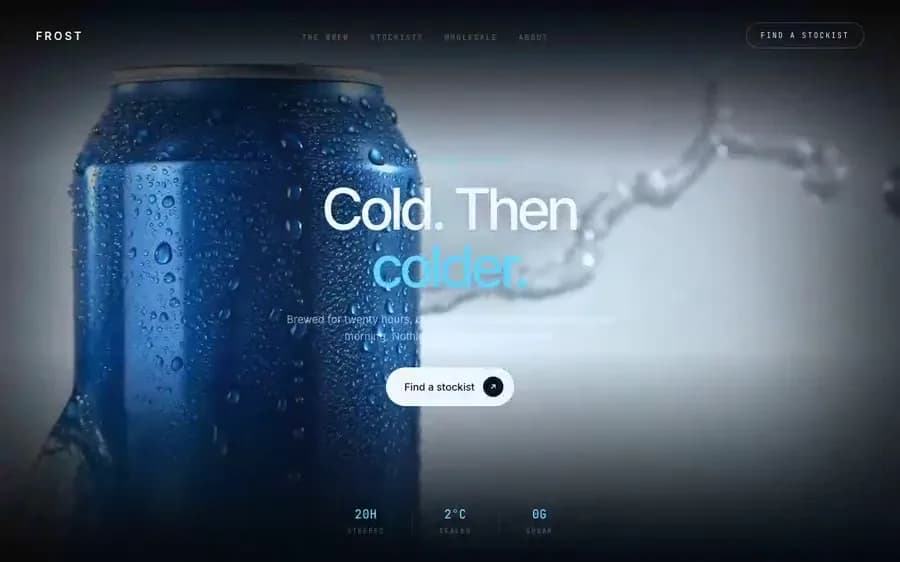 Frost Cold Brew | 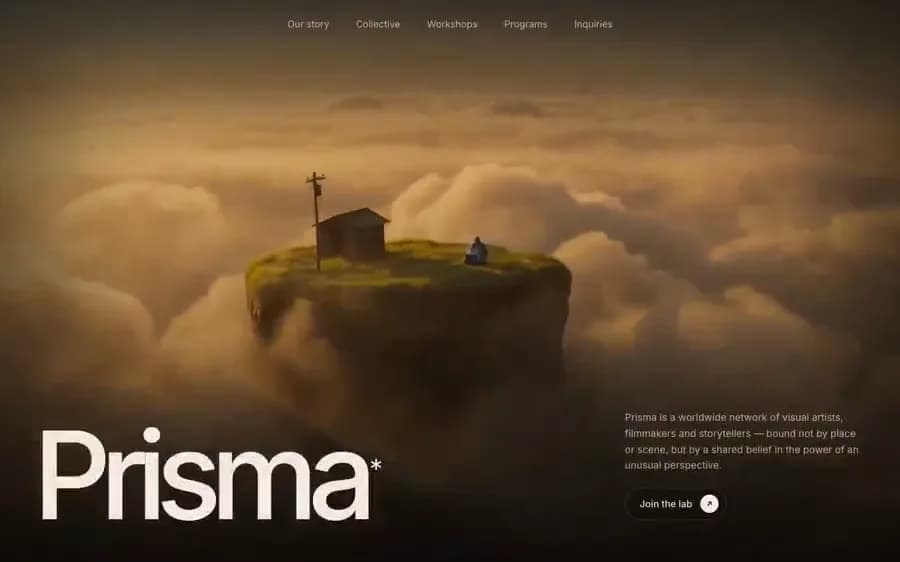 Prisma Creative Collective |
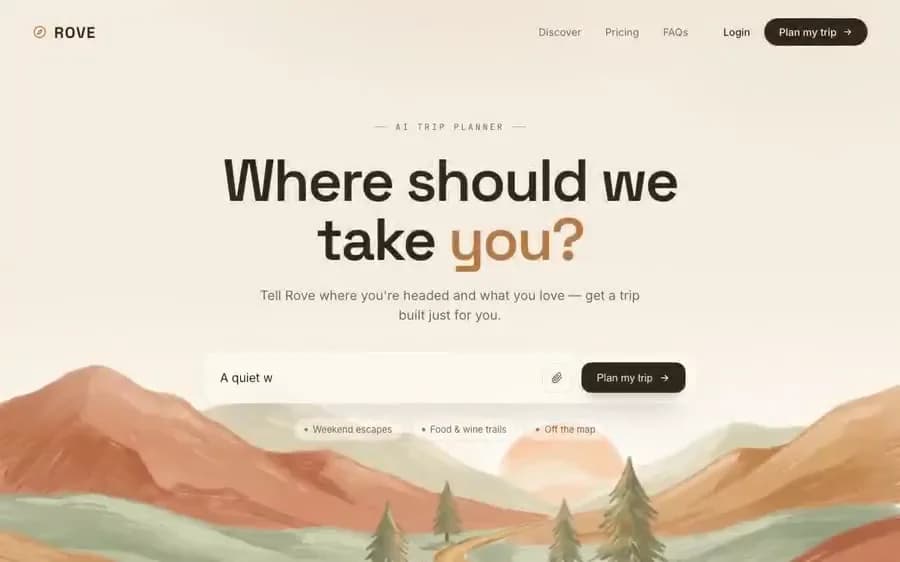 Rove Travel AI | 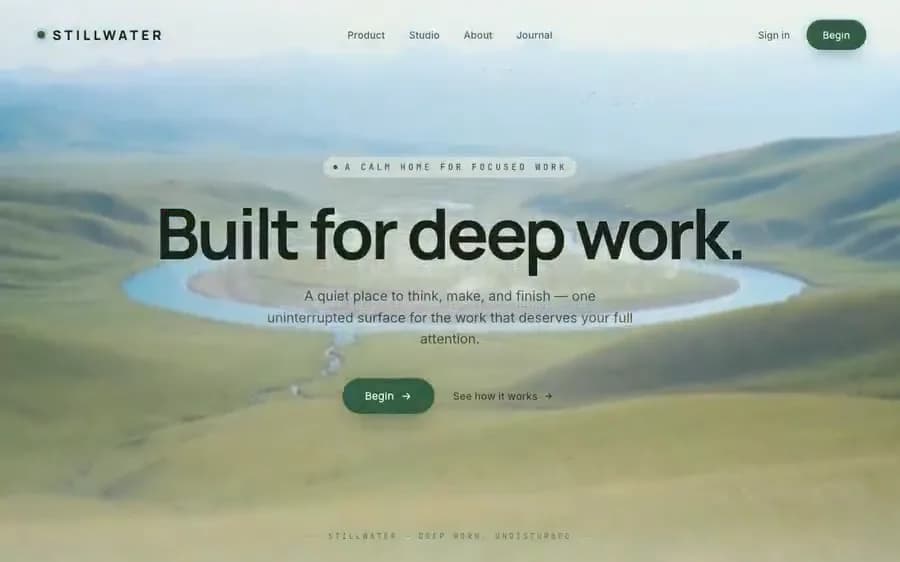 Stillwater Deep Work | 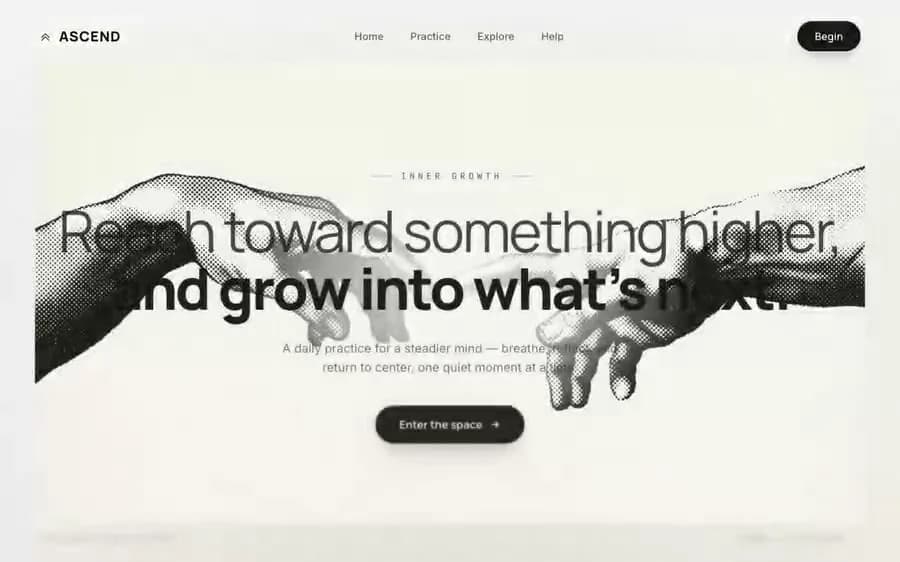 Ascend Mindfulness |
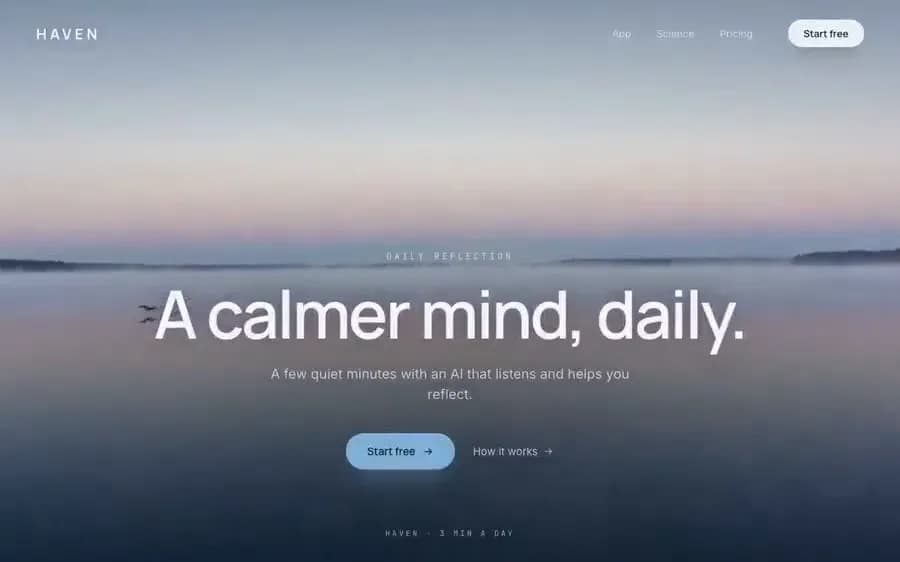 Haven Wellness AI | 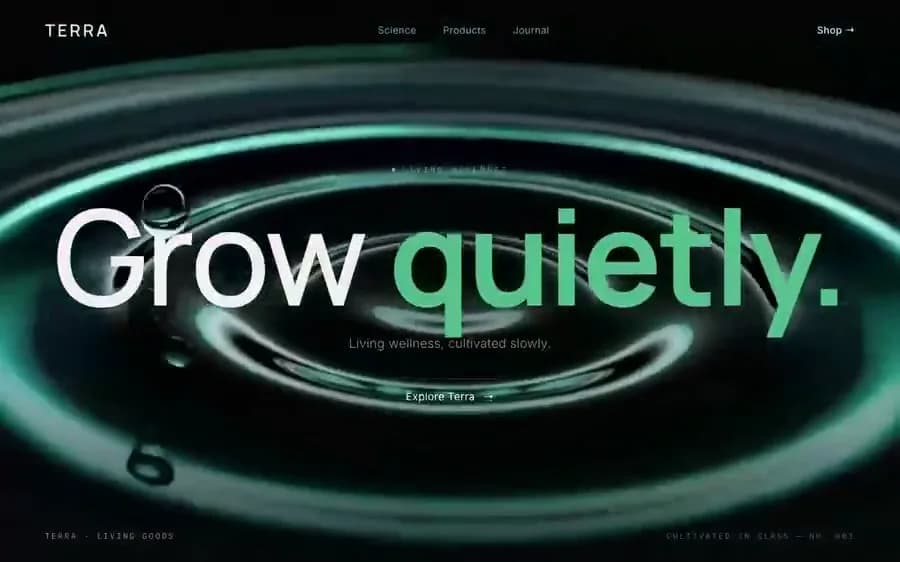 Terra Wellness | 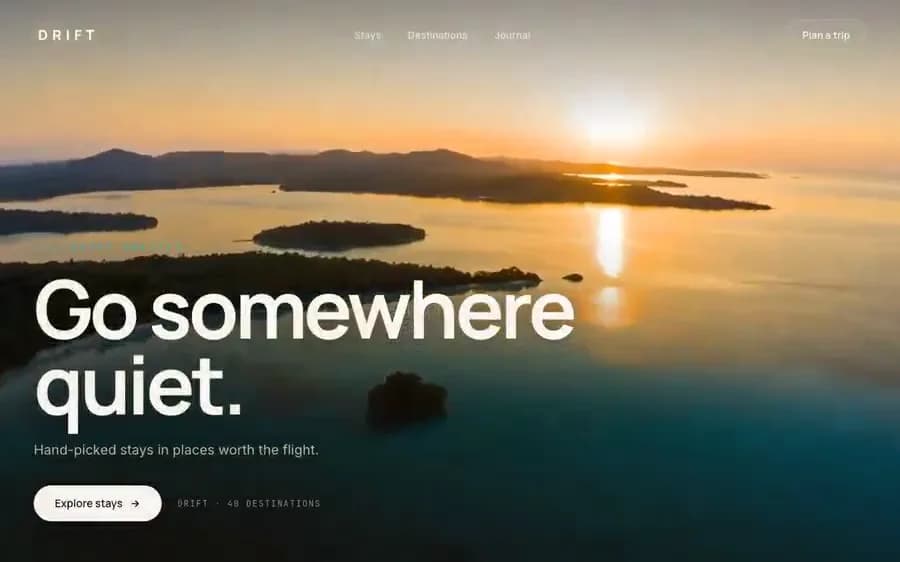 Drift Travel |
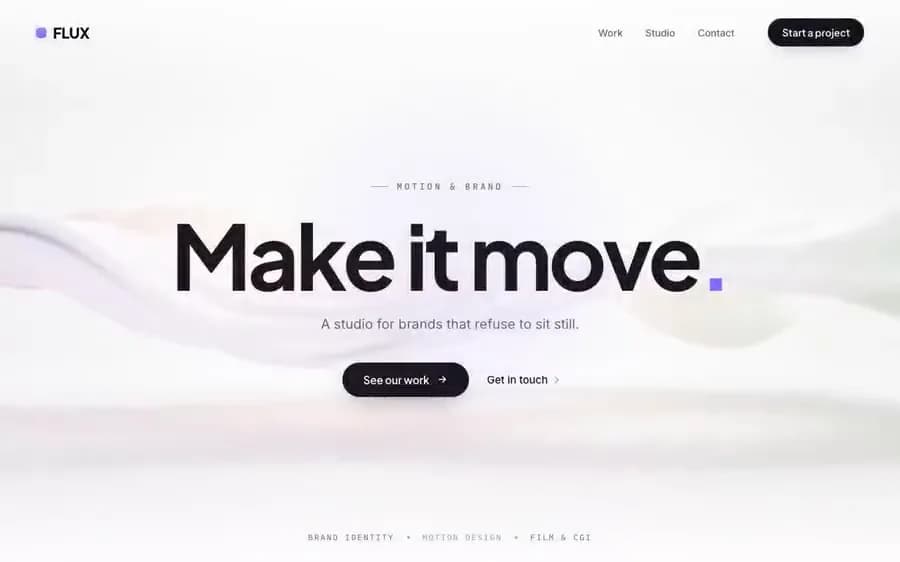 Flux Creative Studio | 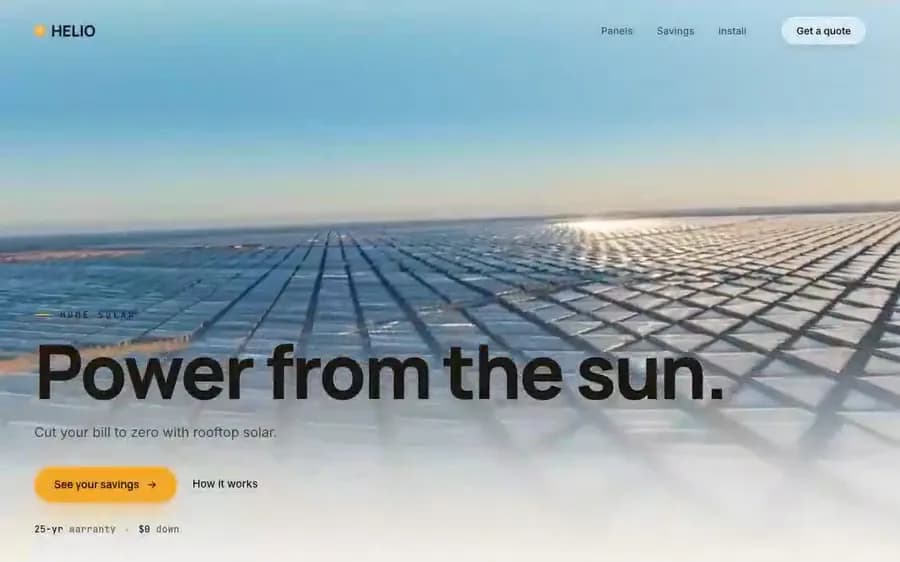 Helio Solar Energy | 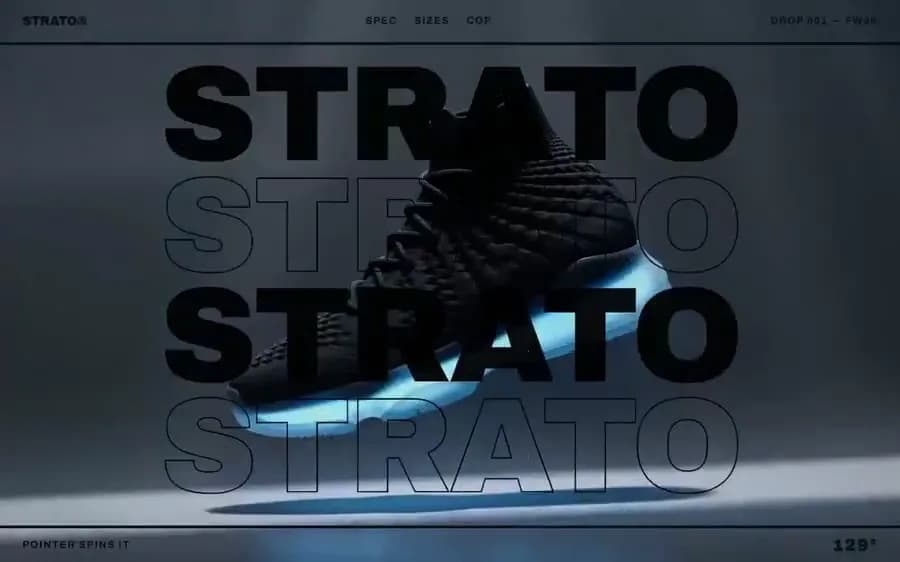 Strato Sneaker Drop |
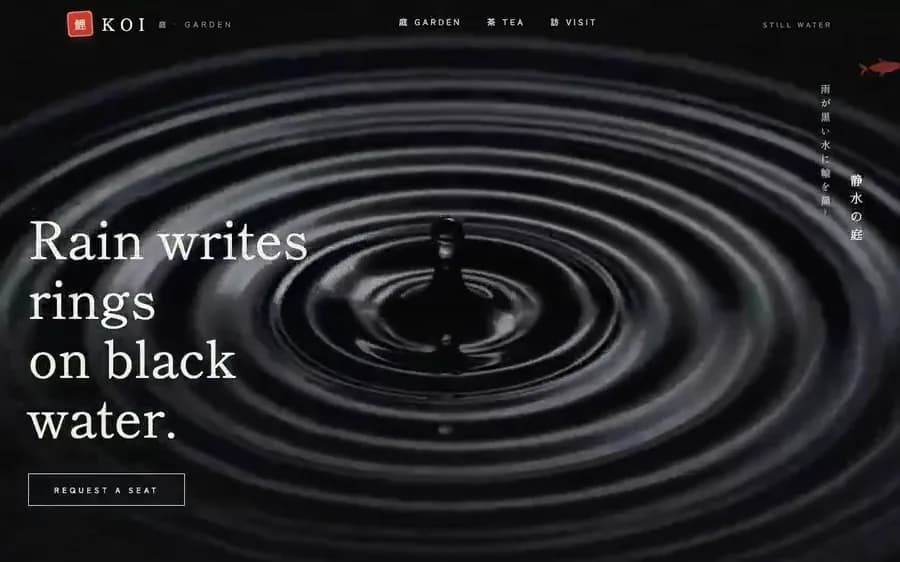 Koi Garden Teahouse | 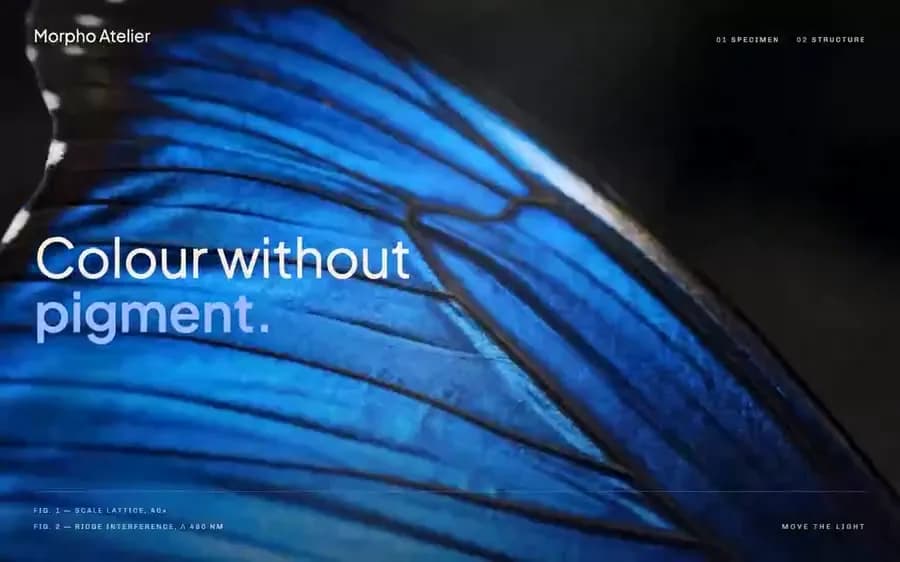 Morpho Field Journal | 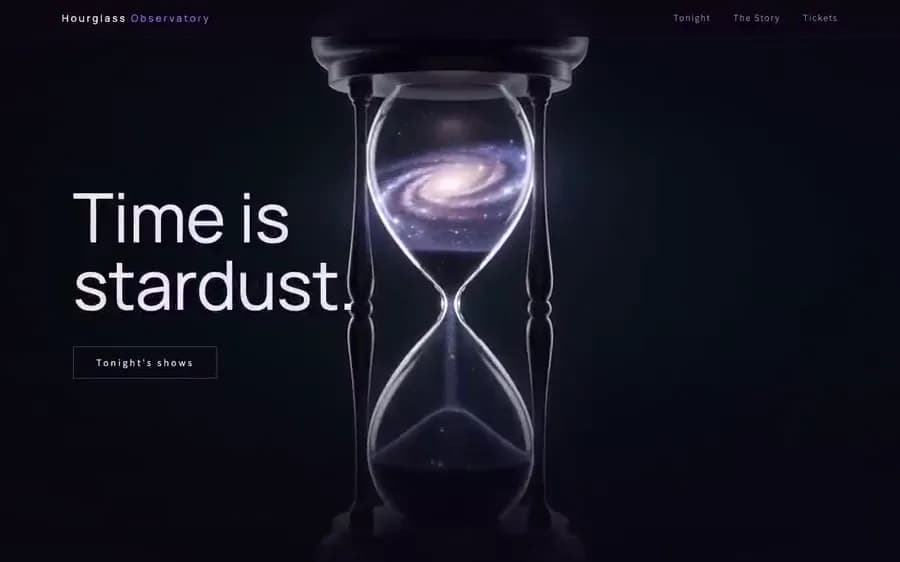 Hourglass Planetarium |
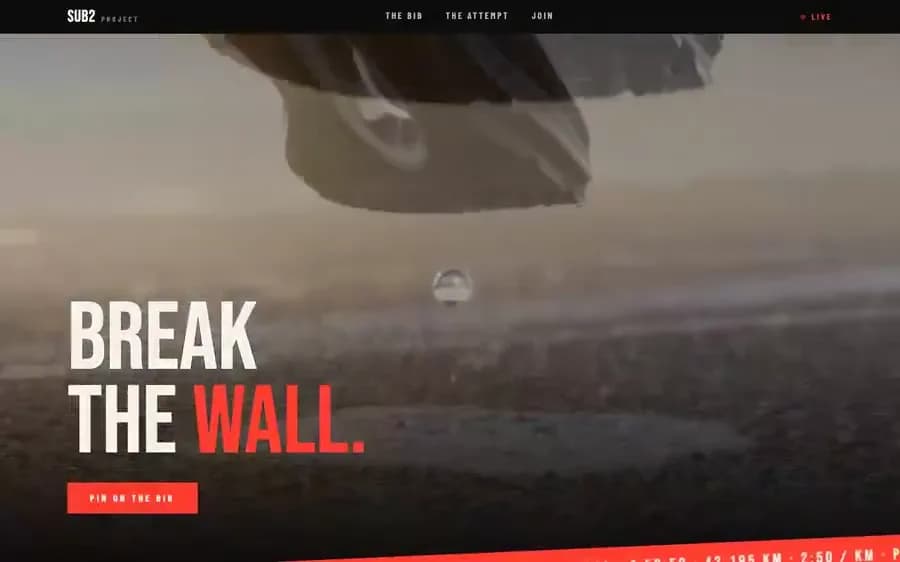 Sub2 Race Campaign | 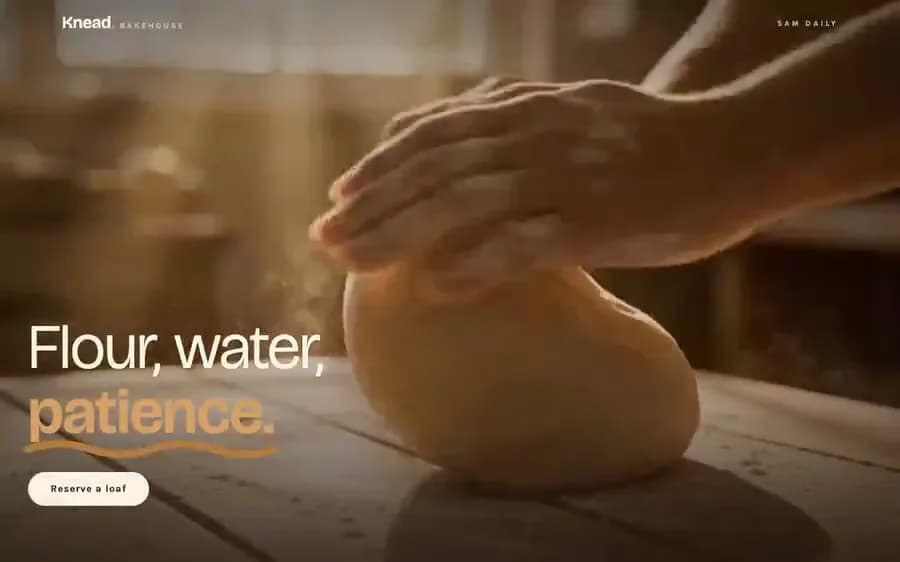 Knead Bakehouse | 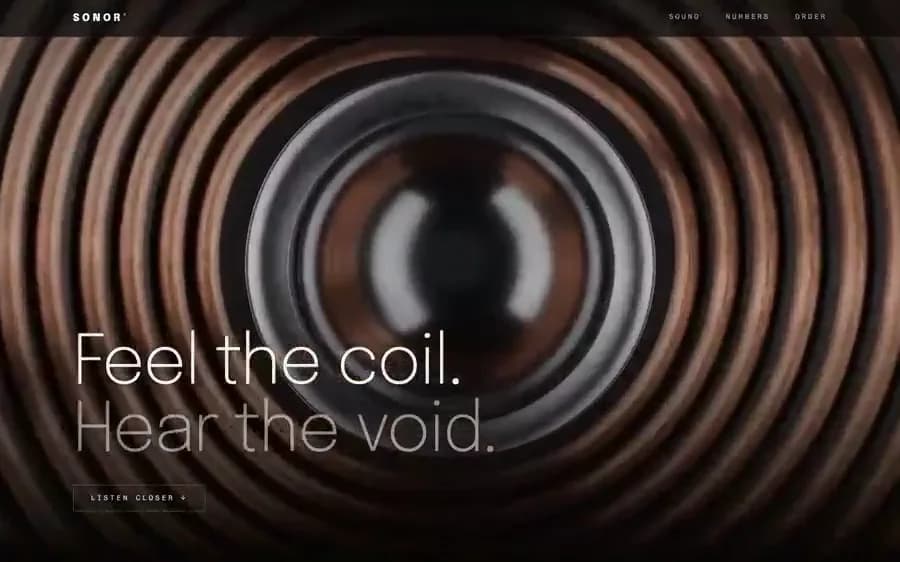 Sonor Audio Lab |
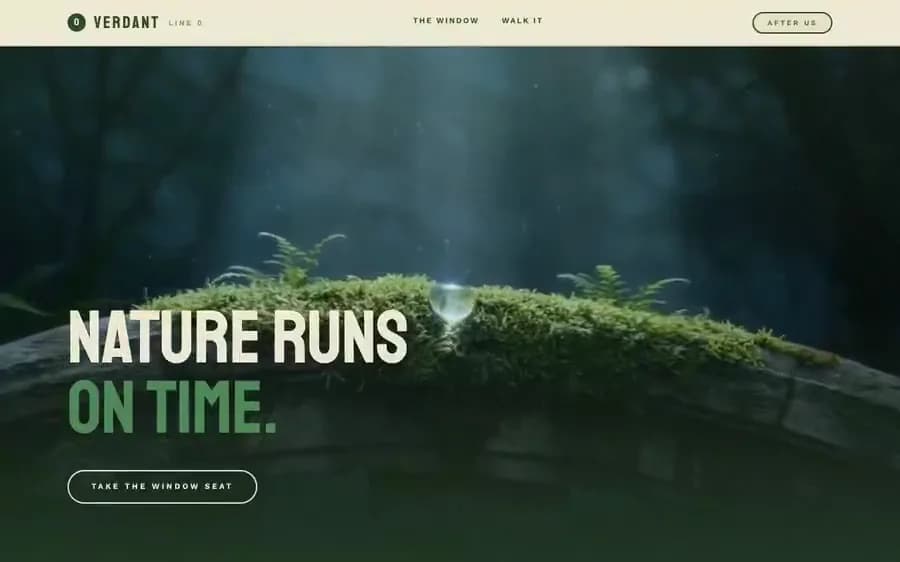 Verdant Overgrown Metro | 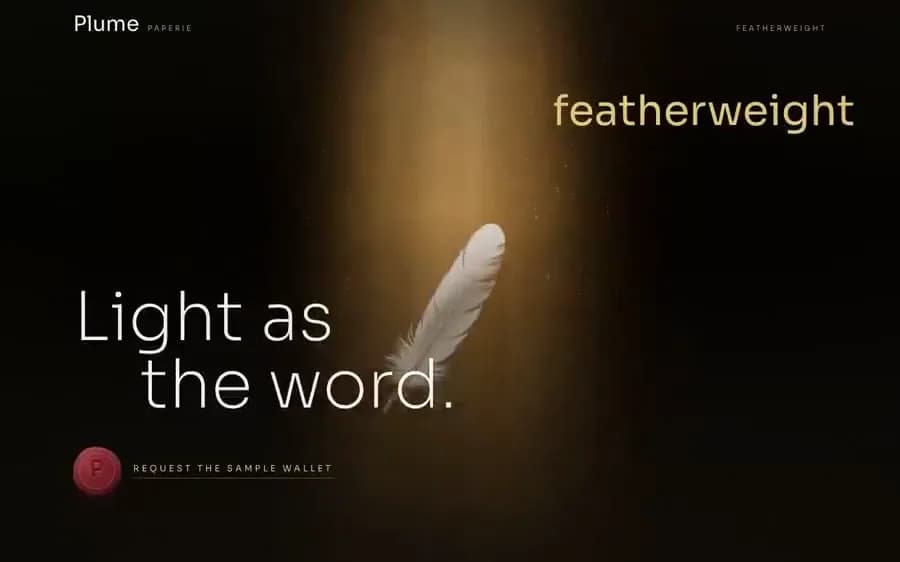 Plume Paperie | 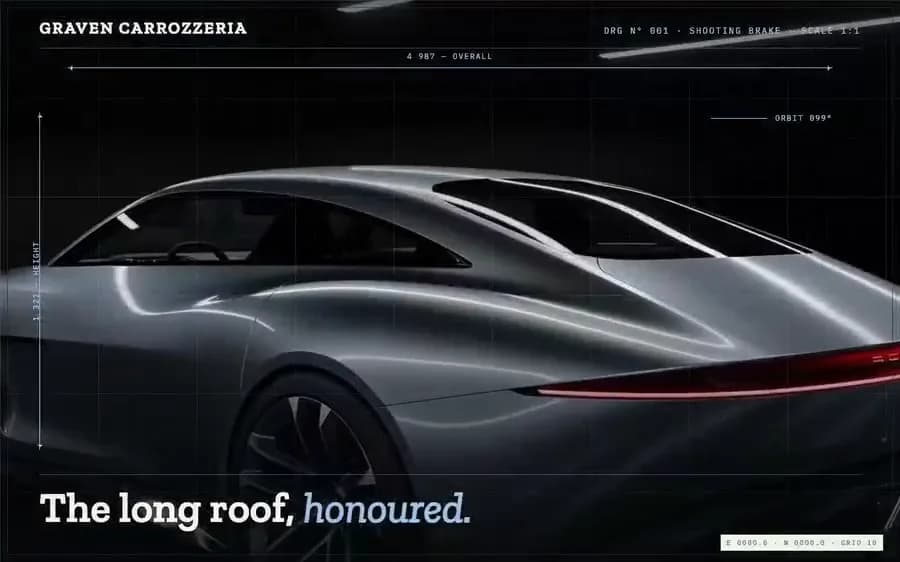 Graven Blueprint Sheet |
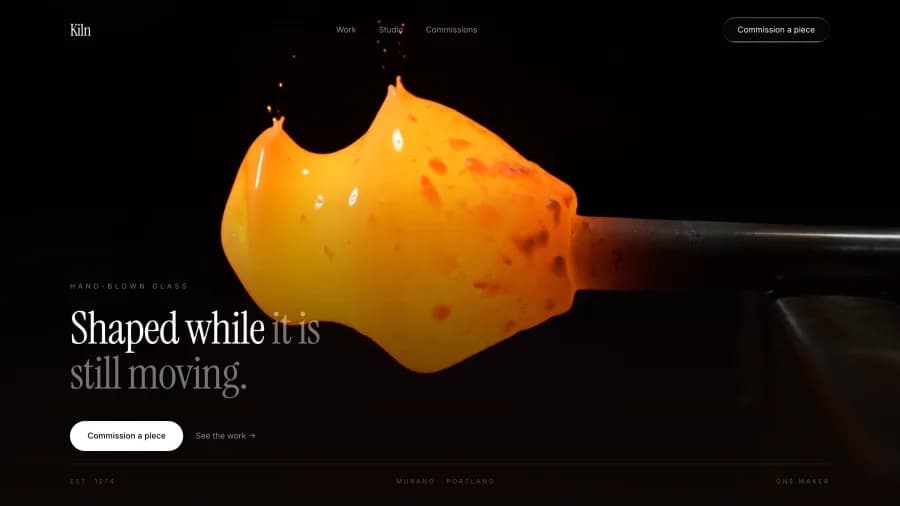 Kiln Glassworks |  Marrow Stone |  Salt Remote Travel |
 Cornice Expedition |  Lumen Lighting |  Basalt Geothermal |
 Pearl Skincare |  Indigo Design Studio |  Harvest Agriculture |
 Quartz Materials |  Terminus Logistics |  Loom Textiles |
 Vapour Bathhouse |  Ore Mining |  Sodium Urban Data |
 Ferrous Applied Physics |  Tallow Home Fragrance |  Aurora Polar Travel |
 Cinder Editorial |  Obsidian Private Security |
Getting a good result
Do not shorten the prompt. Every one specifies exact colours, easing curves, blur radii and z-index order. That detail is the difference between a page that looks designed and one that looks generated. Models will happily fill any gap you leave — and they fill it with defaults.
Say what to change, not what to build. "Same prompt, but the accent is #c0603c and the copy is about a bakery" keeps the structure and swaps the skin. Rewriting from scratch loses the parts that make it work.
Expect one follow-up. The first pass usually lands the layout and misses one interaction. Point at the specific thing — "the blur overlay should fade out by 45% up the screen, not 70%" — rather than asking it to try again.
The one section people delete, and shouldn't
Several prompts spend a paragraph on the loop. It reads like boilerplate. It is the most important part.
A plain <video loop> cuts from the last frame straight back to the first. In
real footage those frames differ — often a lot — and that cut lands as a visible
jolt every few seconds. It is the single detail that makes an otherwise
expensive-looking hero feel cheap.
It is also invisible in a screenshot, which is why it survives review and ships.
The fix is already written into the prompts: two stacked video elements, the second starting a second before the first ends, dissolving across each other forever. Nobody ever sees frame one arrive. Keep that section.
Going further
These 50 are the free tier — every one a single, self-contained hero.
This repo — free
|
uiprompts.app — the full library
|
Star it
If one of these saved you an afternoon, a star costs nothing and is how the next person finds the repo. That is the whole ask.
// faq
What is websiteprompts?
30 free copy-paste prompts that turn Claude Code, Cursor or v0 into a cinematic website — exact colours, easing and z-index, plus a background video that is already hosted.. It is open-source on GitHub.
Is websiteprompts free to use?
websiteprompts is open-source under the CC0-1.0 license, so it is free to use.
What category does websiteprompts belong to?
websiteprompts is listed under productivity in the Claudeers registry of Claude-compatible tools.
// embed badge

[](https://claudeers.com/websiteprompts)
// retro hit counter

[](https://claudeers.com/websiteprompts)
// reviews
// guestbook
// related in Productivity
 🔓
🔓Agent skills for Obsidian. Teach your agent to use Obsidian CLI and open formats including Markdown, Bases, JSON Canvas.
 🔓
🔓Garry's Opinionated OpenClaw/Hermes Agent Brain
 🔓
🔓Open source repository of plugins primarily intended for knowledge workers to use in Claude Cowork
 🔓
🔓An open-source alternative to Claude Cowork (powered by opencode)