
recall
Full-text search and resume for Claude/Codex conversations
Install with your AI
Paste into Claude Code, Cursor, or any agent — it reads the repo and wires the tool into your project.
⚠ Unverified source (community-unclaimed, low activity) — reveal the prompt
⚠ Unverified source (community-unclaimed, low activity). Inspect the repo before letting your agent install it.

Install and set up recall (release-binary project) into my current project.
Found on https://claudeers.com/recall-2
Repo: https://github.com/zippoxer/recall
Homepage/docs: —
Detected install method: release-binary → inspect the README
Category: devtools. Platforms: cli.
Read the repo's README for exact setup and env vars, then install it and wire it into my project.

Claudeers Health Verdict:
dormant; community-verified: false. Confirm the source before running anything.
Grab the latest release asset from GitHub.
# download a build from https://github.com/zippoxer/recall/releases
git clone https://github.com/zippoxer/recall
// compatibility
| Platforms | cli |
|---|---|
| Operating systems | — |
| AI compatibility | claude |
| License | MIT |
| Pricing | open-source |
| Language | Rust |
recall 
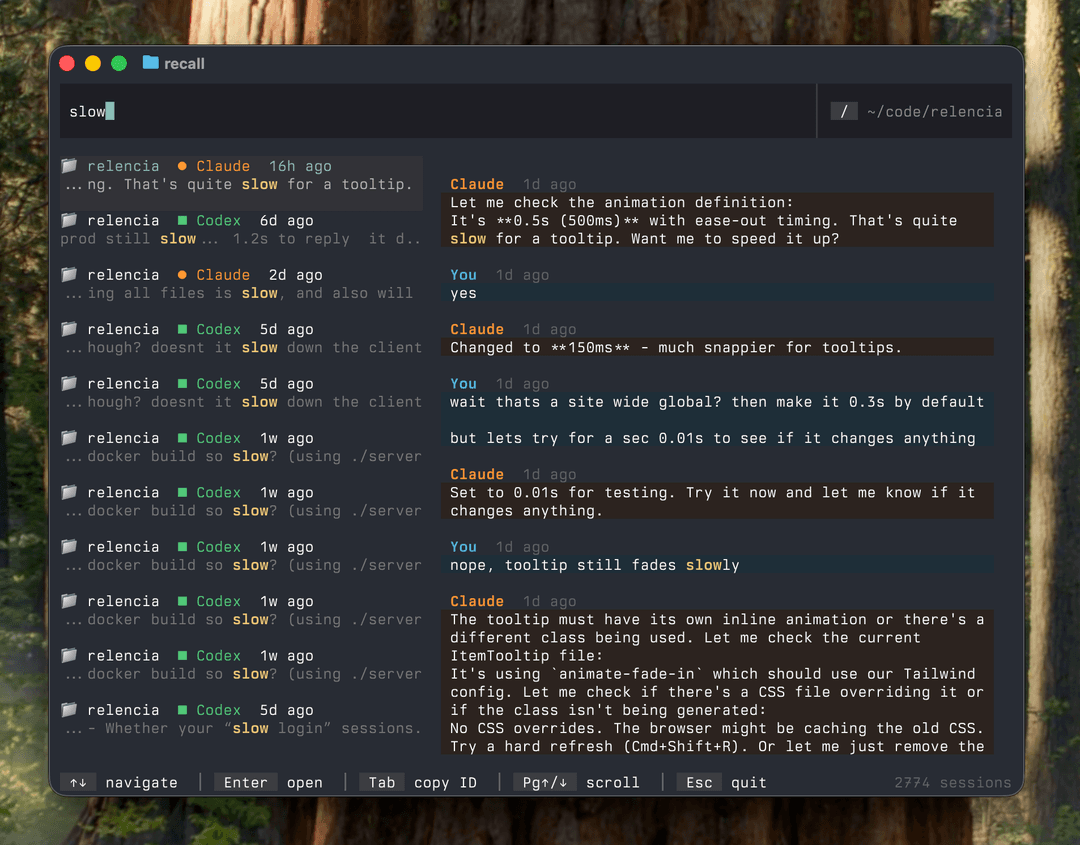
Search and resume your Claude Code conversations. Also supports Codex, OpenCode and Factory (Droid).
Tip: Don't like reading? Tell your agent to use recall search --help and it'll search for you.
Install
Homebrew (macOS/Linux):
brew install zippoxer/tap/recall
WinGet (Windows):
winget install zippoxer.recall
Cargo:
cargo install --git https://github.com/zippoxer/recall
Binary: Download from Releases
Use
Run:
recall
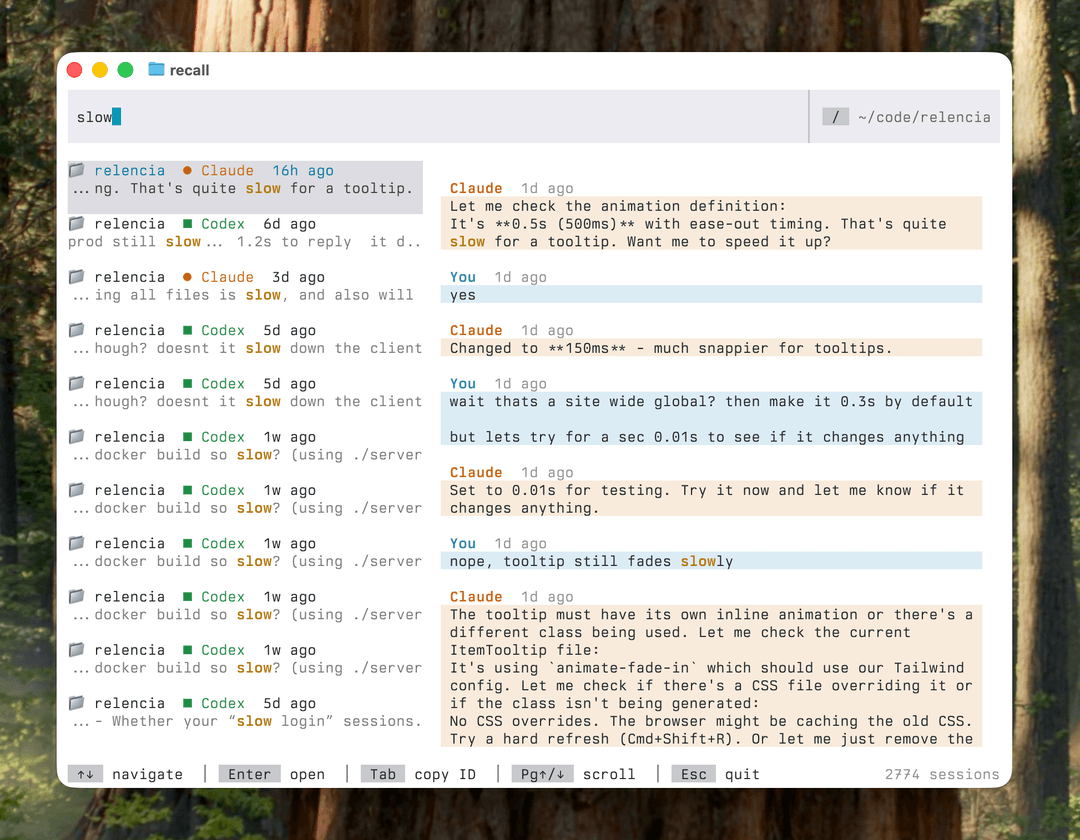
That's it. Start typing to search. Enter to jump back in.
| Key | Action |
|---|---|
↑↓ | Navigate sessions |
Pg↑/↓ | Scroll messages |
Ctrl+E | Expand message |
Enter | Resume conversation |
Tab | Copy session ID |
/ | Toggle scope (folder/everywhere) |
Esc | Quit |
Ask it to Search for You
Simply tell your agent:
use `recall search --help`
Example:
pls find me the last conversation where we deployed to staging, use `recall search --help`
MCP
No MCP required. The recall search CLI fulfills the same purpose. See Ask it to Search for You.
Customize
recall's resume commands can be configured with environment variables.
For example, to resume conversations in YOLO mode, add this to your .bashrc or .zshrc:
export RECALL_CLAUDE_CMD="claude --dangerously-skip-permissions --resume {id}"
export RECALL_CODEX_CMD="codex --dangerously-bypass-approvals-and-sandbox resume {id}"
Made with ❤️ by zippoxer and Claude.
// faq
What is recall?
Full-text search and resume for Claude/Codex conversations. It is open-source on GitHub.
Is recall free to use?
recall is open-source under the MIT license, so it is free to use.
What category does recall belong to?
recall is listed under devtools in the Claudeers registry of Claude-compatible tools.
// embed badge

[](https://claudeers.com/recall-2)
// retro hit counter

[](https://claudeers.com/recall-2)
// reviews
// guestbook
// related in Developer Tools
 🔓
🔓The agent harness performance optimization system. Skills, instincts, memory, security, and research-first development for Claude Code, Codex, Opencode, Curs…
 🔓
🔓Makes your AI agent think like the laziest senior dev in the room. The best code is the code you never wrote.
 🔓
🔓Use Garry Tan's exact Claude Code setup: 23 opinionated tools that serve as CEO, Designer, Eng Manager, Release Manager, Doc Engineer, and QA
 🔓
🔓AI coding assistant skill (Claude Code, Codex, OpenCode, Cursor, Gemini CLI, and more). Turn any folder of code, SQL schemas, R scripts, shell scripts, docs,…