
opusclip-video-tools
OpusClip Video Tools for Codex and Claude Code: editable launch video templates and managed media generation.
Install with your AI
Paste into Claude Code, Cursor, or any agent — it reads the repo and wires the tool into your project.
Install and set up opusclip-video-tools (claude-plugin project) into my current project.
Found on https://claudeers.com/opusclip-video-tools
Repo: https://github.com/opus-pro/opusclip-video-tools
Homepage/docs: https://product-videos.labs.opus.pro/
Detected install method: claude-plugin → /plugin install opusclip-video-tools@opus-pro/opusclip-video-tools
Category: data. Platforms: cli, api, desktop, web, mobile.
Read the repo's README for exact setup and env vars, then install it and wire it into my project.

Claudeers Health Verdict:
unknown; community-verified: false. Confirm the source before running anything.
⚠ Unverified / not recently updated — review before pasting a run-this config.
/plugin marketplace add opus-pro/opusclip-video-tools
/plugin install opusclip-video-tools@opus-pro/opusclip-video-tools
git clone https://github.com/opus-pro/opusclip-video-tools
// compatibility
| Platforms | cli, api, desktop, web, mobile |
|---|---|
| Operating systems | — |
| AI compatibility | claude |
| License | — |
| Pricing | open-source |
| Language | TypeScript |
OpusClip · Opus Labs · Template gallery · Quick start · Best results · For AI agents
Everyone knows a launch should go out on social. The hard part is making the video. OpusClip Video Tools turns Claude and ChatGPT into your motion designer. Tell it what you shipped, and it hands back a finished video for every feed, built from templates that already work. It runs as a plugin for Claude Code and Codex, with MIT-licensed template and remake source, made by Opus Labs, brought to you by OpusClip.
| "I built a great product, but I don't know how to market it." For builders. You don't need a video team or editing skills. Tell your agent about your product, and it turns a proven launch template into a video with your logo, screens and colors. | "My team ships new features every week. I need a way to tell customers about all of them." For marketers. Make a video for every release without waiting on design. Ask in the Claude or ChatGPT app you already use, and reuse the same templates so every update looks on-brand. |
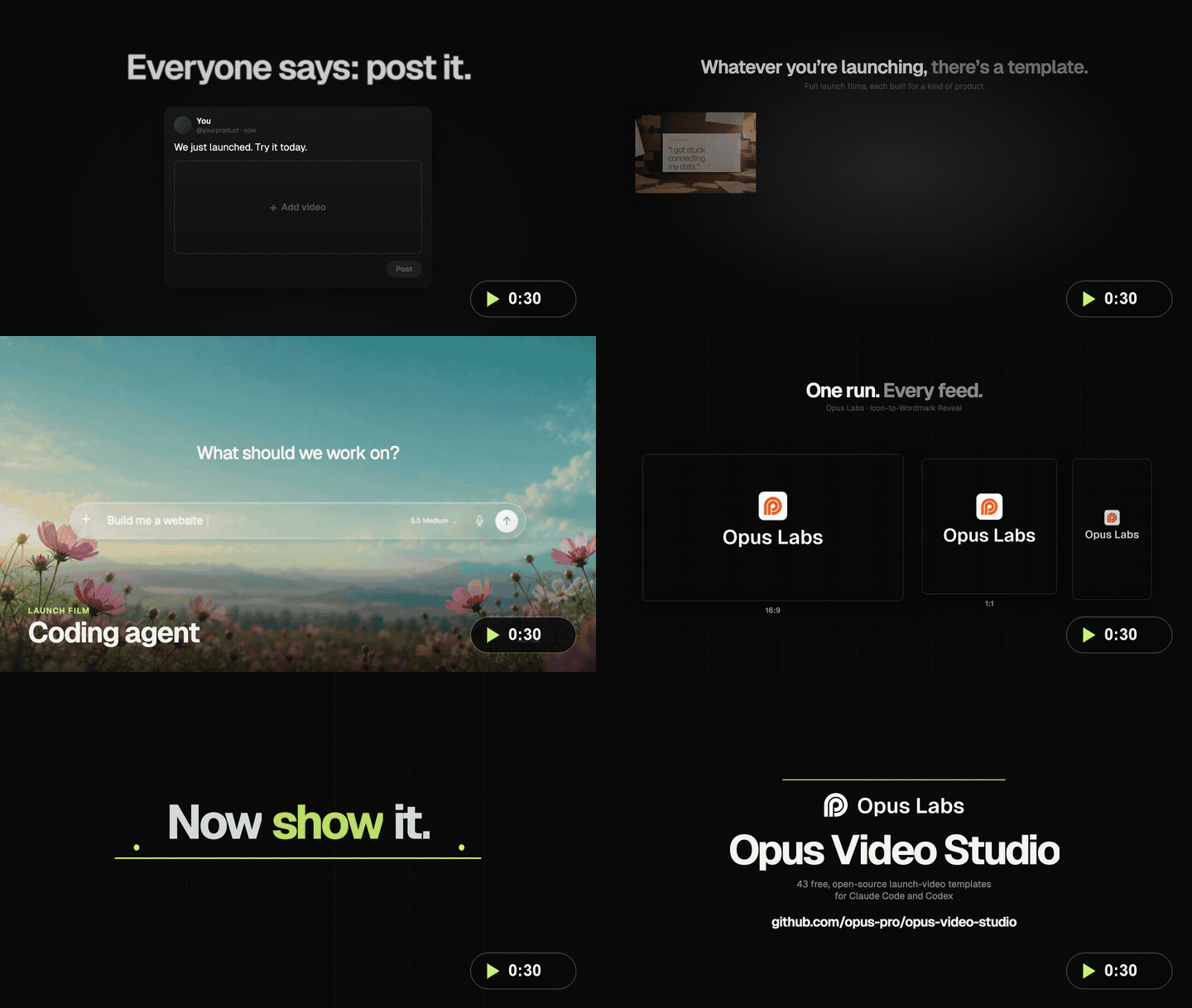
Watch the 30-second launch film. Every clip in it comes from these templates. · Vertical cut
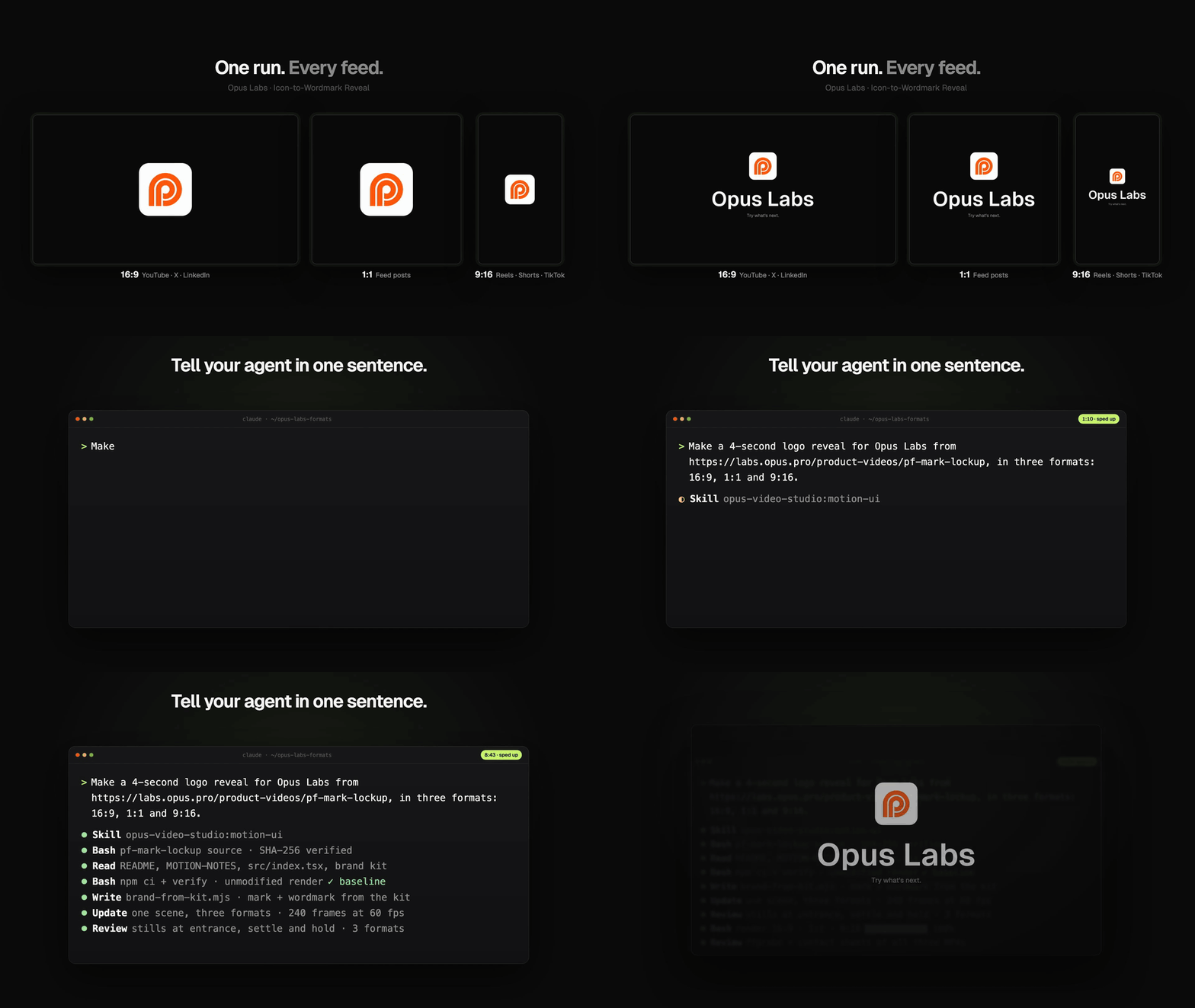
One prompt in. The agent downloads and verifies the template, adapts it to your brand, and renders every format you need. A real Claude Code session, sped up.
| No video skills needed Describe the video in one sentence. Your agent edits the template's code, so there's no timeline to learn. | Start from what already works 9 full launch films and 34 ready-made pieces: logo reveals, headlines, showcases, product UI and data stories. Use one as is or mix them. | Every feed from one run 16:9 for X, YouTube and LinkedIn, 1:1 for feeds, and 9:16 for Reels, Shorts and TikTok. Rendered on your machine, free. |
Quick start
1. Install the plugin. In Claude Code (terminal or the Code tab in Claude Desktop):
/plugin marketplace add opus-pro/opusclip-video-tools
/plugin install opus-video-studio@opus-pro
In Codex:
codex plugin marketplace add https://github.com/opus-pro/opusclip-video-tools.git --ref main
codex plugin add opus-video-studio@opus-pro
Continue in the current conversation once the plugin is available. Use the client’s reload or Continue action when required; start a new conversation only if the client requires it, carrying the full brief forward. Need help with Desktop, upgrades or signing in? See the Claude Code and Codex guides.
2. Ask for a video. Pick a template in the gallery or below, then describe what you want:
Make a 20-second launch video for Acme (acme.com) from https://product-videos.labs.opus.pro/ai-research, in 16:9 and 9:16
Turn https://product-videos.labs.opus.pro/pf-mark-lockup into a 4-second logo reveal. Logo: ./brand/logo.svg
Turn "Teams close tickets 3x faster with Acme" into a 10-second LinkedIn stat video from https://product-videos.labs.opus.pro/template-case-numo
That's it. Your agent adapts the template, renders it on your machine and checks the result before handing it back.
Get the best results
What we've seen work, after making a lot of these:
- Use the strongest model. Set Claude Code to Claude Opus 5.5 and Codex to Astra 6. Motion design takes a lot of taste and precision, and the top models get noticeably closer on the first try.
- Start from a template, not a blank prompt. The templates carry motion that's already been tuned. Pick the launch film closest to your product, or a single component if you only need a logo reveal or a headline.
- Bring your real assets. Your site URL, an SVG logo and two or three product screenshots. The agent uses only what you give it and never invents brand assets.
- Keep it short. 15 to 30 seconds for a launch, 4 to 6 for a logo reveal or a stat. Describe the whole video in one message.
- Ask for every format at once. 16:9 for X, YouTube and LinkedIn, 1:1 for feeds, 9:16 for Reels, Shorts and TikTok.
- Revise like you'd brief a designer. "Land the headline a beat earlier." "Use our dark palette." "Cut the second scene." The agent edits the video and re-renders.
- Add music or voiceover last. Templates and local rendering are free. AI-generated voiceover, music and footage run on paid models, so they use OpusClip credits to cover the cost. Your agent shows you the exact request first.
Pick a template for your launch
Every template is editable source under the MIT License, with its original animation code, locked dependencies and asset notes. Each preview plays inline; click it for the full video.
Full launch films
Nine complete launch videos, each designed around a kind of product. Swap in your name, screens and colors.
 AI Research Assistant Research and evidence workflows · 19 s | 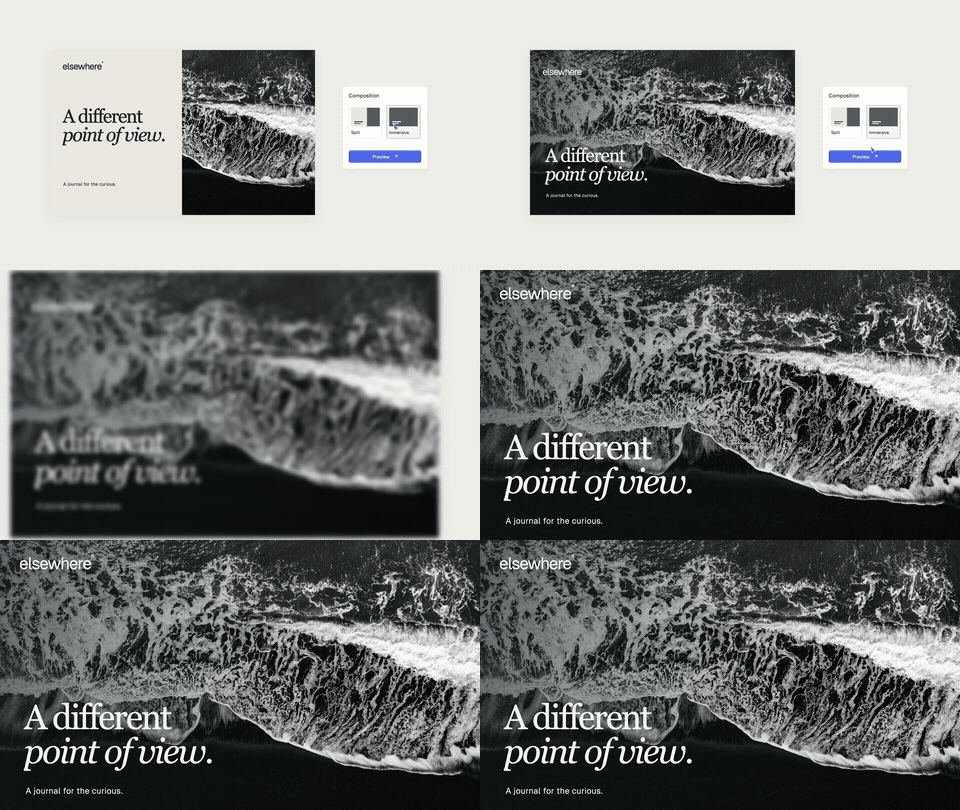 AI Writing Assistant Writing and document workflows · 20 s |  AI Coding Agent AI coding agents and software creation workflows · 28 s |
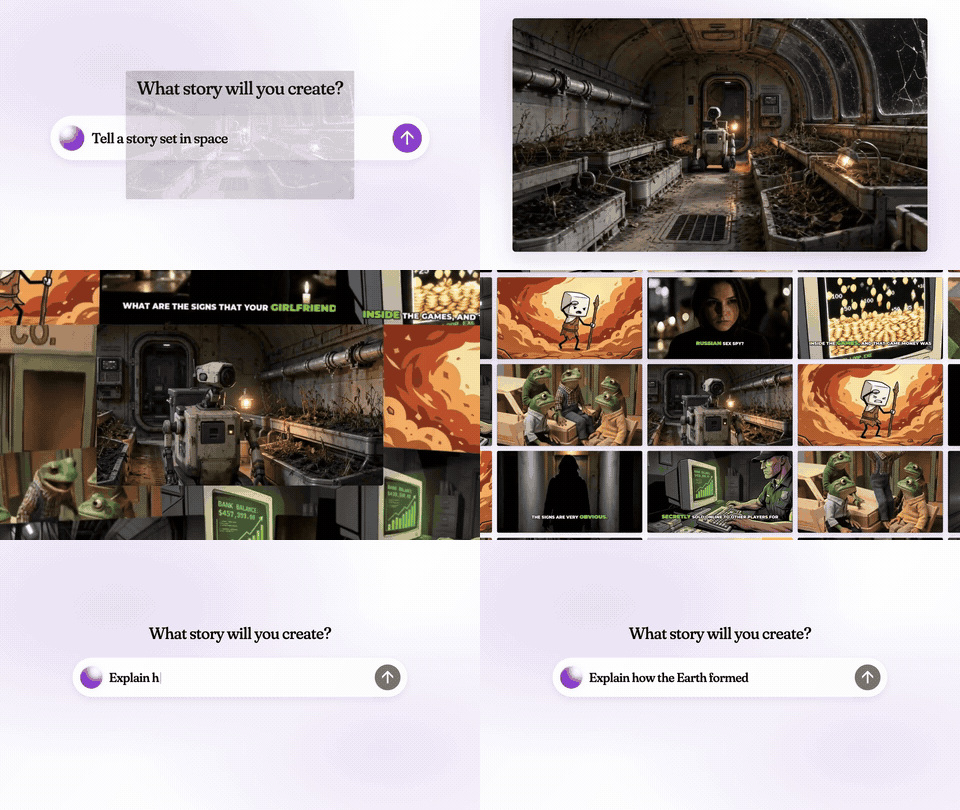 AI Video Generator AI video creation · 41 s | 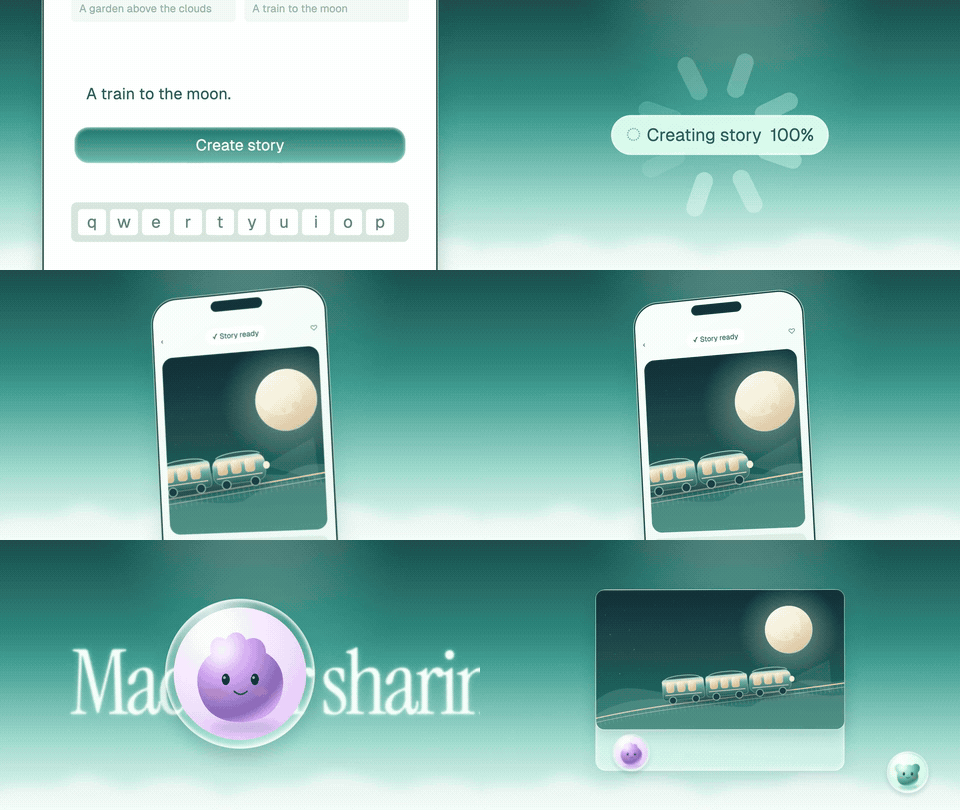 AI Companion Character chat and personal assistants · 30 s |  Creative Search Creative file search · 23 s |
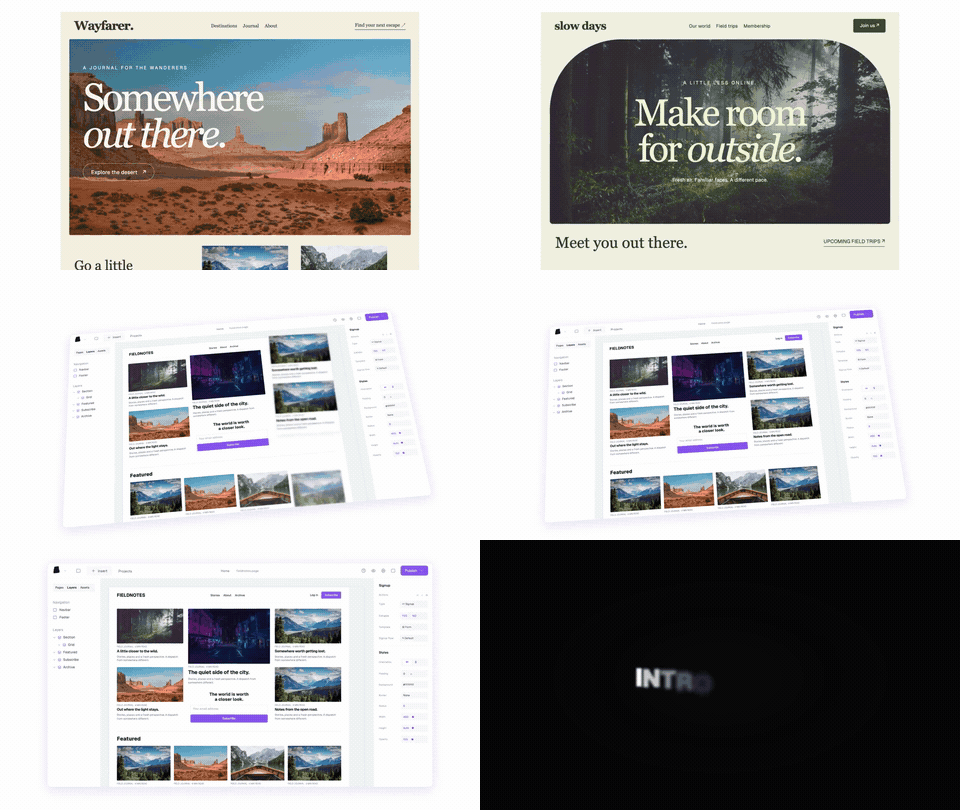 Website Builder Website and visual editors · 52 s | 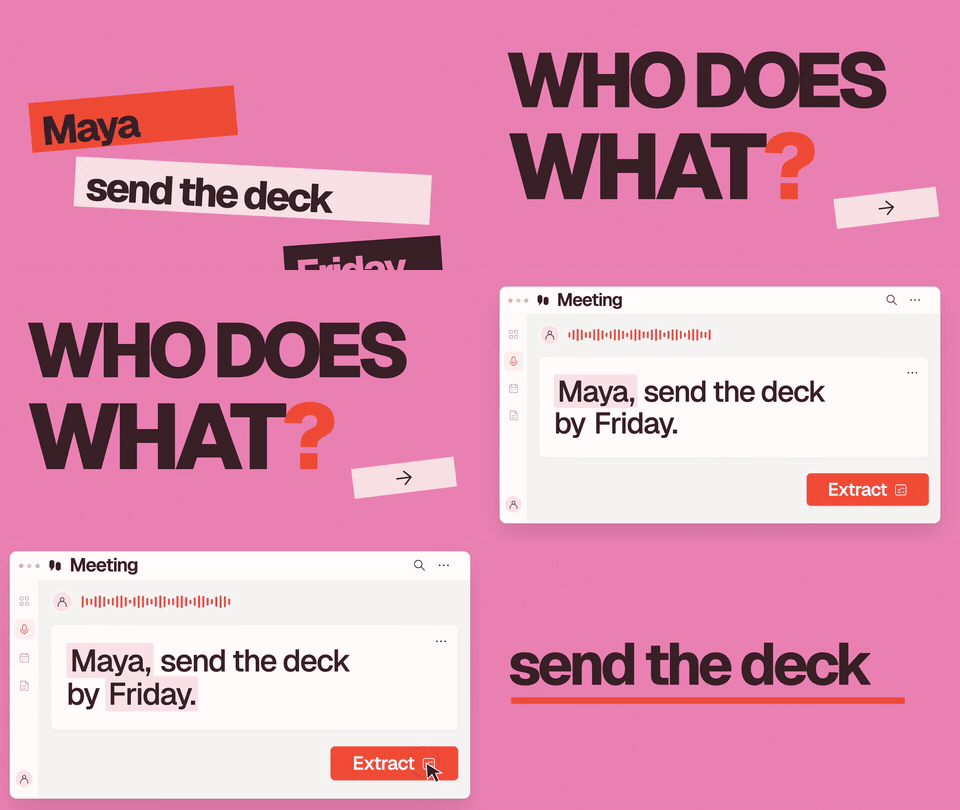 AI Meeting Assistant Meeting notes and action items · 15 s | 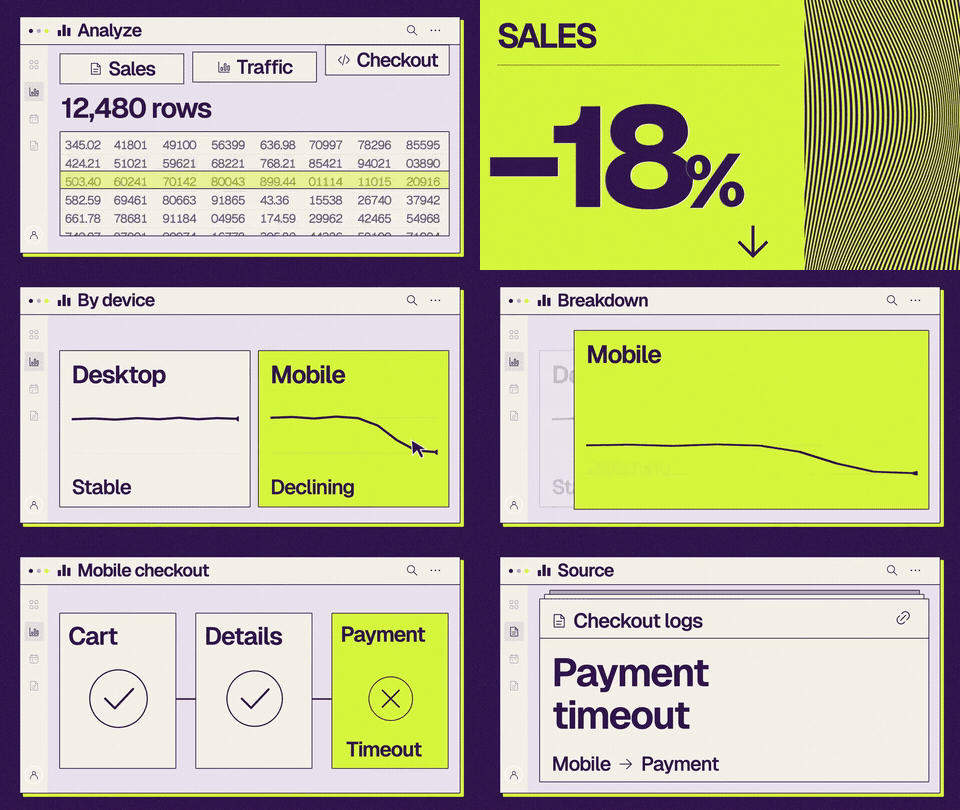 Analytics Dashboard Data analytics · 15 s |
Or grab just the piece you need
34 motion components, each split out as its own project, so you can drop a logo reveal into a video you already have or string a few together into a new one.
 Logo reveals 9 brand intros |  Headlines 6 titles and announcements | 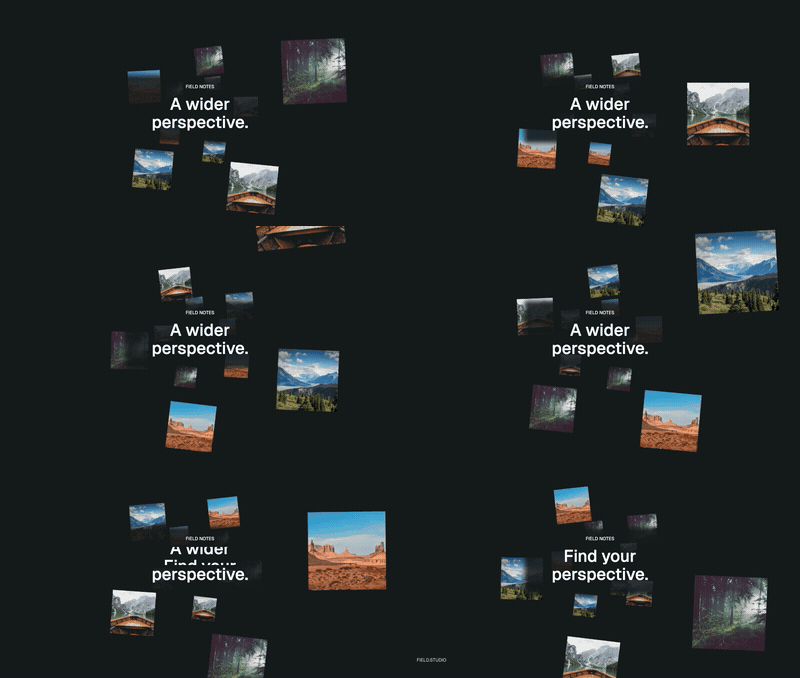 Showcases 9 galleries, 3D and portfolios | 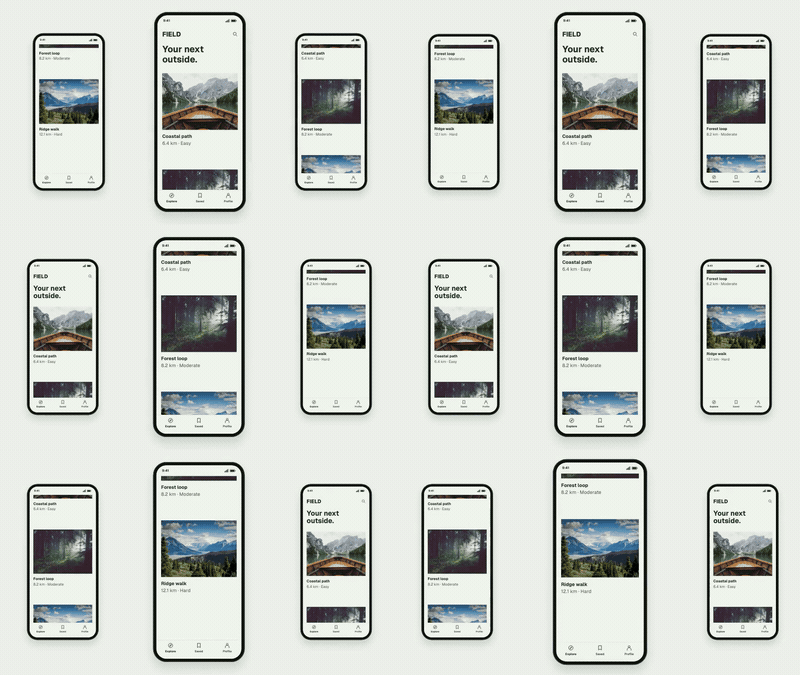 Product UI 6 app and UI demos | 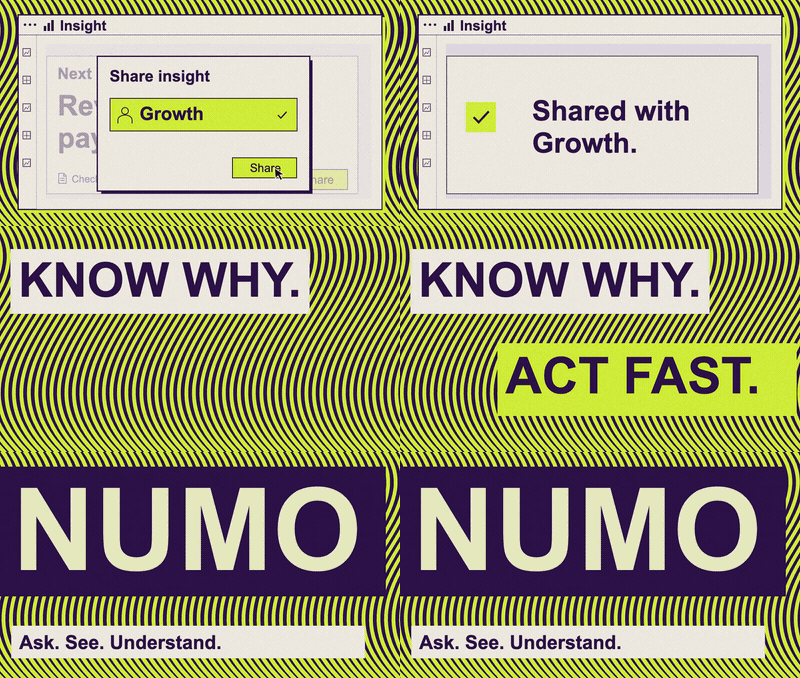 Data stories 4 charts and results |
Browse all 43 templates and components →
What's in the plugin
| Get started | Choose a template or generated media. Browse the template library or start from the open-source templates. |
| Motion UI | Editable UI animation and code-driven product videos, with real-UI fidelity, kinetic typography, deliberate easing, and optional OpusClip audio. |
| Media Tools | Standalone audio, images and keyframes, transcription, asset import, and job status and recovery. |
| Video Director | Directing and prompt optimization for every new AI video generation, including direct model requests. |
| OpusClip Video Tools MCP | The managed opus-video-tools connection at https://labs.opus.pro/opus-video-tools/mcp. |
| Local Remotion | Pinned local Remotion dependencies, a setup helper, and an editable starter composition. |
What it costs. Templates, preview and local rendering are free, with no account needed. AI-generated voiceover, music, images and video run on paid models, so they use OpusClip credits to cover the cost. Credits come straight from your OpusClip account, so there's nothing else to set up: sign up or sign in at opus.pro. Your agent shows you the exact request and its cost before it spends anything.
Curious how models compare? Claude Opus 5.5 rebuilt all 34 components blind from a written spec. See the side-by-sides →
Opus Labs, brought to you by OpusClip

OpusClip is the AI video platform creators and brands use to turn long videos into short, social-ready clips. Opus Labs is where our team builds open-source video tools for AI agents, and OpusClip Video Tools covers the other half of the job: making the launch video in the first place.
Your OpusClip account powers the AI features here, including voiceover, music, images and AI video, and it's where your credits live.
Create your OpusClip account →
For AI agents
If you are an agent helping a user with this repository, read AGENTS.md first. In short:
- Install by following the protocol for your client: Claude Code or Codex. A checkout is not an installed plugin.
- Route by skill:
motion-uifor templates and local animation,media-toolsfor audio, images and transcription,video-directorfor AI video, andget-startedwhen the user is unsure. - Given a template link (
https://product-videos.labs.opus.pro/<id>), follow the source workflow: download and verify the original project, then edit it. Never rebuild it from the preview video. - Catalogues are machine-readable:
templates/catalog.jsonandremakes/opus-5.5/catalog.json. - Paid generation needs the user's approval of the exact request; see the shared rules.
A user can hand their agent one line (for Codex, swap in codex-install-protocol.md):
Install OpusClip Video Tools by following https://github.com/opus-pro/opusclip-video-tools/blob/main/docs/claude-code-install-protocol.md, then help me make a launch video.
Prefer plain Remotion? Every template runs without the plugin:
git clone https://github.com/opus-pro/opusclip-video-tools.git && cd opusclip-video-tools
npm run templates:prepare -- ai-research
cd templates/ai-research/project && npm ci && npm run studio   # or: npm run render
For maintainers: names, website guides and validation
Names
| Setting | Value | Defined in |
|---|---|---|
| Public repository | opus-pro/opusclip-video-tools | GitHub and installation guides |
| Display name | OpusClip Video Tools | Codex plugin manifest |
| Plugin installation ID | opus-video-studio@opus-pro | Codex and Claude marketplace manifests |
| MCP server ID | opus-video-tools (the managed OpusClip Video Tools connection) | Plugin .mcp.json |
The installation ID and MCP server ID remain stable across this repository rename, so existing clients can upgrade without a duplicate plugin or a new OAuth connection. Repository names, plugin IDs, display names, and OAuth resource addresses are separate settings.
Existing marketplaces may still show opus-pro/opus-video-studio, the previous
repository name. GitHub redirects that address to opus-pro/opusclip-video-tools.
Refresh the existing opus-pro marketplace using the client-specific guide;
do not remove a working plugin or sign in again just to change the stored URL.
Use the new repository address for new installations.
Website guides
The Product Videos website offers Codex and Claude Code onboarding. Both client distributions share one set of template-source and media workflows; see validating the shared website guides.
Validate
Run npm test with Node.js 22 or newer. Never commit restored media: files recorded as "storage": "download" stay out of Git. These local checks do not prove live OAuth, generation,
or billing availability. The installation guides include connection checks.
License
Opus-authored template source and tooling in templates/ and the
remake source in remakes/ are MIT licensed. Media, fonts,
trademarks, and dependencies retain their own terms; see the
asset notices.
The plugin outside templates/ and remakes/ retains its existing proprietary license designation.

Try OpusClip free →
// faq
What is opusclip-video-tools?
OpusClip Video Tools for Codex and Claude Code: editable launch video templates and managed media generation.. It is open-source on GitHub.
Is opusclip-video-tools free to use?
opusclip-video-tools is open-source, so it is free to use.
What category does opusclip-video-tools belong to?
opusclip-video-tools is listed under data in the Claudeers registry of Claude-compatible tools.
// embed badge

[](https://claudeers.com/opusclip-video-tools)
// retro hit counter

[](https://claudeers.com/opusclip-video-tools)
// reviews
// guestbook
// related in Data & Analytics
 🔓
🔓Wrap Antigravity, ChatGPT Codex, Claude Code, Grok Build as an OpenAI/Gemini/Claude/Codex compatible API service, allowing you to enjoy the free Gemini 3.1 P…
 🔓
🔓Marketing skills for Claude Code and AI agents. CRO, copywriting, SEO, analytics, and growth engineering.
 🔓
🔓Apache Airflow - A platform to programmatically author, schedule, and monitor workflows
 🔓
🔓CLI tool for configuring and monitoring Claude Code