
cx-notifier-marketplace
牛马呼叫器:Codex / Claude Code 跑完或要审批时,自动喊你回来。
Install with your AI
Paste into Claude Code, Cursor, or any agent — it reads the repo and wires the tool into your project.
Install and set up cx-notifier-marketplace (claude-plugin project) into my current project.
Found on https://claudeers.com/cx-notifier-marketplace
Repo: https://github.com/GotoLu/cx-notifier-marketplace
Homepage/docs: —
Detected install method: claude-plugin → /plugin install cx-notifier-marketplace@GotoLu/cx-notifier-marketplace
Category: devtools. Platforms: desktop.
Read the repo's README for exact setup and env vars, then install it and wire it into my project.

Claudeers Health Verdict:
slowing; community-verified: false. Confirm the source before running anything.
/plugin marketplace add GotoLu/cx-notifier-marketplace
/plugin install cx-notifier-marketplace@GotoLu/cx-notifier-marketplace
git clone https://github.com/GotoLu/cx-notifier-marketplace
// compatibility
| Platforms | desktop |
|---|---|
| Operating systems | — |
| AI compatibility | claude |
| License | MIT |
| Pricing | open-source |
| Language | Python |
CX Notifier — 牛马呼叫器
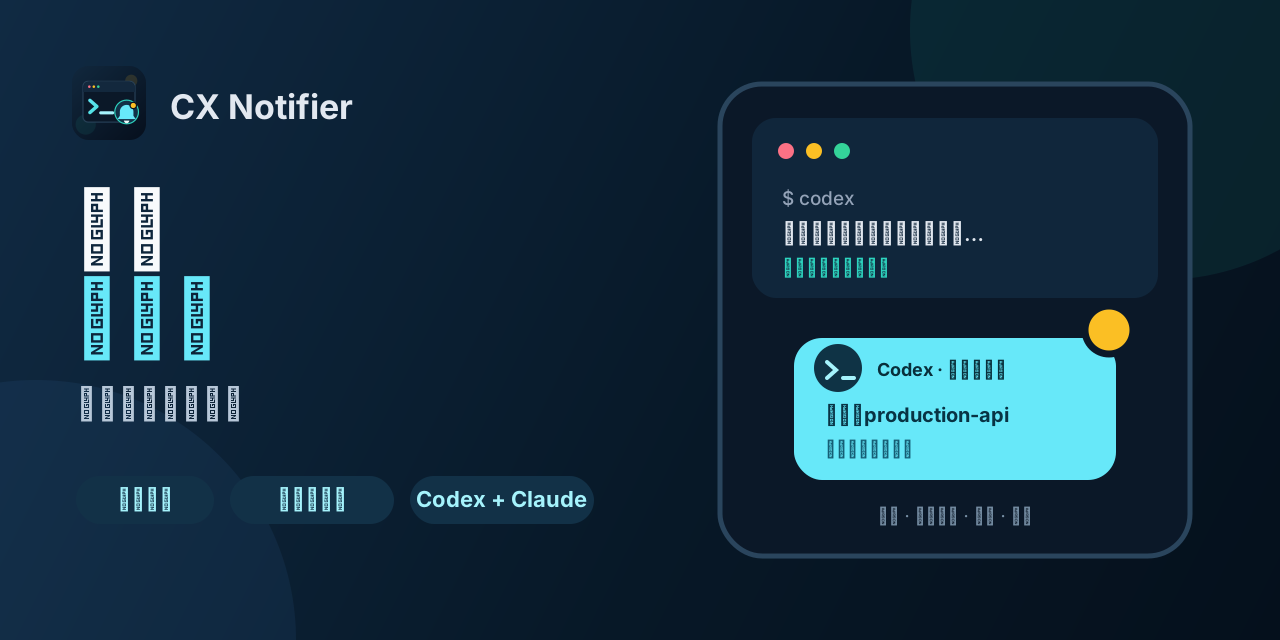
活干完了吗?就跑 把任务扔给 Codex 或 Claude Code,然后该摸鱼摸鱼。它要审批、跑完当前回复时,牛马呼叫器会通过飞书、企业微信、钉钉、macOS/Linux 桌面或 HTTPS Webhook 喊你回来。
- 不发送代码、diff、终端输出、工具参数或助手回复;
- 通知端不允许远程批准,操作仍须回到原会话完成;
- Codex 与 Claude Code 共用一套 Hook、渠道和路由配置。
30 秒体验
安装插件后,用一条命令启用无需机器人和密钥的桌面通知:
curl -fsSL https://raw.githubusercontent.com/GotoLu/cx-notifier-marketplace/main/scripts/setup_desktop.py | python3 -
适用于 macOS,或已安装 notify-send 的 Linux。脚本会创建 desktop-main、验证配置并触发一条测试通知。需要手机提醒时,再配置下方的飞书机器人。完整能力、隐私边界和故障排查见插件说明。
平台安装
Codex 安装
codex plugin marketplace add GotoLu/cx-notifier-marketplace
codex plugin add cx-plugin@cx-notifier
安装后请新建一个 Codex 任务,使 Hook 使用新安装的版本。
Claude Code 安装
claude plugin marketplace add GotoLu/cx-notifier-marketplace
claude plugin install cx-plugin@cx-notifier
安装后运行 /reload-plugins 或新建 Claude Code 会话。具体配置见 插件说明。
Claude Code 自动更新(推荐)
第三方 marketplace 默认不自动更新。首次安装后只需开启一次官方自动更新:
- 在 Claude Code 输入
/plugin; - 进入
Marketplaces; - 选择
cx-notifier; - 选择
Enable auto-update。
此后 Claude Code 会在启动后自动刷新 marketplace 并升级插件。后台检查可能随机延迟最多约 10 分钟;更新完成后按提示运行 /reload-plugins,或者在下一次启动时使用新版本。
Claude Code 手动更新(故障排查)
尚未开启自动更新或需要立即升级时,复制下面这一条命令:
claude plugin marketplace update cx-notifier && claude plugin update cx-plugin@cx-notifier
命令成功后运行 /reload-plugins,或完全退出并重新启动 Claude Code。只有排查版本时才需要运行 claude plugin details cx-plugin@cx-notifier。0.5.2 应显示 PermissionRequest、UserPromptSubmit 和 Stop。其中 UserPromptSubmit 只在本地记录提问,不会单独发送通知;提问内容会随之后的 Stop 通知发送。0.5.2 还支持事件—项目—渠道路由、诊断命令、钉钉、桌面通知、HMAC 签名 Webhook,以及一键暂停和恢复推送。
飞书机器人快速配置
-
在接收通知的飞书群中打开“群设置” → “群机器人” → “添加机器人” → “自定义机器人”。
-
设置机器人名称并完成添加,复制飞书生成的 Webhook 地址。
-
建议在机器人的安全设置中启用“签名校验”,并复制签名密钥。若不启用签名校验,后续配置时省略
--secret-prompt。 -
确认已经通过上面的 Codex 或 Claude Code marketplace 命令安装插件,然后在终端执行一键配置:
curl -fsSL https://raw.githubusercontent.com/GotoLu/cx-notifier-marketplace/main/scripts/setup_feishu.py | python3 -脚本会自动找到已安装插件,隐藏输入 Webhook 和签名密钥,验证配置并发送测试消息,无需克隆仓库。
-
如果机器人没有启用签名校验,使用:
curl -fsSL https://raw.githubusercontent.com/GotoLu/cx-notifier-marketplace/main/scripts/setup_feishu.py | python3 - --no-signature
命令不会在终端回显 Webhook 或密钥,配置默认保存在 ~/.config/cx-plugin/config.json 并限制为当前用户可读写。需要每条通知都 @所有人 时,在命令末尾增加 --mention-all;重新配置已有渠道时增加 --replace。执行前可先查看 setup_feishu.py 源码。完整说明和故障排查见飞书机器人配置。
仓库结构
.agents/plugins/marketplace.json     # Codex marketplace
.claude-plugin/marketplace.json      # Claude Code marketplace
plugins/cx-plugin/                   # 两个平台共享的插件实现
  .codex-plugin/plugin.json          # Codex 元数据
  .claude-plugin/plugin.json         # Claude Code 元数据
  assets/                            # 商店图标、Logo 与功能预览
  hooks/                             # 共享 Hook 配置与 Python 入口
  scripts/                           # 本地配置工具
  tests/                             # 自动化测试
scripts/check_public_release.py      # 发布隐私与结构检查
scripts/setup_desktop.py             # 零密钥桌面通知快速配置
发布前检查
python3 scripts/check_public_release.py
python3 -B -m unittest discover -s tests -v
python3 -m unittest discover -s plugins/cx-plugin/tests -v
隐私检查会拒绝本地配置、缓存、数据库、日志、私钥、常见真实凭据形状、个人主目录和非示例 URL,并校验两套 marketplace 与插件清单保持一致。测试中用于验证脱敏的固定假凭据有精确白名单,不会放宽其他文件的检查。
隐私边界
- 仓库只包含
config.example.json,不包含实际config.json。 - Webhook、签名密钥和 Bearer Token 应通过环境变量或用户本机的
0600配置文件提供。 - 插件不会上传 transcript、原始工具输入、shell 命令、diff 或终端输出。
- 任务结束通知只附带本回合用户提问的脱敏摘要(最长 160 字),不发送助手回复。
隐私政策 · 使用条款 · 支持 · 安全报告 · MIT License
// faq
What is cx-notifier-marketplace?
牛马呼叫器:Codex / Claude Code 跑完或要审批时,自动喊你回来。. It is open-source on GitHub.
Is cx-notifier-marketplace free to use?
cx-notifier-marketplace is open-source under the MIT license, so it is free to use.
What category does cx-notifier-marketplace belong to?
cx-notifier-marketplace is listed under devtools in the Claudeers registry of Claude-compatible tools.
// embed badge

[](https://claudeers.com/cx-notifier-marketplace)
// retro hit counter

[](https://claudeers.com/cx-notifier-marketplace)
// reviews
// guestbook
// related in Developer Tools
 🔓
🔓The agent harness performance optimization system. Skills, instincts, memory, security, and research-first development for Claude Code, Codex, Opencode, Curs…
 🔓
🔓Makes your AI agent think like the laziest senior dev in the room. The best code is the code you never wrote.
 🔓
🔓Use Garry Tan's exact Claude Code setup: 23 opinionated tools that serve as CEO, Designer, Eng Manager, Release Manager, Doc Engineer, and QA
 🔓
🔓AI coding assistant skill (Claude Code, Codex, OpenCode, Cursor, Gemini CLI, and more). Turn any folder of code, SQL schemas, R scripts, shell scripts, docs,…