
cliproxy-rs
Rust rewrite of CLIProxyAPI: drop-in compatible proxy for Claude, Codex, Gemini and OpenAI-compatible providers
Install with your AI
Paste into Claude Code, Cursor, or any agent — it reads the repo and wires the tool into your project.
Install and set up cliproxy-rs (git-clone project) into my current project.
Found on https://claudeers.com/cliproxy-rs
Repo: https://github.com/vayungodara/cliproxy-rs
Homepage/docs: —
Detected install method: git-clone → git clone https://github.com/vayungodara/cliproxy-rs
Category: security. Platforms: cli, api, web.
Read the repo's README for exact setup and env vars, then install it and wire it into my project.

Claudeers Health Verdict:
unknown; community-verified: false. Confirm the source before running anything.
git clone https://github.com/vayungodara/cliproxy-rs
// compatibility
| Platforms | cli, api, web |
|---|---|
| Operating systems | — |
| AI compatibility | claude |
| License | NOASSERTION |
| Pricing | open-source |
| Language | Rust |
cliproxy-rs
What is this?
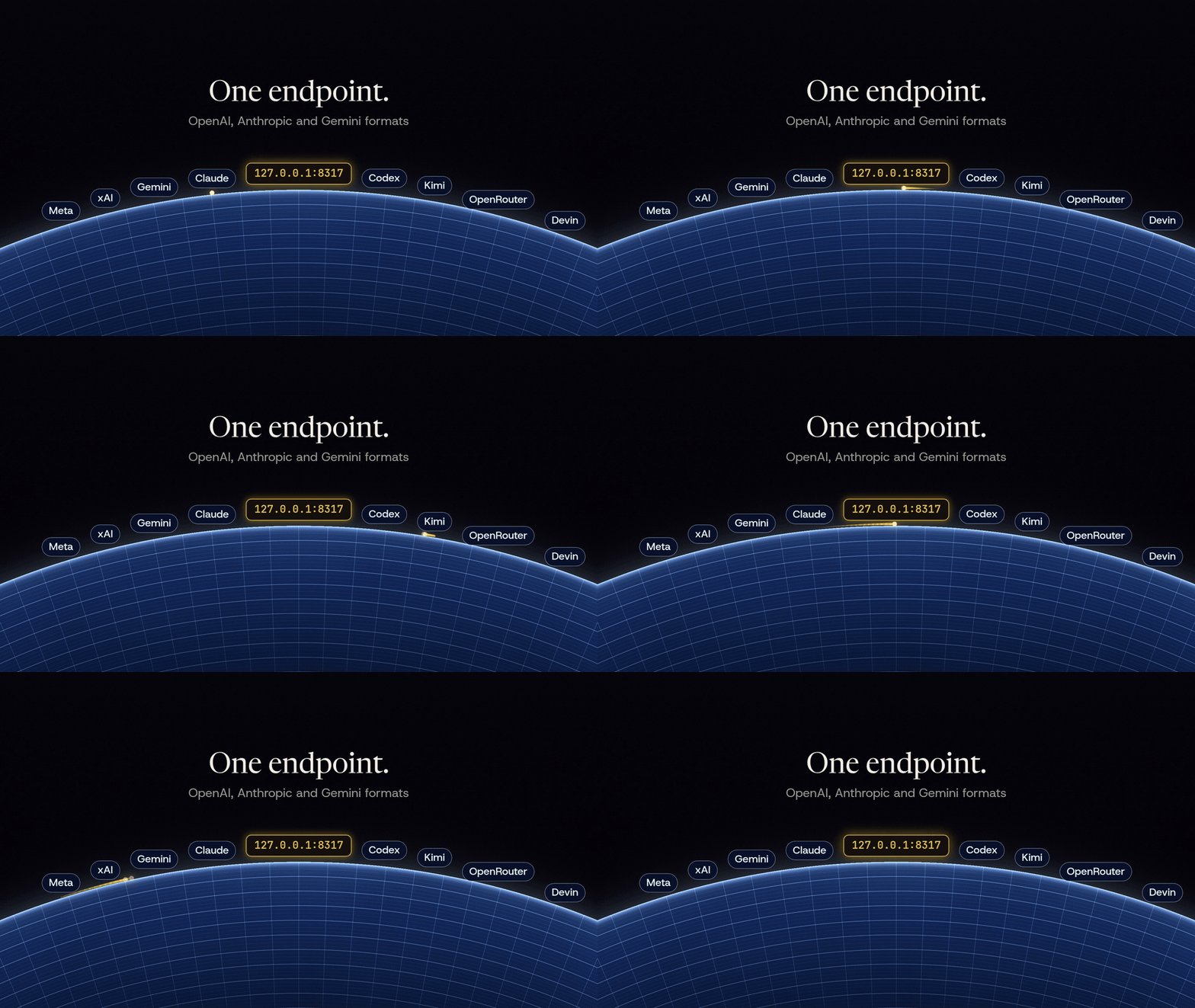
cliproxy-rs is a Rust rewrite of CLIProxyAPI. It is a small server you run on your own computer that gives your coding tools, such as Claude Code, Codex CLI or Cursor, one local endpoint for the Anthropic, OpenAI and Gemini APIs, and it translates requests and responses between those formats.
It aims to be a drop-in replacement for the Go version: it reads the same config.yaml and the same auth files and serves the same v8 Management API, so you can switch between the two in either direction. Parity is not complete yet; docs/PARITY.md tracks what is covered. The dashboard is built into the binary. It shows which accounts work, how much of each plan's limits is left, and how to connect each tool.

Why would I want it?
- A tool speaks only one API: the proxy translates between the Anthropic, OpenAI and Gemini formats, so an OpenAI-only tool can use a Claude account and the other way round.
- You run CLIProxyAPI and want a smaller, faster-starting binary with the dashboard built in, without changing your config or auth files.
- You want Claude Code, Codex CLI and your editor to use the subscriptions and API keys you already have, like a Claude Max plan or a ChatGPT plan, through one local address.
- You want the 5-hour and weekly limits of your accounts on one screen.
Quick start
-
Run one command. On macOS or Linux:
curl -fsSL https://raw.githubusercontent.com/vayungodara/cliproxy-rs/master/install.sh | shOn Windows, in PowerShell:
irm https://raw.githubusercontent.com/vayungodara/cliproxy-rs/master/install.ps1 | iexIt installs the latest release after checking its checksum, writes a config with new keys to
~/.cliproxy-rs, starts the proxy in the background and opens the dashboard in your browser. The keys stay in~/.cliproxy-rs/keys.envand are never printed. -
In the dashboard, sign in with the
CLIPROXY_MANAGEMENT_KEYline fromkeys.envand choose Connect account. Read the note on provider terms before you connect a subscription. -
Open Use with tools and copy the settings for Claude Code, Codex CLI or another tool.
Run the same command again to upgrade; your config and keys stay as they are. docs/INSTALL.md shows how to start the proxy when you log in.
docs/GETTING-STARTED.md walks through the same steps in more detail.
Set up with an AI agent
Paste this into Claude Code, Codex or another coding agent on the computer where you want the proxy:
Install and set up cliproxy-rs on this computer by following
https://github.com/vayungodara/cliproxy-rs/blob/master/docs/AI-SETUP.md exactly.
Do not sign in to any of my accounts or print my keys; tell me when it is my turn.
The agent runs the installer, which picks a free port without touching an existing CLIProxyAPI and keeps the keys in a file only you can read. It checks that the proxy answers, then hands the account sign-in to you.
Use it with your tools
The proxy serves the Anthropic Messages API at http://127.0.0.1:8317, the OpenAI API at http://127.0.0.1:8317/v1 and the Gemini API at http://127.0.0.1:8317, all with your client key. For Claude Code:
export ANTHROPIC_BASE_URL=http://127.0.0.1:8317
export ANTHROPIC_AUTH_TOKEN=your-client-key
claude
docs/CLIENTS.md has copy-paste setups for Claude Code, Codex CLI, Gemini CLI, Amp, OpenCode, Factory Droid, Cline, Roo Code, Kilo Code, Cursor, Zed, Continue, Aider and the OpenAI, Anthropic and Gemini SDKs.
Accounts and provider terms
Using a subscription outside its official app can break the provider's terms, and providers have suspended accounts for it. Whether to do that is your call and your risk.
Several accounts
Like CLIProxyAPI, the proxy can hold more than one Claude or Codex account. Each sign-in becomes one file in auth-dir, and a routing setting decides which account serves each request: round-robin, fill-first, weighted-round-robin, or soonest-reset (experimental, a cliproxy-rs addition that prefers the account whose weekly window resets soonest). Session affinity, which is off by default, keeps each conversation on one account so the provider's prompt cache stays warm. When a provider answers 429, the proxy puts that account in a cooldown for that model and uses the next ready account. docs/MULTI-ACCOUNT.md covers routing, cooldowns, the quota view, per-account proxies, Codex over WebSocket and reaching the proxy from your other machines over Tailscale.
Terminal UI
cliproxy -tui opens a terminal management client for a running server. It connects to -management-base-url, else the config's management.base-url, else http://127.0.0.1:<port>, and asks for the management key. cliproxy -tui -standalone starts the proxy in the same process, signs in for you and stops the proxy when you quit; it needs a loopback or wildcard host and no server.tls.
Works with CLIProxyAPI apps
cliproxy-rs serves the same routes and the same v8 Management API as CLIProxyAPI, so the community apps built on CLIProxyAPI should work with it, for example CPA-Manager-Plus, CLIProxyAPI Quota Inspector, ZeroLimit, Quotio, VibeProxy and CCS. We have not tested all of them. Apps that talk to a running server need only its address and management key; apps that start their own bundled CLIProxyAPI need an option to use an existing server instead. If an app does not work with cliproxy-rs, please open an issue.
Install options
install.sh(macOS and Linux) andinstall.ps1(Windows), the commands in the quick start. They install the release binary, set it up and start it;--binary-only(-BinaryOnlyon Windows) installs only the binary.- Release binaries for macOS (Apple silicon and Intel), Linux (x86_64 and arm64) and Windows (x86_64), with a
SHA256SUMSfile, on the releases page. - Docker, from the repository's
Dockerfile. - Building from source, for contributors and platforms without a release binary.
docs/INSTALL.md covers each one, starting the proxy at login, and removing it.
Upcoming features
These are not in cliproxy-rs yet. They are planned, in no fixed order:
- Homebrew and AUR packages.
- Plugins: providers owned by a plugin (auth files a plugin parses, their models, and their executors without a model router), plugin schedulers, request and response translators, thinking appliers, the
host.model.*callbacks and the WebSocket response observer. Today plugins load, serve their own routes and quotas, install from the plugin store, add command-line flags and sign in from the dashboard, and requests pass through their frontend auth, model routers, interceptors and usage hooks. - Home (cluster) mode: reporting usage, logs and in-flight requests back to Home, Home's KV storage, and syncing plugins managed by Home.
- Google Antigravity.
- Image generation and editing through Codex accounts, and importing Vertex service accounts from the dashboard (the command line works).
- The
pprofdebug listener. - The upstream request and response sections of request log files.
- The rest of CLIProxyAPI's own test cases. The parity audit checked 1,687 Go routes, settings, flags and test suites: 798 (47%) are fully covered, 697 partly and 192 not yet. docs/PARITY.md explains the numbers.
Documentation
- Getting started: install, configure, connect an account and a tool.
- Set up with an AI agent: exact steps a coding agent can follow.
- Use it with your tools: setup for each coding tool and SDK.
- Several accounts: routing, limits, quotas and remote access.
- Configuration: the settings you are most likely to change.
- Install: every install option, Docker and running as a service.
- Moving from CLIProxyAPI and differences from CLIProxyAPI.
- Compatibility and parity and benchmarks.
Security
Keep access.api-keys set and server.host on 127.0.0.1 unless you need other machines to connect. Behind a tunnel or reverse proxy on the same machine, set server.trusted-proxies, or every internet client counts as local. The dashboard is built into the binary, and cliproxy-rs never downloads code to run. Running it safely explains each point, and SECURITY.md says how to report a vulnerability.
Performance
Go is faster on non-streaming throughput. On a 2-vCPU test machine with a local fake upstream (2026-10-03), CLIProxyAPI handled about 34% more non-streaming requests per second (1,568 against 1,168) and about 10% more plain streams (916 against 833). cliproxy-rs was faster on streams it translates between the Anthropic and OpenAI formats (793 against 564 per second, about 41% more) and used less than half of Go's memory: 17 MB at idle against 45 MB, and 25 to 50 MB under load against 58 to 104 MB. It answers its first request about 17 ms after launch, and the release binary is 36 MB against 69 MB. docs/BENCHMARKS.md has the method and every number.
Development
The workspace is crates/cpa-core (config and account formats), crates/cpa-exec (one module per upstream provider), crates/cpa-translate (format translation), crates/cpa-server (routes, account selection and the Management API), crates/cliproxy (the binary) and ui/ (the dashboard, see ui/README.md). The workspace has 935 tests, run against local mock upstreams only; CI runs the whole suite on every push, with Go and PostgreSQL installed so the tests that compare against them run too. A differential harness sends the same 57 cases to CLIProxyAPI and cliproxy-rs and compares the results.
cargo fmt --all --check
cargo clippy --workspace --all-targets --locked -- -D warnings
cargo test --workspace --locked
CONTRIBUTING.md explains how to send a change.
Built with some help from AI.
License
MIT. See LICENSE. CLIProxyAPI, which this project follows closely, is also MIT licensed.
// faq
What is cliproxy-rs?
Rust rewrite of CLIProxyAPI: drop-in compatible proxy for Claude, Codex, Gemini and OpenAI-compatible providers. It is open-source on GitHub.
Is cliproxy-rs free to use?
cliproxy-rs is open-source under the NOASSERTION license, so it is free to use.
What category does cliproxy-rs belong to?
cliproxy-rs is listed under security in the Claudeers registry of Claude-compatible tools.
// embed badge

[](https://claudeers.com/cliproxy-rs)
// retro hit counter

[](https://claudeers.com/cliproxy-rs)
// reviews
// guestbook
// related in Security & Compliance
 🔓
🔓A complete AI agency at your fingertips - From frontend wizards to Reddit community ninjas, from whimsy injectors to reality checkers. Each agent is a specia…
 🔓
🔓π RuView turns commodity WiFi signals into real-time spatial intelligence, vital sign monitoring, and presence detection — all without a single pixel of video.
 🔓
🔓Prowler is the world’s most widely used open-source cloud security platform that automates security and compliance across any cloud environment.
 🔓
🔓🐶 A curated list of Web Security materials and resources.