
autoRecording
A Claude Code skill that records, renders and narrates polished demo videos of web apps.
Install with your AI
Paste into Claude Code, Cursor, or any agent — it reads the repo and wires the tool into your project.
Install and set up autoRecording (git-clone project) into my current project.
Found on https://claudeers.com/autorecording
Repo: https://github.com/OrrrGE/autoRecording
Homepage/docs: https://orrrge.github.io/autoRecording/
Detected install method: git-clone → git clone https://github.com/OrrrGE/autoRecording
Category: skills. Platforms: api, web.
Read the repo's README for exact setup and env vars, then install it and wire it into my project.

Claudeers Health Verdict:
unknown; community-verified: false. Confirm the source before running anything.
git clone https://github.com/OrrrGE/autoRecording
// compatibility
| Platforms | api, web |
|---|---|
| Operating systems | — |
| AI compatibility | claude |
| License | MIT |
| Pricing | open-source |
| Language | Python |
autoRecording
Record a polished demo video of a web app — from one Python story file. Silent, or narrated in the language and with the engine you choose. 用一个 Python 分镜文件,把 Web 应用做成演示视频:旁白可有可无,语言和引擎由你选。
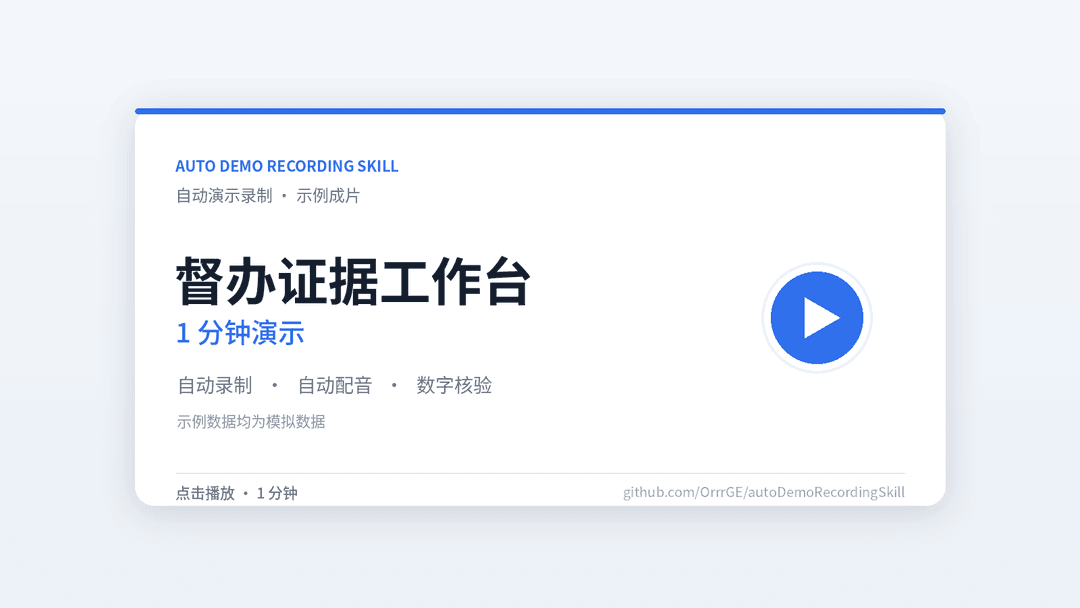
▶ 1 分钟演示 · 示例:督办证据工作台(任务、部门、材料均为模拟数据) · 直接播放 MP4
English · click to switch
What it is
A Claude Code and Codex skill — and a standalone Python pipeline — that turns a web app into a finished demo video. You write a story file that says what to show and say; the scripts record the app, render the video, add a narration when one is wanted, and check the result. Linux, Windows and macOS.
- Record — Playwright drives a headless Chromium through clicks, typing, scrolling and waits. The app runs as a throwaway instance with its own port and data.
- Render — 1920×1080 at 60 fps, with camera moves, outlines, spotlights, numbered steps, chapters and captions.
- Narrate (optional) — local Qwen3-TTS on an NVIDIA GPU, local Kokoro on any CPU, or a remote API (OpenAI-compatible / ElevenLabs / DashScope); ten languages; each line fitted to its caption.
- Verify — marked regions, label placement, caption fit, whisper transcription, speaker similarity, and packet hashes proving the picture was not re-encoded.
Before recording, the skill asks: narration or not, which language, which engine. The answers live in the story and are reproduced on every run.
Install and quick start
git clone https://github.com/OrrrGE/autoRecording \
    ~/.claude/skills/autoDemoRecordingSkill     # Claude Code
    # ~/.agents/skills/autoDemoRecordingSkill   # Codex
cd ~/.claude/skills/autoDemoRecordingSkill
python3 scripts/demo_env.py setup

PY=~/.cache/auto-demo-recording/venv/bin/python
$PY scripts/demo_record.py --story examples/selftest/story.py --work /tmp/demo-selftest
$PY scripts/demo_render.py --work /tmp/demo-selftest --check
$PY scripts/demo_render.py --work /tmp/demo-selftest --out /tmp/demo-selftest/selftest.mp4
$PY scripts/demo_voice.py --work /tmp/demo-selftest      # optional: GPU / CPU / remote, whichever is available
Recording and rendering need no GPU. Full tutorial: README.en.md.
Use it for your app
Copy story_template.py, fill in TITLE, CHAPTERS, LANGUAGE and launch(), then direct
the video with d.say, d.click, d.zoom, d.mark and d.until. Full API: references/director.md.
Narration options and voices: references/narration.md,
references/engines.md. Installation: references/environment.md.
Record a throwaway instance with sample data. Frames are real screenshots; do not commit
work/.
中文 · 点击切换
这是什么
一个 Claude Code / Codex 技能,也是一组独立的 Python 脚本:把 Web 应用做成完整的演示视频。你只需要写一个 story 文件说明演示什么、说什么,录制、渲染、按需配音和核验都由脚本完成。支持 Linux、Windows、macOS。
- 录制:Playwright 驱动无头 Chromium,按 story 点击、输入、滚动、等待;应用以临时实例运行,独占端口和数据。
- 渲染:1920×1080、60 fps,带镜头推近、框选、聚焦压暗、编号步骤、章节条和字幕。
- 配音(可选):三种引擎任选——本机 GPU 的 Qwen3-TTS、本机 CPU 的 Kokoro(Windows/macOS 也能用)、 远程 API(OpenAI 兼容 / ElevenLabs / 阿里百炼);十种语言;逐句贴合字幕时长。
- 核验:标注内容与颜色、标注文字位置、字幕是否放得下、Whisper 听写、CAM++ 声纹,以及证明画面未被重新编码的包哈希。
录制前先问清:要不要旁白、什么语言、用哪个引擎(本地已装好就用本地;用户提供 API 就用远程;都不需要就只出无声片)。 答案写进 story,每次都按同样的方式复现。
安装与快速开始
git clone https://github.com/OrrrGE/autoRecording \
    ~/.claude/skills/autoDemoRecordingSkill     # Claude Code
    # ~/.agents/skills/autoDemoRecordingSkill   # Codex
cd ~/.claude/skills/autoDemoRecordingSkill
python3 scripts/demo_env.py setup

PY=~/.cache/auto-demo-recording/venv/bin/python
$PY scripts/demo_record.py --story examples/selftest/story.py --work /tmp/demo-selftest
$PY scripts/demo_render.py --work /tmp/demo-selftest --check
$PY scripts/demo_render.py --work /tmp/demo-selftest --out /tmp/demo-selftest/selftest.mp4
$PY scripts/demo_voice.py --work /tmp/demo-selftest      # 可选:有显卡用 GPU,没有用 CPU 或远程
录制和渲染不需要显卡。完整教程见 README.zh-CN.md。
给自己的应用做视频
复制 story_template.py,填 TITLE、CHAPTERS、LANGUAGE、launch(),然后用
d.say、d.click、d.zoom、d.mark、d.until 写分镜。完整 API 见
references/director.md,配音设置见
references/narration.md 与 references/engines.md,安装见
references/environment.md。
致谢
感谢 Linux Do 社区 的交流、反馈与支持 · Thanks to the Linux Do community.
// faq
What is autoRecording?
A Claude Code skill that records, renders and narrates polished demo videos of web apps.. It is open-source on GitHub.
Is autoRecording free to use?
autoRecording is open-source under the MIT license, so it is free to use.
What category does autoRecording belong to?
autoRecording is listed under skills in the Claudeers registry of Claude-compatible tools.
// embed badge

[](https://claudeers.com/autorecording)
// retro hit counter

[](https://claudeers.com/autorecording)
// reviews
// guestbook
// related in Claude Skills
 🔓
An agentic skills framework & software development methodology that works.
 🔓
 🔓
AI coding assistant skill (Claude Code, Codex, OpenCode, Cursor, Gemini CLI, and more). Turn any folder of code, SQL schemas, R scripts, shell scripts, docs,…
 🔓
💫 Toolkit to help you get started with Spec-Driven Development